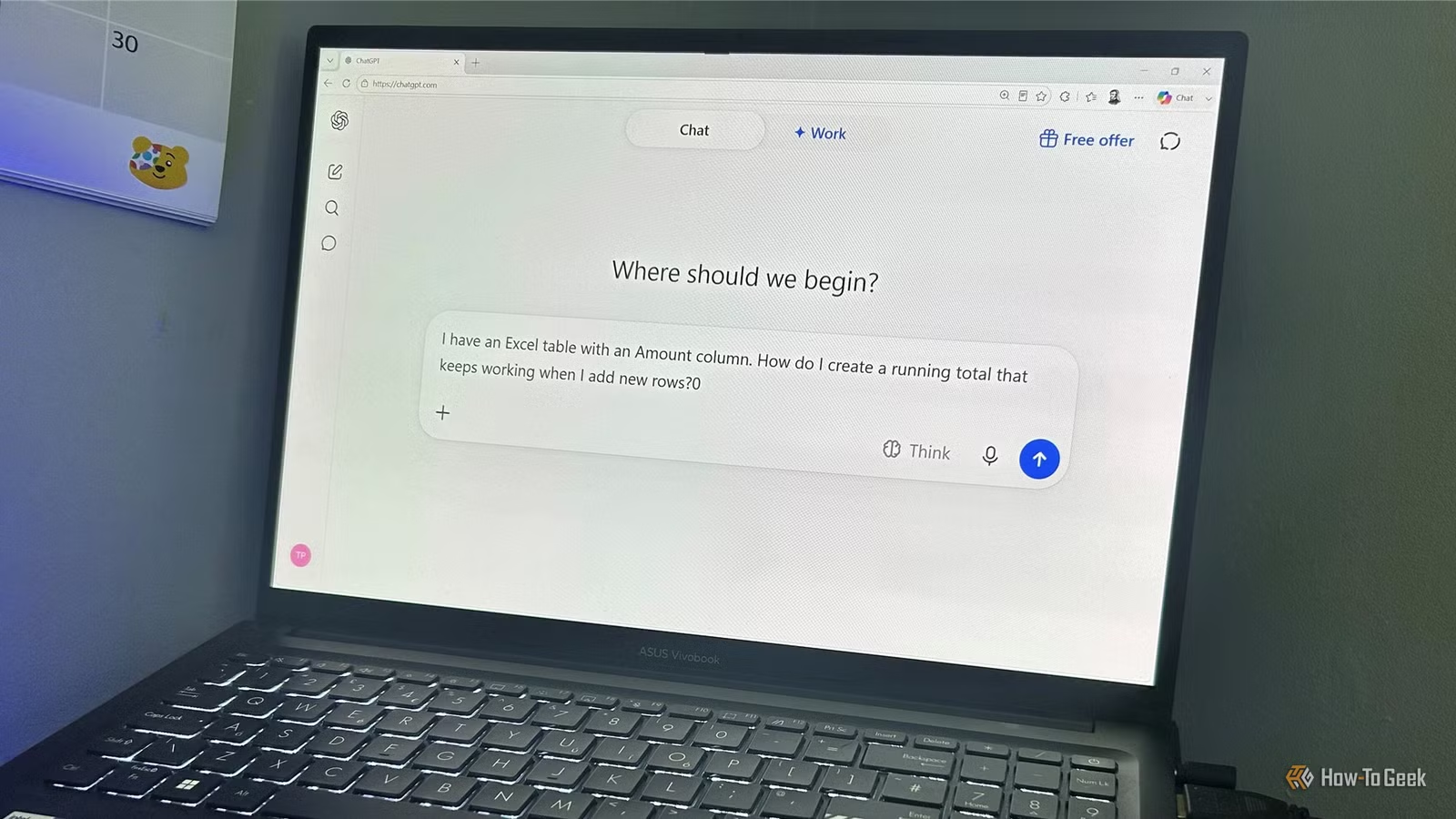
In the past, I devoted significant time to formulating prompts for ChatGPT, meticulously detailing its expected behavior, actions, and response format. However, with the advent of OpenAI’s latest model, GPT-5.6, the emphasis has shifted towards outlining clear objectives rather than micromanaging the approach that ChatGPT takes to achieve those goals.
This prompted me to reassess my prompting strategies developed over the years and seek ways to streamline my interactions with ChatGPT.
I often use examples based on Excel since it’s an area where I frequently engage with ChatGPT and serves as an effective illustration of how prompting has evolved. This adjustment is relevant whether you’re drafting an email, organizing a trip, interpreting data, or tackling coding issues.
I Stopped Overloading My Prompts
I Begin with Direct Requests
Initially, I overloaded my prompts with information. For instance, if I needed ChatGPT to evaluate a spreadsheet, I might have described an elaborate persona, detailed the desired process, outlined the response format, and listed prohibitions.
Previously, I might have uploaded the spreadsheet and instructed ChatGPT:
You are an expert Excel consultant with 20 years of experience. Analyze the spreadsheet and identify any errors. Avoid assumptions about the data. Clearly explain each issue, offer solutions, and format the response as a table. Be thorough yet concise, and only proceed with changes after my approval.
Now, OpenAI’s GPT-5.6 guidance encourages simpler prompts, highlighting that eliminating repetitive instructions can enhance performance and efficiency.
Today, a more straightforward approach would be:
Examine this spreadsheet and let me know what seems wrong or needs adjustment.
This shift doesn’t imply that detailed instructions are off-limits; rather, I no longer feel the need to saturate the initial prompt with every detail.
I Stopped Dictating the Process
I Focus on the Objective
Previously, I believed that if I knew how I wanted something accomplished, I should relay that information to ChatGPT precisely.
For an Excel query, I might have given it the spreadsheet and articulated:
Start by listing all unique transaction descriptions in Excel. Group similar descriptions, assign categories, create a lookup table, and update the transaction table with a new Category column using XLOOKUP. Ensure the formula fills automatically with new entries.
However, OpenAI’s guidance now suggests that ChatGPT can better understand the user’s overall intentions from the context; therefore, it’s unnecessary to outline each step. Describing the desired outcome is more effective.
Instead, I might phrase it like this:
I have a transaction list in Excel with inconsistent descriptions. I want to categorize each transaction automatically, ensuring it adapts to new entries. What’s the best approach?
With this method, I don’t even need to upload the file, as I’m asking ChatGPT to discern the best method guided by my description.
This doesn’t mean I won’t specify steps when necessary. There are times, like adhering to regulations or crafting sequences, where detailed instructions are essential. However, when how the task is executed isn’t critical, I’ve opted for a more relaxed approach: stating my goal, outlining necessary constraints, and allowing ChatGPT to determine the best path to follow.
I Stopped Exerting Pressure to Get Everything Right Immediately
I Embrace Conversational Progress
This represents the most significant transformation in my approach with ChatGPT. I no longer view the initial answer as the final goal. Instead, I leverage ChatGPT’s responses to identify subsequent questions, rather than trying to forecast the complete solution from the outset.
Previously, I might have overcomplicated my first request, particularly when I refrained from uploading my Excel document:
I have a table containing transaction dates, descriptions, and amounts. I require a formula to detect duplicate transactions based on date, description, and amount, omitting blank rows, functioning within the table, filling automatically with new transactions, and showing “Duplicate” or “OK”. Please clarify the formula and its limitations.
OpenAI now advises treating prompting as a dialogue: refine your requests based on initial replies and continue experimenting. This new perspective has changed my approach significantly; my initial prompt doesn’t need to cover every entity I eventually want from ChatGPT.
A shorter, more precise request could be:
My Excel formula marks some transactions as duplicates incorrectly. Can you assist me in identifying the issue?
ChatGPT can follow up with specific inquiries to better understand the problem. In this instance, it asked for the formula and examples of misidentified transactions. After sharing that info, it pinpointed potential issues with date formats and suggested tests to check if Excel accurately recognized the dates.
This conversational approach allows me to determine whether the problem resides in the formula, data, or another aspect without conflating everything at once. I can provide ChatGPT the details it requests, see its findings, and then decide the next steps.
I Stopped Obsessing Over Perfect Wording
I Concentrate on My Actual Goals
I’ve also stopped stressing about phrasing every prompt perfectly. In the past, I’d rewrite requests, rearranging words and adding details to predict how ChatGPT would interpret them.
For instance, if I sought a formula for a running total in Excel, my request might have looked like this:
I need help creating a RunningTotal formula in an Excel table to compute a cumulative total. The formula should refer to the Amount column, use structured references, and extend to new rows automatically. Please provide the formula and a thorough explanation of its workings.
OpenAI’s guidance now suggests that as ChatGPT becomes more intuitive, users can rely more on straightforward, goal-driven dialogue rather than perfect phrasing. It still recommends specificity but emphasizes conveying the aim over word choice accuracy.
While I could still use a longer prompt if details matter, I’d likely opt for something simpler like:
I have an Excel table with an Amount column. How can I establish a running total that accommodates new rows?
This phrasing isn’t particularly refined but straightforwardly communicates my intent and key constraints. Surprisingly, both prompts would yield the same solution despite the latter being much less detailed. The emphasis is on providing enough context without intricately managing the response expectations. If the answer falls short, I can clarify; if it meets my needs, I’ve saved time that would have been spent crafting the perfect prompt.
The Objective Is Paramount
The most significant shift in my prompting approach is dedicating less time to perfecting them. Whether I’m assembling an Excel dashboard, generating a résumé, or setting up a Kanban board, I focus on articulating the goal and pertinent context, allowing the dialogue to facilitate the process. Nonetheless, I remain vigilant and verify ChatGPT’s results before depending on them.