Purchasing a new router often seems like the easiest solution to improve a faulty internet connection. However, if your internet was functioning well before the upgrade and has now become unreliable, you’re not dreaming. It’s indeed possible for a new router to hinder your connection, even after investing in it.
Your Wi-Fi 7 Router Might Have Inferior Hardware
A Newer Standard Doesn’t Always Mean Better Features
As many consumers opt for Wi-Fi 7 routers, it makes sense since Wi-Fi 8 has yet to arrive, and Wi-Fi 6 variants are no longer considered cutting-edge. Nevertheless, acquiring a Wi-Fi 7 router doesn’t guarantee a substantial hardware enhancement.
The Wi-Fi 7 label can be deceptive. Just because a router is marketed under this latest standard doesn’t indicate that its overall quality is high. In many cases, the hardware could be worse than that of a more expensive Wi-Fi 6E router.
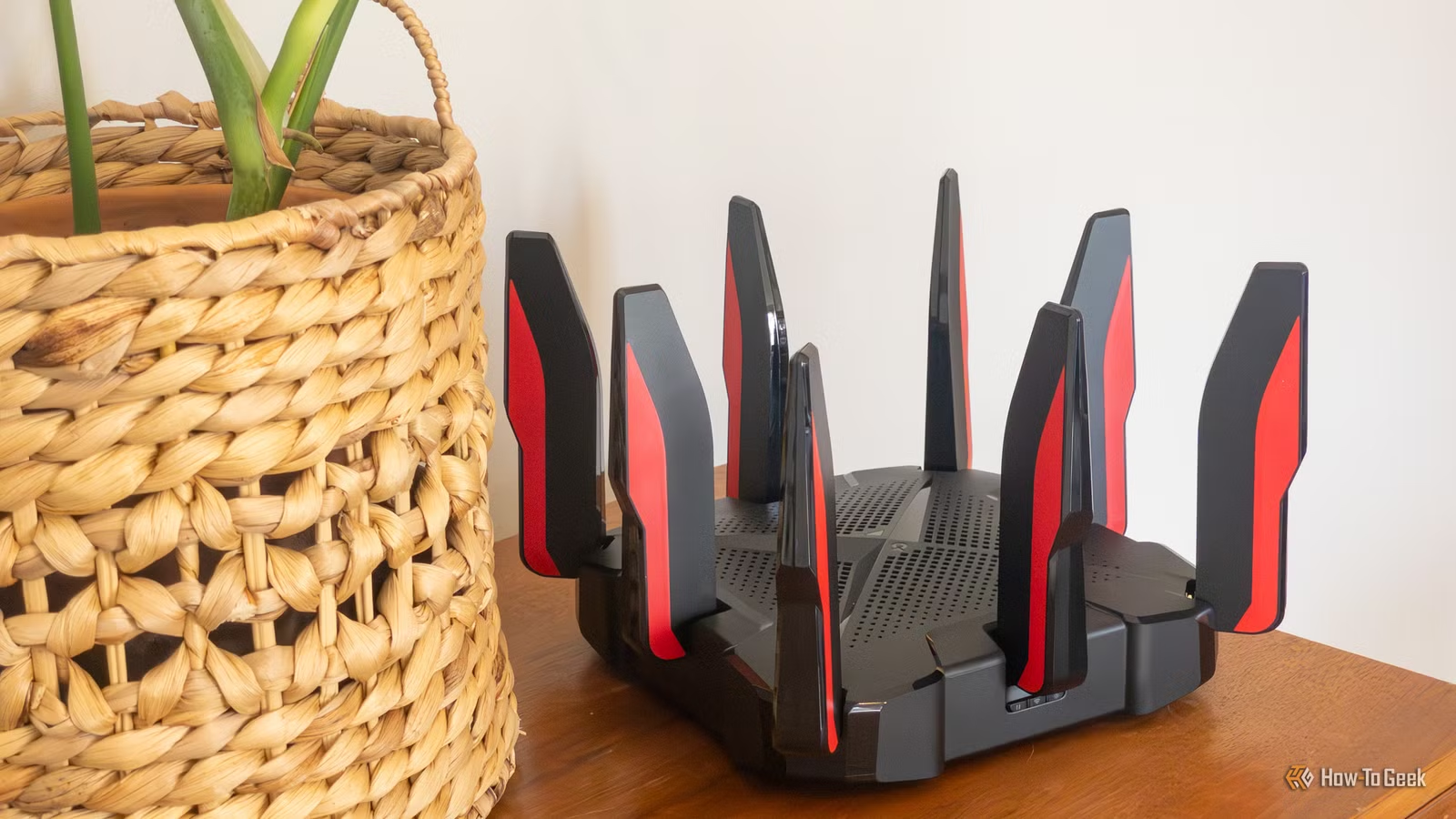
Take the TP-Link Archer BE230 as an example; while it’s a decent Wi-Fi 7 router, it’s dual-band and lacks 6GHz support. If you’re moving from a tri-band router to this model, you may end up regretting it.
The 6GHz Band Has Limited Range
Faster Wi-Fi Can Result in Slower Wall Speeds
If you’ve invested in a high-end tri-band Wi-Fi 7 router, you likely want to utilize that 6GHz band. This band offers wider channels and reduced interference, leading to impressive speeds.
However, 6GHz typically has a shorter range than 5GHz, which might leave some of your devices stranded in Wi-Fi dead zones. Devices within the 6GHz range may enjoy exceptional performance, while those beyond it could face frustrating connectivity issues. The signal also struggles more with walls and other obstructions.
Smart Connect May Choose the Incorrect Band
Sometimes, “Smart” Technology Lacks Intelligence
With the prevalence of smart devices, it’s surprising how often “smart” does not equate to superior functionality. Many modern routers incorporate Smart Connect, or band steering, designed to automatically direct devices to the most suitable band.
This feature sounds convenient, but it can malfunction. Your router might direct devices to the 2.4GHz band when they should be connecting via the 5GHz band, rendering all that new performance meaningless.
Your New Mesh System Could Be Compromising Bandwidth
More Coverage Doesn’t Always Result in Increased Speed
While mesh Wi-Fi is a fantastic method to bolster network coverage, improper configuration can lead to issues. For instance, switching from a robust standalone router to a budget-friendly dual-band mesh system may incur slower speeds, despite theoretically stronger signals. This issue often arises due to wireless backhaul.
Mesh nodes communicate with the main router via the same Wi-Fi bands used by your devices. Consequently, your laptop and the mesh nodes end up competing for bandwidth, potentially resulting in reduced internet speeds.
Wi-Fi 7’s High-Profile Feature Could Inadvertently Degrade Performance
Multi-Link Operation Doesn’t Always Meet Expectations
A major selling point of Wi-Fi 7 is Multi-Link Operation (MLO), allowing compatible devices to utilize multiple Wi-Fi links simultaneously. This feature promises to enhance speed, latency, and reliability.
However, real-world performance may not reflect this promise. Tests show that a significant number of Wi-Fi 7 routers only implement basic MLO functions, and some findings indicate that standard connections may actually outperform MLO-enabled ones.
Your Legacy Devices Might Slow Down the New Router
Compatibility Mode Comes with Its Own Set of Challenges
Backward compatibility can be both a bonus and a drawback. While your new router is designed to function with older devices, this can often result in bottlenecks in your network.
If even one component doesn’t meet Wi-Fi 7 standards, your router will downgrade to accommodate it, drastically affecting performance. This limitation illustrates why many users may find little advantage in switching to Wi-Fi 7 routers at the moment, as current networks may not yet support the new capabilities.
The Explanation Could Be Frustratingly Simple
Ultimately, if you’ve upgraded to a new router, the issue might stem from the fact it’s still adjusting. It could be finalizing updates or analyzing your network. Giving it some time might yield improvements. However, if performance remains lackluster after a few days, further investigation is warranted.