Android Battery Evolution: Why Do We Still Charge Nightly Despite a 5x Increase Since 2008?

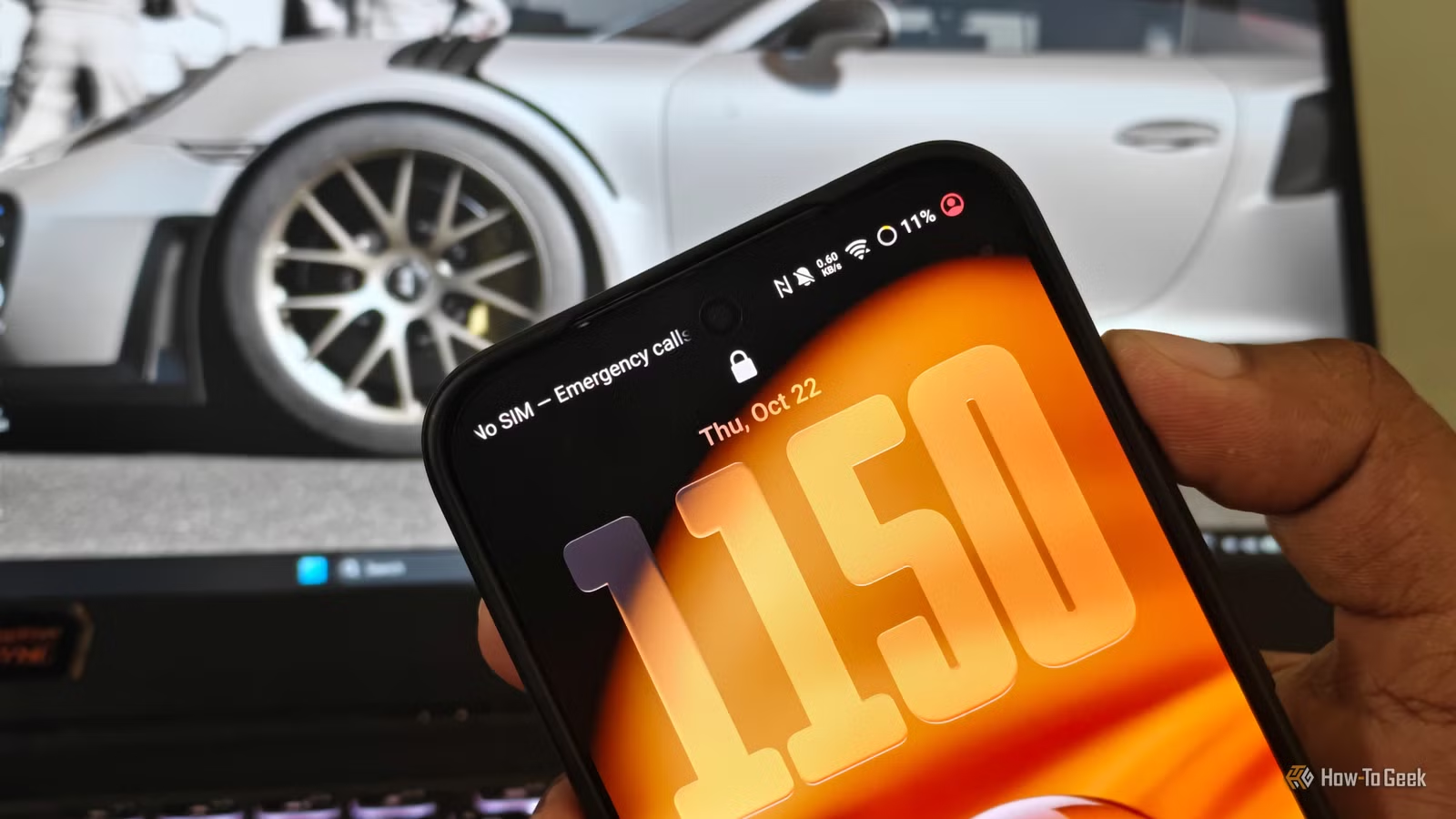
The HTC Dream, also known as the T-Mobile G1, marked the debut of the Android smartphone era when it launched in October 2008. With a modest battery capacity of 1,150 mAh, users had to be economical with their usage to get through the day. In stark contrast, today’s flagship Android devices boast enormous 5,000 mAh batteries, nearly five times the original capacity, paired with cutting-edge 3nm processors.
However, like many, I still find myself charging my phone each night. Over nearly two decades, battery capacities have increased significantly, with faster memory and improved silicon efficiency emerging. Despite these advancements, the increasing consumption illustrates a modern twist on Jevons’ paradox: as technology becomes more efficient, our use of energy grows to offset the improvements. So, the concept of multi-day battery life in high-end smartphones appears to be largely illusory.
The Escalating Demand for Displays
Over five hours of screen time nullifies benefits of display efficiency
The hardware alone can’t be blamed for phones dying before the day ends; our dependency on these devices contributes significantly. In 2008, smartphones were primarily for basic communication—reading texts, making calls, and browsing simple web pages. Today, these devices serve as mini-computers used for streaming, shopping, navigating, and more.
Statistics indicate that most smartphone users now spend over five hours a day actively using their devices, often unlocking them more than a hundred times daily. A recent study on university students revealed an average daily usage of 6.1 hours.
This interaction isn’t just idle standby; every time you turn on your phone, you activate its vibrant OLED screen, which features refresh rates up to 120Hz and peak brightness exceeding 1000 nits in optimal conditions. Even with energy-saving technologies like low-temperature polycrystalline oxide (LTPO) displays that can adjust refresh rates to as low as 1Hz, high usage tends to overshadow energy efficiency gains. Consequently, increased screen time diminishes the advantages offered by larger battery capacities and more efficient displays.
Your Device is Active, Even When You Aren’t
Continuous wake-ups and location services prevent true idle states
As previously mentioned, modern smartphones can check your location over 500 times a day, which compounds the issue. With a plethora of sensors onboard, many applications deploy aggressive real-time synchronization that adds strain on your battery.
Apps related to food delivery, ridesharing, and shopping continually access location services to deliver real-time updates. Simultaneously, messaging and productivity apps maintain active connections to send notifications.
Each time an app pings the device, it forces the CPU to exit low-power sleep states, leading to increased power consumption. The cumulative effect of numerous apps activating throughout the day can quietly drain 15-25% of your battery just from background processes.
Impact of 5G on Battery Life
Carrier aggregation and weak signals increase modem power usage
5G connectivity also poses a hidden threat to battery longevity. Modern 5G modems are engineered to handle various types of connections, which can lead to higher energy consumption, particularly under less-than-ideal signal conditions.
While 5G offers remarkable download speeds, it can drain more battery compared to 4G LTE when constantly seeking reliable connections. If you find yourself in areas with fluctuating 5G signals, your phone’s modem may ramp up its power output to maintain a lock on a tower, consuming extra energy and generating heat, even when the device is idle.
Regaining Control Over Battery Life
Three practical settings to reduce daily battery drain
While it’s impossible to physically change your battery’s capacity, some software settings can significantly reduce background energy usage:
- Limit background activity: Navigate to your device’s settings, find the battery section, and monitor apps that consume significant power, adjusting their settings to limit background activity.
- Manage location settings: Most apps require location access; however, granting permission “only while the app is in use” might not be effective as many can still ping for location in the background. Opting for “Ask every time” or “Don’t allow” can help mitigate unnecessary battery drain.
- Switch to LTE for stability: If you’re in an area with weak 5G coverage, adjust your settings to prefer LTE, ensuring a stable connection without excessively draining your battery.
Will larger batteries result in longer usage times?
Silicon-carbon anode batteries are beginning to take the spotlight, with major manufacturers like Samsung gradually integrating this technology. These batteries can exceed 6,000 mAh capabilities while maintaining a lightweight profile. While this innovation seems promising, historical trends suggest that increased capacity could easily be offset by brighter screens, more complex software, enriched animations, and extensive on-device AI functionalities.