Unpacking the Myths: Why Storing 70TB of 4K Remuxes on Your Plex Server is a Storage False Start

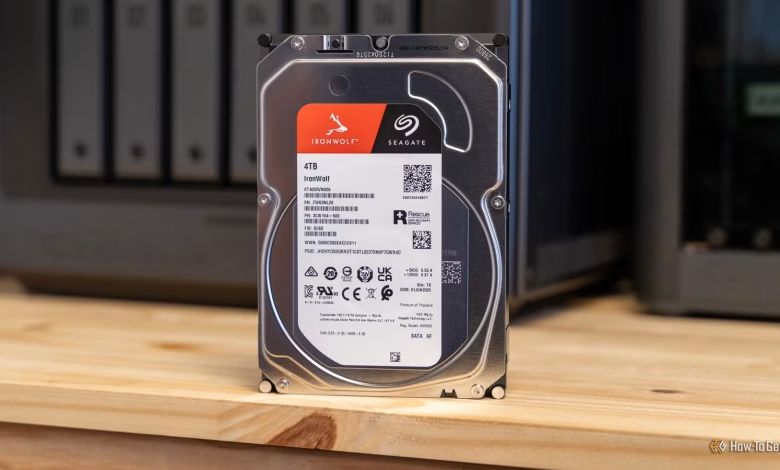
Managing a Plex server for an extended period can lead to several common pitfalls, especially regarding storage issues. I’ve learned from personal experience and have certainly made these three mistakes multiple times.
Outdated Codecs and Formats
The Benefits of H.265
When I initially started assembling my Plex library, H.264 was the primary choice for video encoding. However, there are now more efficient codecs available that maintain high video quality while reducing file sizes significantly.
Currently, AV1 has gained popularity for its ability to maintain quality at even smaller sizes, but H.265 (HEVC) strikes a great balance. It is widely supported across contemporary systems and consumes about 50% less storage than H.264 at comparable quality levels.
For instance, a 20GB H.264 Blu-ray rip may be reduced to only 8GB to 12GB when converted to H.265, with little to no noticeable quality loss. If you have a collection of 100 films, that could mean a storage savings of 1TB without any decline in viewing experience.
If you’re looking to transition your existing library, tools like Tdarr can automate the process for you. I used Tdarr to convert my extensive Plex library to H.265, reclaiming around 7TB of storage space. While the best approach is to rip your media anew in H.265 from the originals, this can be a labor-intensive process. Automated tools like Tdarr are free and save a lot of effort.
Retaining Unwatched Movies and Shows
And Most Likely Never Will
We’ve all experienced this—holding onto movies or TV shows ripped years ago that we viewed only once and have no intention of watching again. This unnecessary media occupies valuable space on your Plex server that could be better utilized.
Automated tools like Maintainerr can evaluate and reduce your library based on specific criteria. Though I find such automation useful, I prefer a manual approach in my setup. When my library becomes too large, I take the time to review and delete what I no longer want. Sometimes, I discover recent additions I’m unlikely to watch or old titles that have long been forgotten.
Regardless of how you choose to manage it, retaining old content that hasn’t been viewed in years wastes precious storage, especially when space is limited.
The Push for Every Movie in 4K HDR
Can You Actually See the Difference?
At one stage, my Plex server housed both 4K and 1080p copies of movies to avoid on-the-fly transcoding. However, I soon realized that sitting approximately 13 feet away from my mid-range TV meant I couldn’t discern any significant quality difference between a high-quality 1080p Blu-ray and a full 4K Blu-ray.
This revelation led me to remove a majority of the 4K content, clearing up a substantial amount of space. Full 4K remux files can exceed 100GB per film, meaning my 72TB server could accommodate only about 720 movies if it were fully stocked with such content.
While not every 4K film is that large, several of mine were well over 90GB, with numerous titles exceeding 100GB. Once I acknowledged that I didn’t need every movie in 4K HDR, my server regained a considerable amount of storage space. In contrast, quality 1080p films can occupy just 1 to 2GB, with some full-length movies taking up only 1% of what their 4K counterparts require.
Maximizing Storage without Buying New Drives
Ultimately, your Plex server will continuously demand more storage. Mine has expanded from an initial 12TB to 44TB in use, and 72TB total, with plans to reach 80TB soon thanks to a new 8TB drive on warranty repair.
However, if you’re feeling the crunch for storage space, remember that you don’t always need to purchase additional hard drives. By implementing the strategies discussed, you can free up space on your current system and defer new purchases until prices become more favorable.