Node-RED is a versatile visual programming tool designed to facilitate the creation of complex automations without the need for traditional coding. Its applications range from industrial automation to enhancing escape room scenarios, but it truly shines in the realm of smart home technology.
Control Entire Escape Room Experiences with Node-RED
Connect Various Devices and Services Effortlessly
Node-RED operates through a flow-based programming paradigm, allowing users to establish automations by linking a series of nodes. Instead of coding mechanisms like “if this, then that,” users simply connect nodes that represent different actions. This interconnectivity enables the construction of intricate workflows without writing a single line of code.
The versatility of Node-RED means it can handle a wide variety of applications, from simple logic-based functions to interfacing with external systems. For instance, you could set up a node to regulate an industrial machine, automatically triggering a shutdown if the temperature surpasses a predetermined limit.
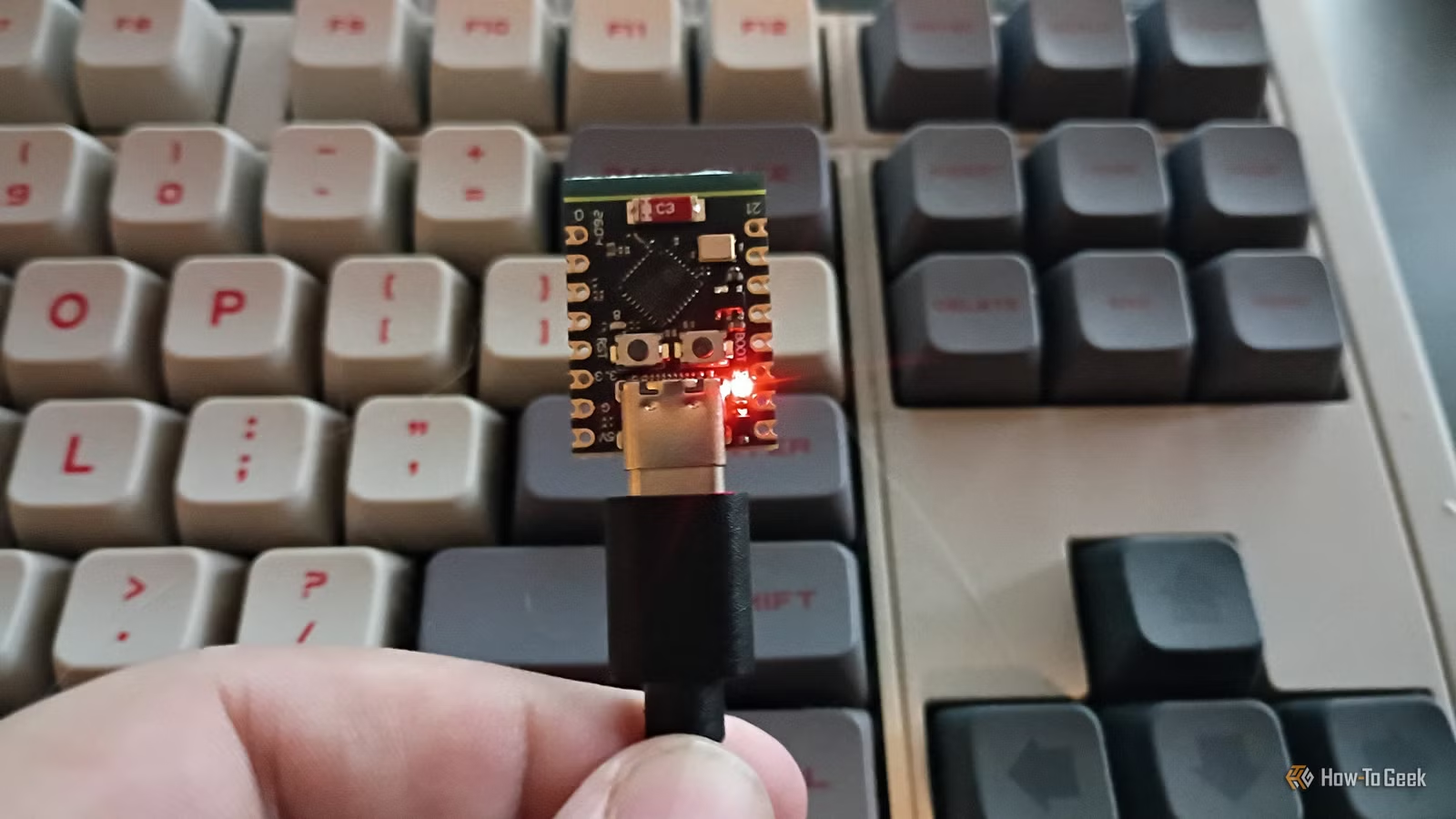
Node-RED can also orchestrate entire escape room setups. With the aid of extensions such as Node-REDscape, it can communicate with controllers like ESP32 or Raspberry Pi, manage timers, display game durations, activate sound effects, and more, providing a seamless gaming experience.
Integrating Node-RED with Home Assistant
Building Automations by Linking Nodes
The flow-based design of Node-RED is particularly beneficial for smart home automations. In the past, Home Assistant required extensive YAML coding for automation setups. Node-RED offers a visual alternative for users seeking a low-code solution.
Node-RED can be installed as an addon alongside Home Assistant, or it can run independently on another device. The two communicate through their APIs, allowing users to create comprehensive automations. For instance, one could establish a node to monitor temperature from a sensor, which then triggers other nodes based on that data—activating heating or cooling systems as needed.
With a variety of nodes available, users can implement logic, actions, and triggers easily. Almost any automation requirement can be addressed using Node-RED.
Managing Complicated Automations Made Easier
Visual Flows Simplify Complex Tasks
While Home Assistant has advanced its automation editor significantly to enable complex setups without code, Node-RED’s visual framework can still enhance the creation process for intricate automations.
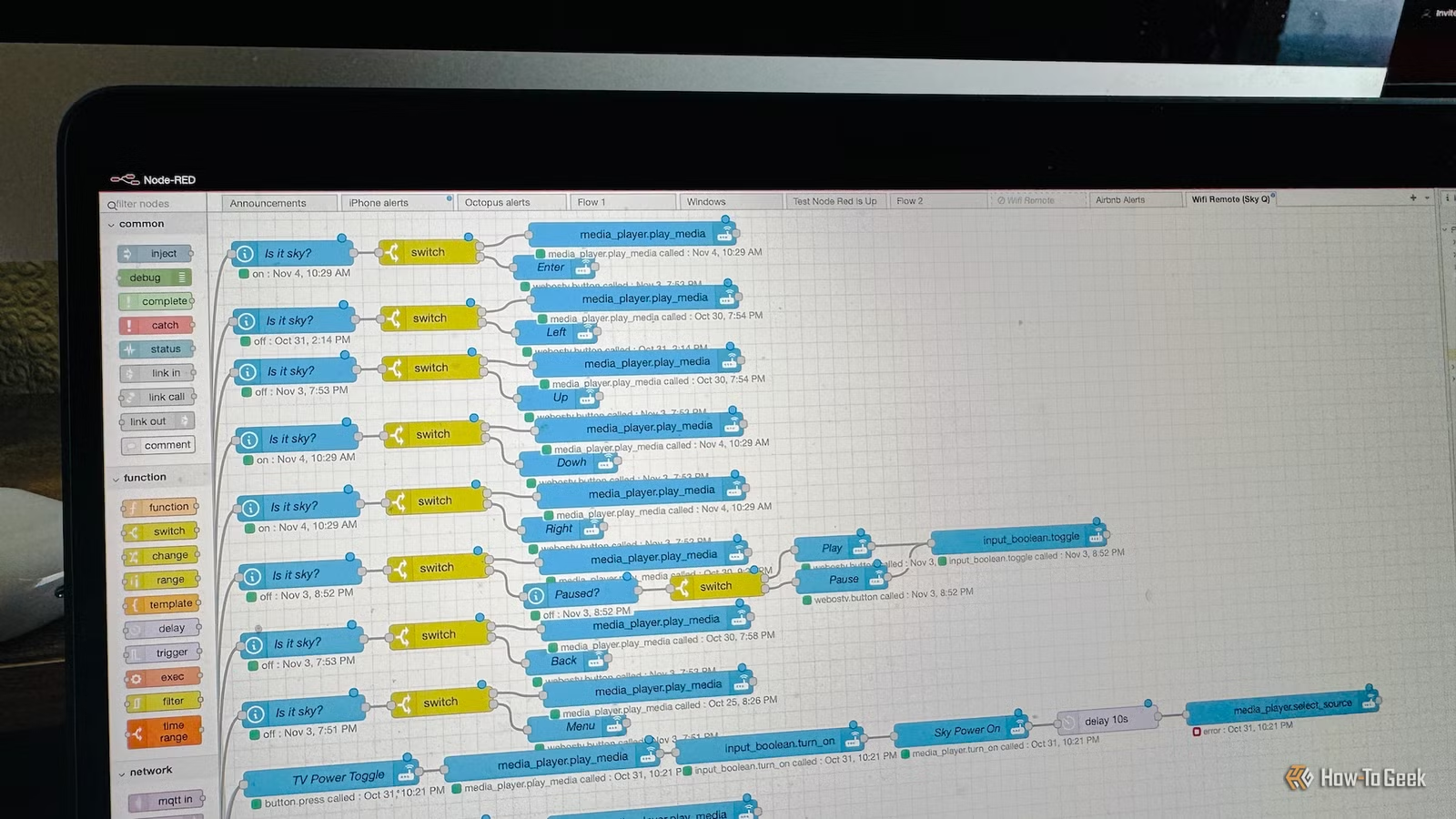
One of my own automations utilizes Node-RED to manage a universal remote for various AV devices. The intricate logic needed—considering different device states and controls—would have been overwhelming to tackle in the standard Home Assistant editor.
Node-RED allows for unique flows for each remote button, with conditional actions based on the current activity, offering a degree of organization that is hard to achieve with text-based coding.
Node-RED Not Essential for Every Task
Home Assistant’s Automation Editor is Powerful
While Node-RED has its advantages, it is not necessary for every automation. Most of my home automations are built using Home Assistant’s built-in editor, which continues to incorporate new functionalities over time.
However, for those situations demanding high complexity, Node-RED can provide clarity. The visual representation simplifies understanding, and its debugging features—such as real-time output tracking—make troubleshooting significantly less challenging.
A Strong Combination: Node-RED and Home Assistant
If your automations aren’t overly complex, Node-RED might not be crucial. Yet, for users grappling with complicated setups, embracing Node-RED could be a game-changer, adding value alongside Home Assistant’s native capabilities.