Effortlessly Hosting the Complete Wikipedia on a Raspberry Pi: A Step-by-Step Guide

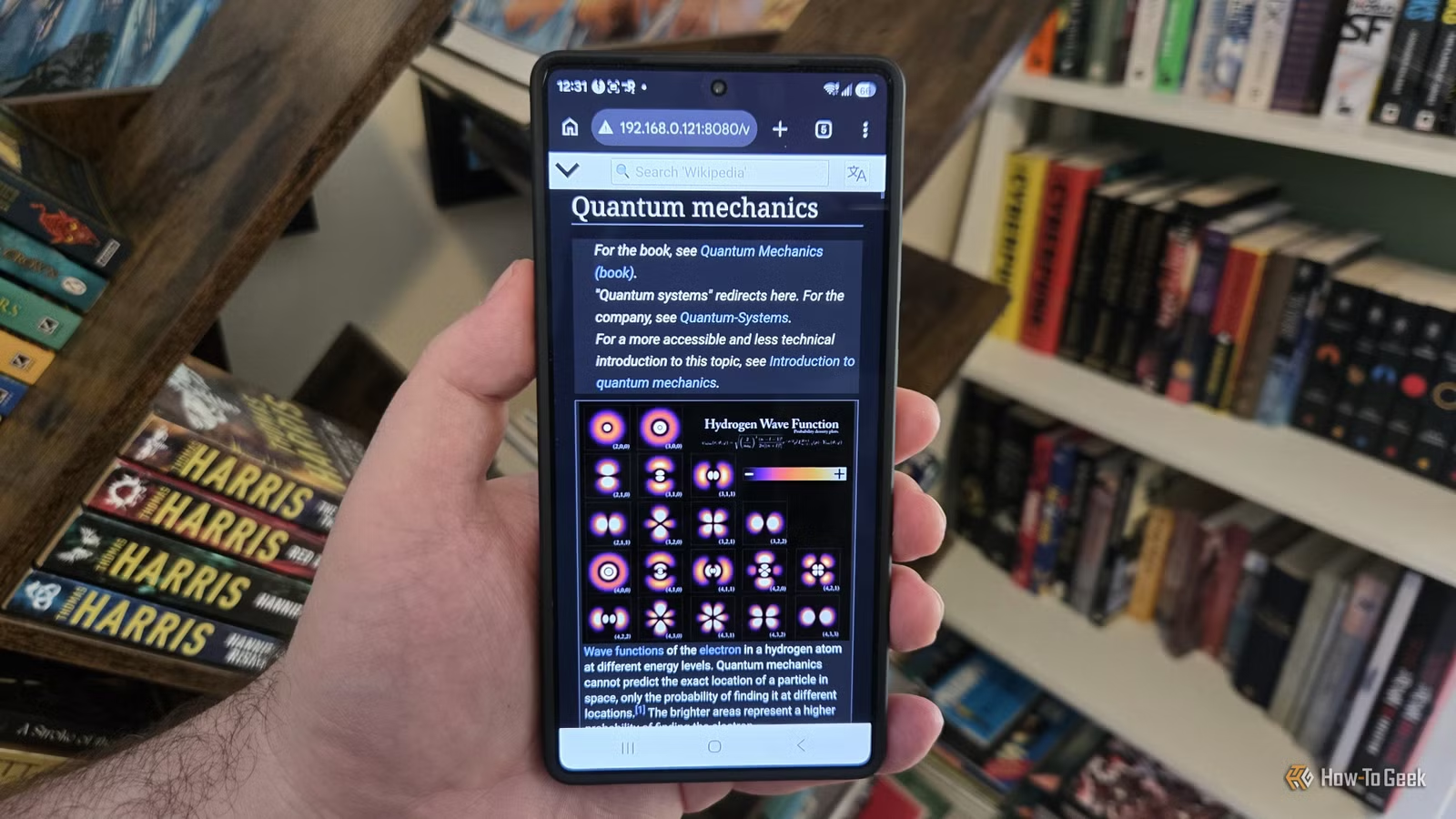
I have a deep appreciation for Wikipedia, spending countless hours exploring its vast content while enjoying coffee and music. However, internet outages can be frustrating, especially in South Africa where they occur more frequently than desired. Fortunately, there’s a solution: you can host a local version of Wikipedia on your own network using any computer, including a Raspberry Pi.
Focus on Storage Rather Than Processing Power
This Isn’t About RAM
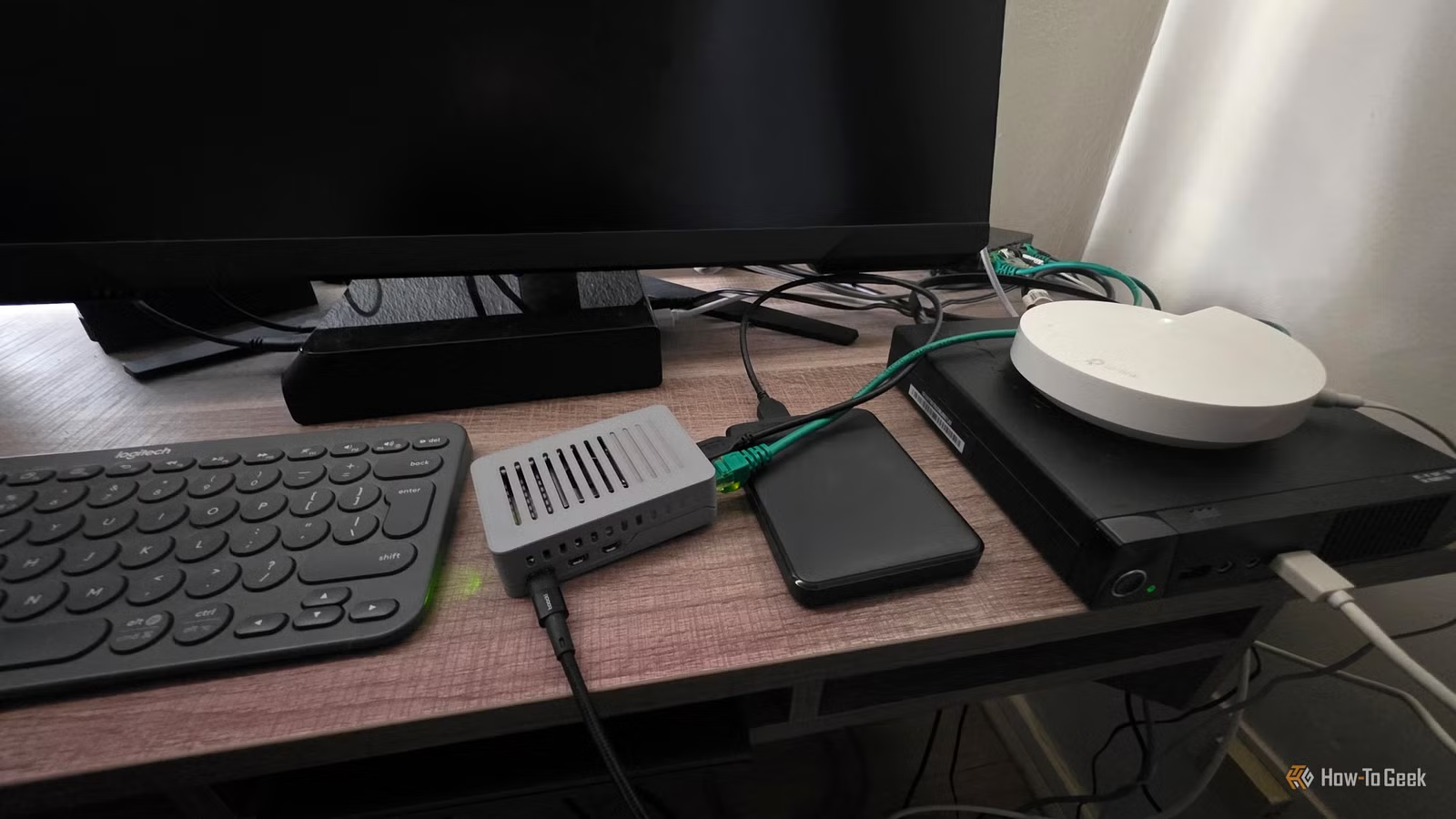
Wikipedia offers several downloadable versions in ZIM format, with the complete English Wikipedia being the largest at roughly 119GB. I opted for this comprehensive version, which meant using an old 1TB USB hard drive I had available.
Although it’s possible to use an SD card for the Raspberry Pi, the durability of such cards is questionable. They can wear out with frequent data writing, especially during updates. If a hard drive isn’t suitable, a solid-state drive (SSD) could be a viable alternative.
While you can download the ZIM file directly through the Linux terminal, I simplified the process by connecting the USB hard drive to my Mac and transferring the file that way.
Kiwix Makes Offline Access to Wikipedia Simple
Much of the Work is Already Handled
Kiwix is the key project that enables hosting Wikipedia locally. It aims to provide offline access to educational resources, which is particularly useful for institutions that lack reliable internet connectivity.
Beyond Wikipedia, Kiwix can manage a variety of knowledge databases and allows for multiple databases to be hosted simultaneously.
To set up Wikipedia on your local network, you’ll need two core components: the Kiwix server software and the ZIM file of Wikipedia.
The steps to follow include:
- Installing the Kiwix server software on your device or using its official Docker container.
- Downloading a Wikipedia ZIM file from the Kiwix catalog.
- Pointing the server to the downloaded file.
- Accessing the server’s local address from connected devices (e.g., http://192.168.1.100:8080).
While using a graphical interface like Raspberry Pi OS makes installation easier, I chose to set it up headlessly, which has its own challenges, and I won’t delve into that here.
If you have a desktop OS, you can install the Kiwix Server via the terminal using the following commands:
sudo apt update
sudo apt full-upgrade -y
After rebooting the Raspberry Pi, re-open the terminal and execute:
sudo apt install kiwix-tools
Once the installation is complete, create a directory for the ZIM file on your preferred storage device. If you downloaded the ZIM file on another computer, note the filepath.
If you stored it in a ‘kiwix’ folder and named the file “wikipedia.zim,” you would start the server with the command:
kiwix-serve --port=8080 "/media/sydney/DRIVE_NAME/Kiwix/wikipedia.zim"
To run the server in the background (daemon mode), you would modify the command as follows:
kiwix-serve --daemon --port=8080 "/media/sydney/DRIVE_NAME/Kiwix/wikipedia.zim"
Make sure to execute one command at a time based on whether you wish to keep the terminal connection active.
Upon execution, you can access your local Wikipedia copy by visiting http://192.168.1.123:8080, substituting your server’s IP address.
Accessible to Everyone on My Network
Just Input the Correct Address
With the server operational, anyone on your local area network can access it. I was concerned about potential slowdowns from using a hard drive, but the performance exceeded my expectations—much quicker than browsing the online version even with high-speed internet.
Keep in mind that the server will need to be restarted after each Raspberry Pi reboot. To automate this process, consider using systemd. Additionally, for easier access, configure your router to assign a static IP to the Raspberry Pi; otherwise, you may need to check its new IP after each restart.
My Wikipedia Copy Needs Periodic Updates
Although having a personal Wikipedia copy is exciting, it’s crucial to remember that it’s only a snapshot in time. Articles won’t update automatically, so you’ll need to replace the ZIM file periodically for the most current content.
Moreover, features like discussion pages and editing functionalities won’t be available since you’re not accessing the live website. Should you wish to host additional sites, such as Wiktionary, simply include their file paths in the Kiwix server startup command.