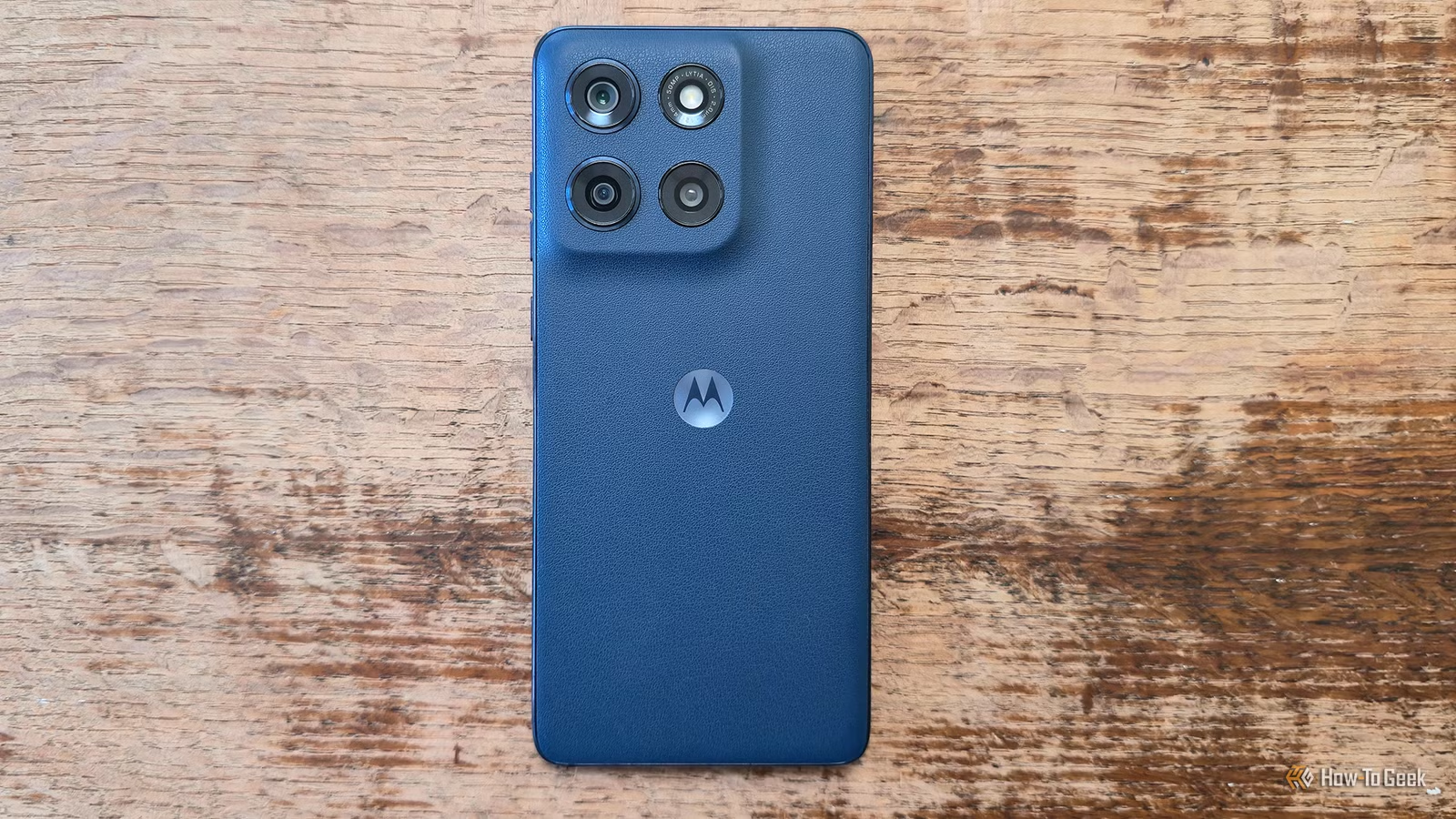
Currently, my smartphone is the most premium offering from Motorola—the Razr Fold. However, I’ve cherished several other charming Moto models throughout the years, including the Moto E, Moto G, Moto G Stylus, and Moto Edge. While some of these devices are budget-friendly, they often deliver impressive performance and can be enhanced further.
Eliminate Unwanted Pre-installed Apps
Quality Over Quantity in Apps
Affordable Motorola phones typically come loaded with numerous pre-installed applications, a strategy that helps keep their prices low. Various companies pay to have their apps featured on the millions of budget devices Motorola sells.
This practice isn’t exclusive to smartphones; it’s a common trend that allows electronics like TVs to remain affordable despite size increases. Companies aim to monetize user attention.
Seeing an app drawer filled with games or lesser-known news apps can diminish the perceived value of a budget phone. Furthermore, Motorola sometimes suggests popular apps you’re already aware of, such as Temu. To enhance your phone’s efficiency, long-press each app icon and select “App Info” to uninstall or disable the unnecessary ones. For stubborn apps, consider using a tool like Canta for full removal.
Upgrade Your Phone’s Feel with a Carbon Fiber Skin
Prioritize Touch Over Aesthetics
In the past, a phone’s price tag could often be gauged by its screen size. Nowadays, affordable models boast large displays similar to their premium counterparts. However, superior materials do come at a higher price; luxury phones feature metal and glass, while cheaper ones often utilize plastic, which can feel less substantial.
This is particularly evident if you prefer using your device without a case. To enhance the tactile experience, consider applying a sleek skin to the back of your phone. While many skins serve as mere decorative stickers, some offer sophisticated materials and textures. Leading brands like dbrand may not provide options for Motorola phones, but alternatives like Gadget Shieldz, Capes, and SkinIt have offerings, including carbon fiber finishes. Just imagine how the back of the Razr Fold feels with a quality skin!
Maximize Your Storage with a microSD Card
Boost Your Storage Like High-End iPhones
One advantage that many lower-cost Motorola devices possess is the inclusion of a microSD card slot, a feature often absent from premium U.S. smartphones. Whether your phone has 64GB, 128GB, or even 256GB of built-in storage, you can significantly expand your file capacity through expandable memory.
For instance, my Razr Fold offers 512GB of storage, which I typically look for in any new device, as anything less feels restrictive, while additional storage options can be pricier. Acquiring a large microSD card means not only enhancing your current phone’s storage but also ensuring future devices can benefit from it.
This means you can justify investing in a 1TB card, even amid rising costs, as it remains functional for subsequent phones. Regardless of your device’s design or cost, you’ll have more data at your fingertips than many users.
Purchase a High-Speed Charger
Unlock Your Phone’s Charging Potential
Except for Motorola’s flagship devices, many smartphones in the U.S. charge slowly. For instance, Samsung recently updated the Galaxy Z Fold series to support speeds above 25 watts, while the previous models charged slower than Motorola’s current affordable lineup.
If you own a 30W charger, your Motorola phone can significantly charge faster. Therefore, it’s wise to invest in quality rapid chargers, as they don’t typically come at a high expense.
Install a Custom ROM for Enhanced Experience
I have collected numerous Motorola phones over time, partly due to the company’s continued support for custom ROM installations long after other brands, such as Samsung and HTC, discontinued this practice. My Moto Edge+ 2023 still operates as smoothly and efficiently as any top-tier phone available today. Not all Motorola models support LineageOS, but for those that do, this method can extend the device’s lifespan by addressing Motorola’s relatively limited software updates.