5 Compelling Reasons Why a Raspberry Pi Complements a Jailbroken Kindle Perfectly

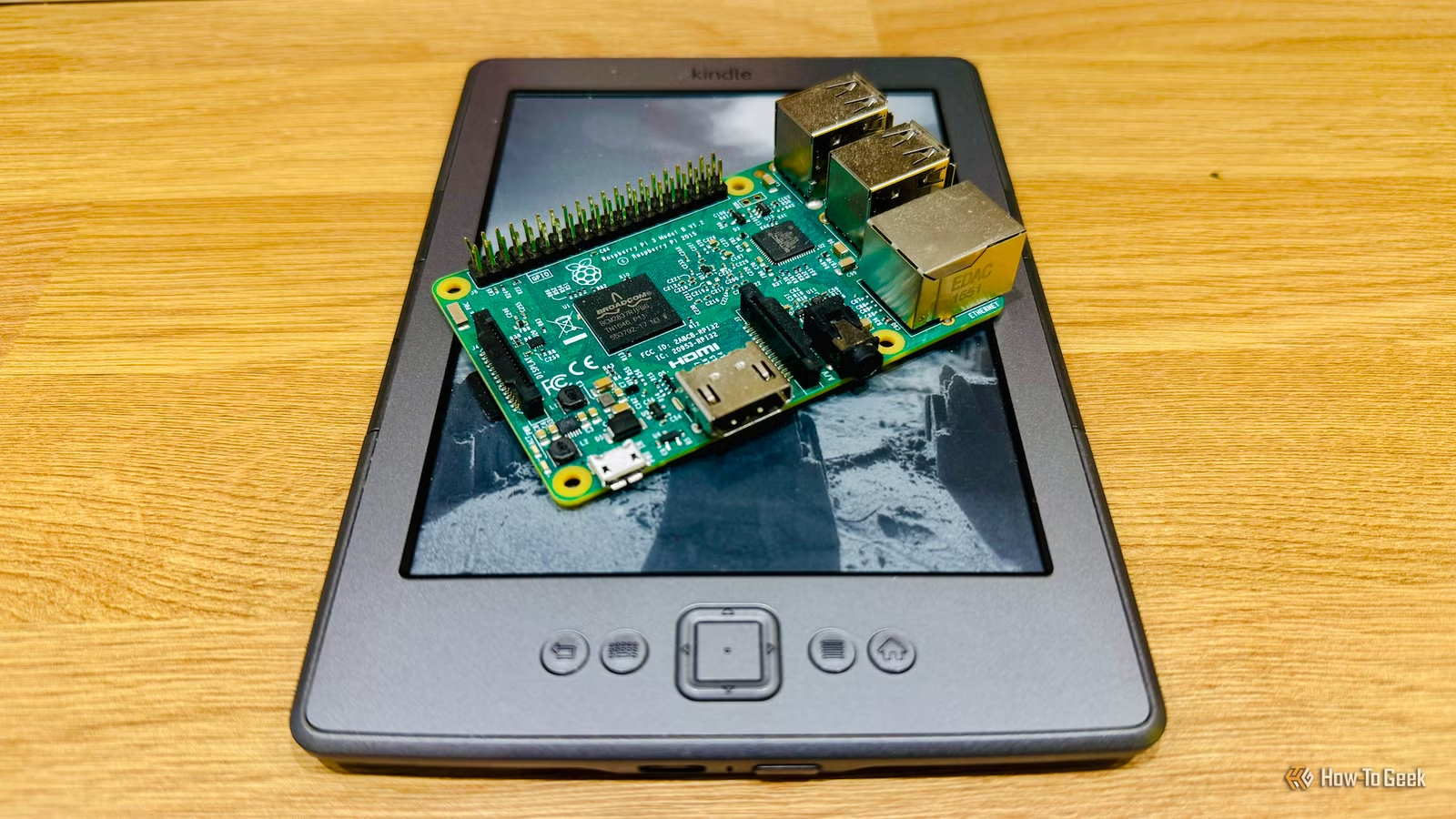
Unlocking a Kindle can expand its functionality far beyond standard reading software like KOReader. When combined with a Raspberry Pi, even an older Kindle can surprise you with its capabilities.
Hosting Your Own eBook Library with a Raspberry Pi
Setting Up a Calibre-Web Server on a Raspberry Pi
Image credit: Adam Davidson
One effective way to leverage a Raspberry Pi with your jailbroken Kindle is to create a Calibre-Web server. If your Kindle is jailbroken to escape the Amazon environment or if support has ceased for your device, having an alternative for adding books is essential.
Calibre-Web is an open-source platform allowing access to your eBook library via a web browser. By hosting it on your Raspberry Pi, you can share an OPDS catalog that’s easily browsed on your Kindle, effectively acting as your Kindle library.
This setup lets you keep your eBooks stored locally on Raspberry Pi-connected storage, eliminating fears of unauthorized deletion by Amazon—as has happened before. You can download books directly to your Kindle via Wi-Fi without needing to email files to yourself or connect the two devices physically.
A Kindle as an E-Ink Smart Home Dashboard
Display Home Assistant Data on Your Kindle
Image credit: Adam Davidson
A Raspberry Pi makes for an excellent platform to run Home Assistant, the free and open-source smart home software. I previously employed a Raspberry Pi 3B+ for this before upgrading to a mini PC. A Kindle can function as a surprisingly effective dashboard for your smart home setup.
The E-Ink display of a Kindle has a unique advantage: it doesn’t require constant power to show static images. Thus, your Kindle can display dashboard information for extended periods without being connected to an electrical source. By updating the information at reasonable intervals, you can use your Kindle to keep the dashboard visible for days on end.
Synchronize Your Reading Progress Across Devices
Use Your Pi to Remember Your Last Read Position
Image credit: Adam Davidson
I own several eReaders and often use them interchangeably. My Kindle 4 is my go-to for late-night reading due to its size and comfort. Meanwhile, I have smaller models like the Xteink X3 and X4 Classic for reading on the go. The challenge of using multiple devices is that they can become unsynchronized quickly.
This issue can be resolved by installing the KOReader Sync Server on your Raspberry Pi. As long as the same eBook is downloaded on each device, they can upload their respective reading positions to the server. When switching between devices, you can then easily retrieve your last read position and pick up right where you left off.
Save Articles for Later Reading on Your Kindle
Set Up a Modern Pocket Alternative Using Your Pi
Reading on a Kindle offers significant advantages over doing so on a smartphone. The E-Ink screen is more comfortable for your eyes, and you won’t encounter the distractions posed by social media and various apps that tend to consume your attention on a phone.
This is why I favor reading online articles on my Kindle. To facilitate this experience, setting up a Wallabag server on a Raspberry Pi is a great approach.
Wallabag is an open-source service that allows you to save articles for later reading, similar to how the old Pocket app functioned. When discovering an article of interest online, you can save it to your Wallabag server using an extension and then access it from your Kindle.
With the Wallabag plugin integrated into KOReader, transferring saved articles onto your Kindle becomes straightforward. Once you finish reading an article, you can archive it on your Wallabag server hosted on the Pi.
Create a Distraction-Free Writing Environment
Use the Raspberry Pi for Processing; Let the Kindle Be Your Display
Image credit: Adam Davidson
Similar to how smartphone usage can lead to distractions, using a laptop for writing often introduces its own set of interruptions. With all the potential distractions, it’s easy to lose focus.
A solution is to create your own distraction-free writing terminal with a Raspberry Pi and a jailbroken Kindle. Connect a Bluetooth or wired keyboard to the Raspberry Pi and use SSH through an application like KTerm on your Kindle to access the terminal interface of the Pi. You can employ command-line writing tools on the Pi, allowing you to write while everything you type appears on your Kindle screen.
This configuration not only minimizes distractions but also makes outdoor work easier, as the Kindle’s E-Ink display is much less reflective than typical laptop screens.
The Perfect Combination: Raspberry Pi and Jailbroken Kindle
You don’t require a powerful computer to enhance the functionality of your jailbroken Kindle. Even an older Raspberry Pi can effectively run the necessary software to make your Kindle vastly more useful. These projects can breathe new life into an old device.