Two Types of Windows Users: One Group is Unintentionally Harming Their Experience

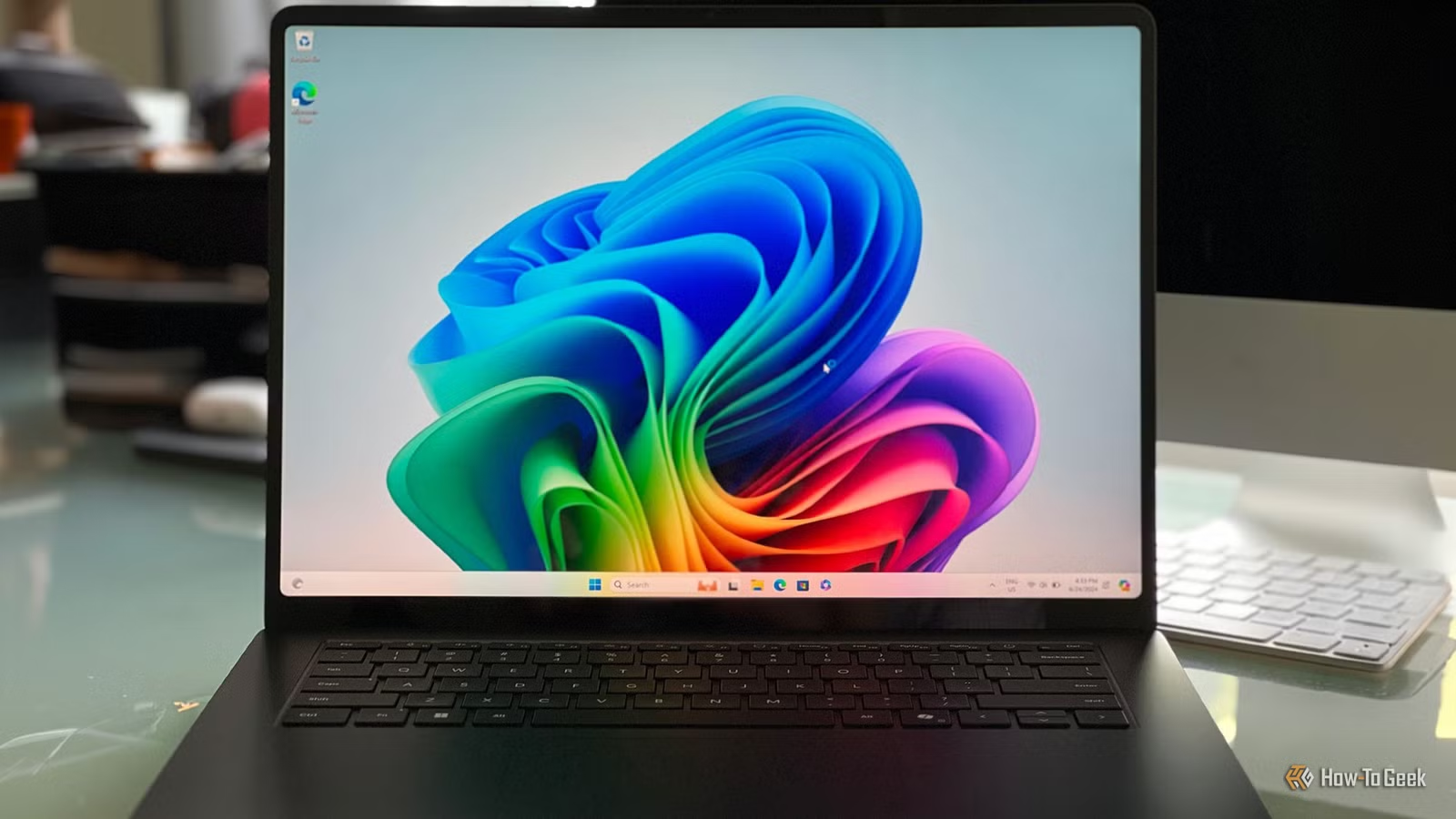
For many Windows users, the primary goal is simply reaching the desktop, leading to a tendency to accept all of Microsoft’s installations without question. This lack of awareness is precisely what Microsoft relies on, resulting in an operating system that has grown increasingly cumbersome over the years, much to the annoyance of those who are more engaged. If users were more vigilant, Windows might not be as bloated, and its performance could improve significantly.
Complacent Users Allow Microsoft to Compromise Windows for All
Inaction Enables Microsoft to Bloat the OS
The divide between casual Windows users and those who actively customize their systems is stark, especially when considering how many seem unconcerned about the changes being implemented. Many passive users simply proceed through setup options and end up installing telemetry, promotional content, extra background processes, and cloud integrations without realizing it.
Conversely, tech-savvy users view a fresh Windows installation as an opportunity to customize extensively. They utilize scripts to remove unnecessary components, adjust system settings, and sometimes even eliminate core features to regain control over their privacy, hardware, and memory usage. Setting up a proper Windows experience has become a complicated task.
This situation is not merely a matter of personal preference; it reflects a broader influence on the direction Windows takes. Passive users unknowingly endorse the continued introduction of bloat and unnecessary updates simply by not expressing any discontent.
Many presume that ignoring unwanted features is harmless. The notion is that as long as they don’t utilize certain options, it’s fine to have them installed. However, Microsoft interprets this indifference differently. Their telemetry system actively tracks when defaults are left unchanged, considering it as implicit approval for the current state of the software. Every untouched default sends the message that users want more of the same.
This negligence contributes to the current state of Windows, characterized by an overwhelming number of unnecessary applications and features. For instance, the integration of Copilot is a direct outcome. Whenever a user interacts with the Start menu’s web-connected search or launches a widget, it signals a preference for such features, encouraging Microsoft to fill the interface with ads, web results, and AI prompts, thus making the Start menu increasingly frustrating to navigate.
The presence of “Ask Copilot” in the right-click menu of File Explorer, browser processes that preload automatically, and AI embedded in file indexing stem from users simply clicking through options without objection.
Microsoft Assumes You Want These Additions Due to Your Silence
Opting Out of Telemetry Requires Extra Effort
Previously known as DiagTrack, the Connected User Experiences and Telemetry service continuously records user activities, including app usage and navigation patterns, sending this data to Microsoft.
Microsoft feels justified in embedding features like Copilot throughout the system because passive users inadvertently enable this trend. By opting not to disable these features, users inadvertently communicate their approval. For instance, the DirectX framework’s evolution, where DirectML has been deprioritized in favor of new Windows ML frameworks, illustrates this shift.
As Microsoft keeps embedding Copilot in various aspects of Windows, the situation is poised to worsen. To break this cycle, user feedback is crucial. Simply opening the Feedback Hub with Win + F to voice dissatisfaction or file bug reports can influence future developments.
Shutting off tracking is another option. Users can navigate to Settings -> Privacy & Security -> Diagnostics & feedback to disable “Send optional diagnostic data,” or they may choose to deactivate the DiagTrack service altogether through services.msc or PowerShell. Additionally, users can disable the Copilot functionality on their keyboards using PowerToys.
You Lack Genuine Control Over What Remains on Your System
Disabling Features Has Become Far Too Complicated for Average Users
Some argue that if users don’t take action to disable certain features, it’s an indication of their approval. The belief is that most users desire a seamless, connected experience and view preinstalled features as conveniences rather than annoyances. As it stands, Microsoft’s rationale is that these integrations are essential for security and system consensus. However, this justification falters when user backlash emerges against a feature, as seen with the unpopular Recall app.
The issue lies in the lack of genuine choice available to users. Even when there is criticism, Microsoft frequently retains features despite widespread disapproval. This forced integration eliminates user agency; core OS features directly linked to cloud services and telemetry make it challenging to remove unwanted components.
The result is a closed ecosystem where opting out requires complicated registry or Group Policy changes—tasks that should not be necessary for everyday PC users. Moreover, these adjustments may not be accessible to everyone, particularly on Windows 11 Home, which lacks Group Policy options.
Users’ silence should not be mistaken for approval, particularly when the operating system actively negates their attempts to opt out. Unfortunately, passive users indirectly endorse minor changes, allowing Microsoft to continue implementing major updates.
Microsoft’s Feedback Mechanism is Flawed
The most concerning aspect isn’t the introduction of unwanted features but rather that Microsoft’s feedback system isn’t designed to truly listen. Users must actively express disapproval for changes to be considered; if they don’t, it’s assumed they agree. Significant pressure from a vocal user base can shift Microsoft’s narrative, though there’s no guarantee of satisfactory change without proactive engagement instead of simply hoping the situation improves.