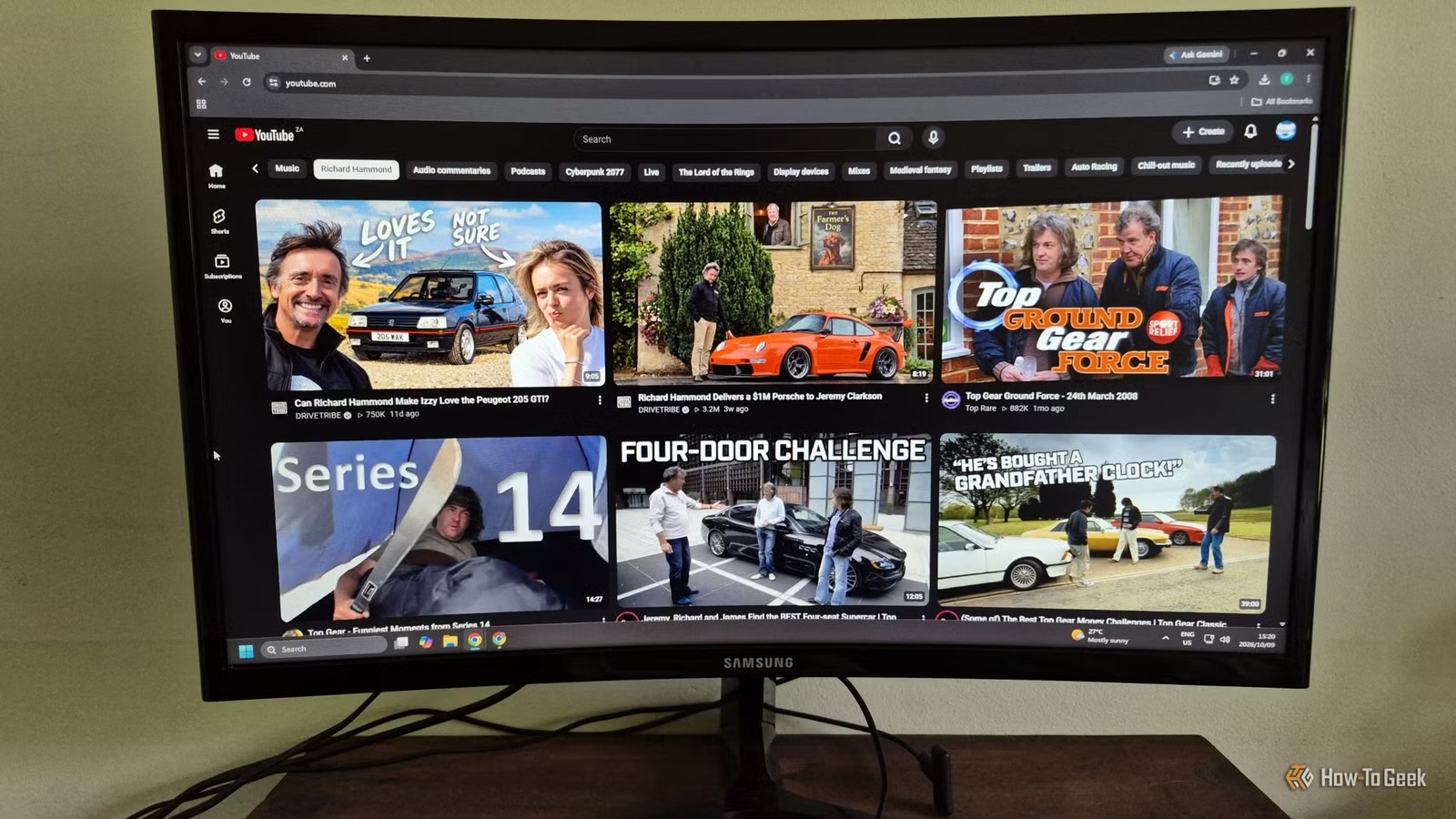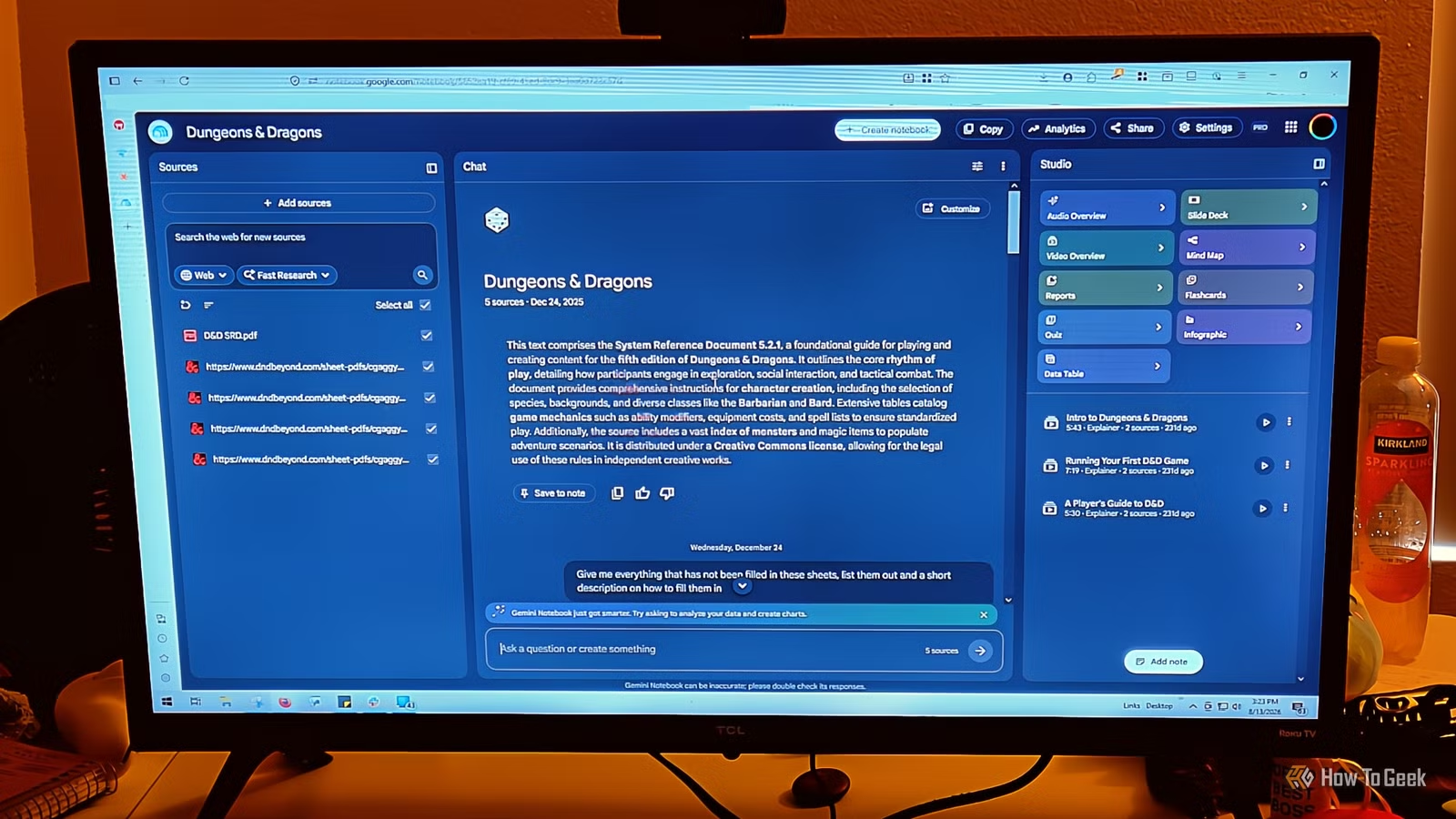
YouTube has become less effective for learning, with many educational videos dragging on longer than necessary and filled with interruptions from advertisements. It’s frustrating to sit through 40 minutes of content for just 10 minutes of useful information. NotebookLM (Gemini Notebook) offers a solution as an excellent video converter with no ads. It can transform lengthy videos into concise audio formats or revised videos that focus solely on the essential information, sans any interruptions.
NotebookLM is the Ideal Choice for Your YouTube Videos
It Uses Transcripts to Eliminate Advertisements
When you input a YouTube link into Gemini Notebook, it processes the video differently than a standard browser, ensuring it doesn’t load the typical video player or comments section.
This platform avoids executing scripts, which means ads are completely absent. Its primary focus lies on the transcript, allowing it to discern the video’s content by retrieving closed captions, whether uploaded by the creator or automatically generated by YouTube.
It’s important to note that this tool only works with public videos containing captions. If a video lacks captions, it cannot be imported. Additionally, if a video is freshly uploaded (less than 72 hours), it may not process correctly until YouTube’s transcription system is updated.
If the original video is deleted or set to private, the transcript will be removed from your notebook within 30 days, so it doesn’t serve as a long-term storage solution. Upon obtaining the transcript, Gemini Notebook utilizes its synthesis engine to create summaries and key points, which are invaluable for lengthy lectures or podcasts. The Notebook Guide allows you to convert multi-hour videos into study guides or brief FAQ lists effortlessly.
This tool shines in its Q&A function—you can pose specific questions about the video, and the model generates answers based solely on the transcript, dramatically reducing the chance for inaccuracies.
The citation system is another clever feature. Each answer includes numbered citations linked directly to the transcript’s relevant sections. Clicking a citation enables the transcript viewer to jump to that exact part while also opening an embedded YouTube player at the precise moment those words were spoken.
This functionality allows for immediate verification without the need to sift through hours of footage, turning videos into question-friendly documents.
Transform Lengthy Videos into Concise Summaries
YouTube’s platform often promotes a passive viewing experience, making it challenging to find high-quality content. After being an avid user since 2006, I’ve found that excellent resources are harder to come by, especially considering that many are cluttered with ads. YouTube encourages creators to produce longer videos, resulting in excessive filler content in order to secure more ad revenue.
Luckily, you can streamline these drawn-out videos by using Gemini Notebook. Upload the video, and it offers a reduced version focusing strictly on the material. Initially, I ask Gemini Notebook what the main topic of the video is to avoid unnecessary details, after which I can create either another video or a podcast from the refined information.
For video formats, you can select from short, explainer, or cinematic styles. Short is ideal for lengthy videos that stray off topic, while explainer is suited for instructional content. Cinematic, which can be a bit extravagant, is surprisingly effective for historical narratives; it often provides better explanations than the original YouTube content.
Variety of Audio Listening Options
Selecting the Right Audio Format Based on Needs
The Audio Overview feature has significantly advanced since its launch. You can opt for a Deep Dive, Brief, Critique, or Debate, and set the length to Shorter, Default, or Longer. However, be cautious: setting a longer length for a short video can lead to repetitive content, whereas a shorter setting for a long video might cause you to miss key points.
I often prefer listening to audio rather than watching videos, as it allows me to multitask.
The Deep Dive format is recommended when tackling complex subjects, as it resembles an informative podcast where hosts take the time to explain intricacies and relate different segments through analogies. It’s perfect for exam preparation or deep comprehension.
The Brief format is excellent for quick highlights, ideal for getting a rapid recap, skimming through documents, or preparing for meetings. I utilize it often to improve the flow of my notes before heading into important discussions.
For dissecting arguments, the Critique format excels at identifying weaknesses, biases, and gaps in reasoning, making it invaluable when reviewing essays or business proposals. I’ve used this when finalizing my articles, which helped me identify flaws in my logic.
Debate is most effective for addressing contentious issues or significant decisions with multiple valid viewpoints, featuring opposing hosts discussing the different sides of the argument.
Limitations of NotebookLM
NotebookLM isn’t universally applicable; it requires captions, so new videos are often excluded. Also, it only functions with public content, meaning any videos removed or restricted by the creator will no longer be available in your notebook. However, this is rarely a problem for me. A short wait is usually adequate, and most people tend to navigate these videos easily, so I find it to be an excellent tool that I frequently recommend.