Is It Beneficial to Power Down Your PC Each Night? Discover the Real Impact on Your Computer

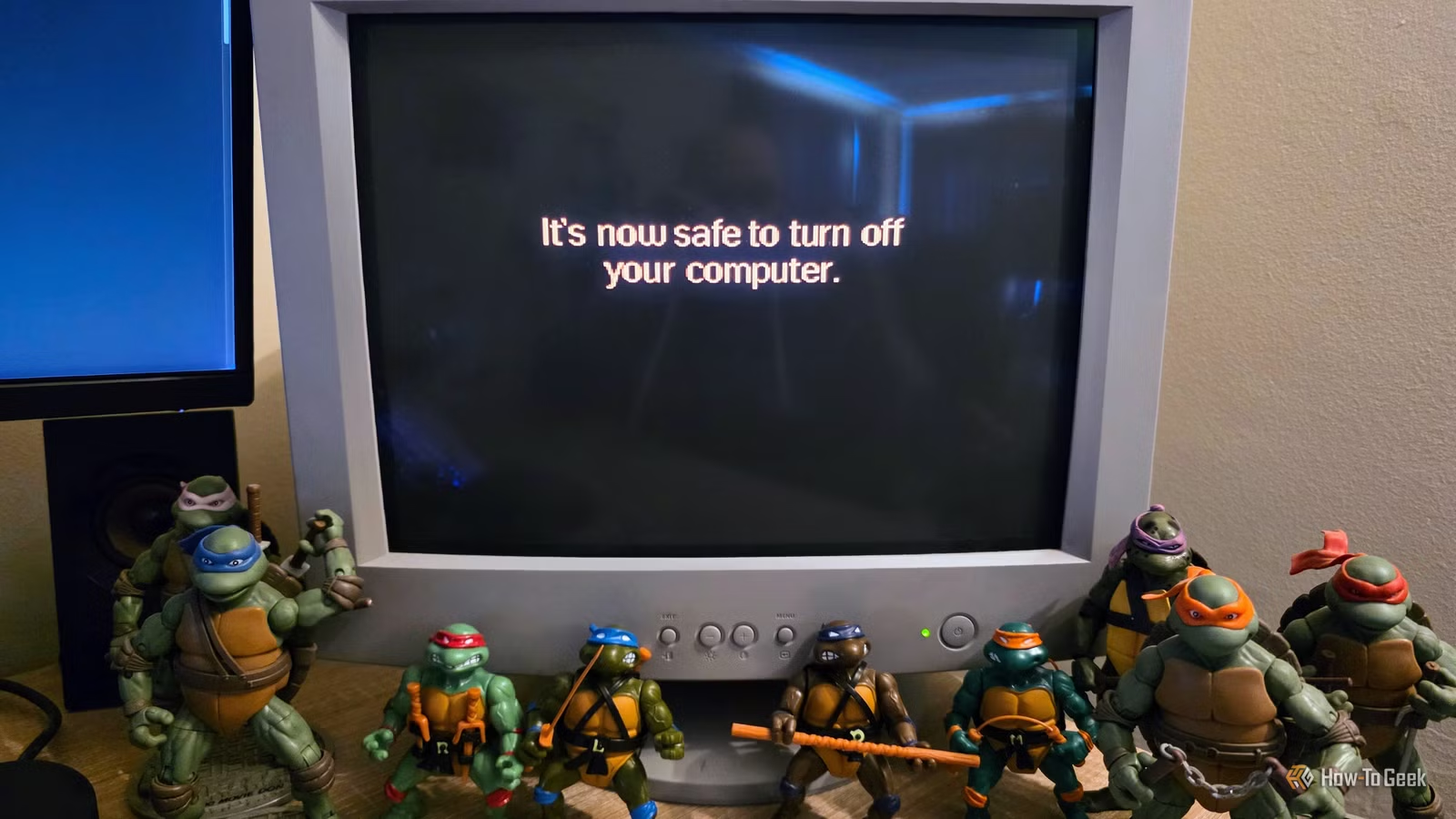
During my childhood in the 1990s, I quickly understood the importance of executing the “park” command before powering off our home computer. Failing to do so could lead to a corrupted hard drive the next time the computer turned on.
It was logical to turn off the computer since it would sit idle at the command prompt, doing nothing productive. Additionally, leaving a CRT monitor on for extended periods could cause burn-in effects. But is it still necessary to shut down your computer every night today? Do you need to turn it off at all?
Shutting Down Every Night Is Unnecessary for Modern Computers
Old Wisdom Doesn’t Apply
The straightforward answer is that shutting down your computer every night is no longer required. Today’s computers are multifunctional devices, constantly connected and able to perform tasks even when you’re not actively using them. In fact, it’s often preferable for your computer to run updates and maintenance during the night, so you’re not interrupted while working during the day.
Concerns about power consumption are valid but perhaps overstated. While computers do use power while idle, modern designs incorporate efficient power management systems that allow CPUs and other components to scale back their energy usage. Energy consumption can vary significantly, ranging from minimal usage for compact PCs at rest to over a kilowatt for high-performance gaming setups under heavy load. You might also consider putting your computer into “sleep” mode overnight, which can still allow for scheduled maintenance without keeping the system fully powered on. Ultimately, it’s entirely feasible to leave your computer running overnight unless the energy costs during idling are a concern for you.
Turning Your PC On and Off Causes Wear, but It’s Not a Major Issue
Don’t Worry Too Much
In the past, advice often encouraged leaving computers running to prevent the wear associated with frequent power cycles. This was particularly linked to mechanical hard drives, which can experience more strain when starting from a complete shutdown. Manufacturers do provide start/stop cycle ratings that indicate the number of power cycles a drive can withstand, generally in the tens of thousands. However, most users won’t approach these limits within the lifespan of a hard drive.
Moreover, modern hard drives are designed to stop spinning their platters when idle to save energy and minimize wear on the drive motor. So, whether you turn off your computer or keep it on, these drives will manage their operational status accordingly. Additionally, with the predominance of SSDs today, considerations surrounding wear typically focus more on write endurance rather than power cycles.
The notion of thermal fluctuations affecting component longevity is another relic from the past. While heating and cooling do create some physical stress, modern components no longer seem to be significantly affected by this issue. Reports of thermal damage, like motherboard cracking, are nearly nonexistent. Instead, contemporary concerns may lean more toward the stability of high-end GPUs under load.
Shutdowns Don’t Necessarily Reset Windows Like You Think
Restarting and Shutting Down Are Not the Same
Although we all recognize the saying, “Have you tried turning it off and back on again?” from popular culture, rebooting your computer may provide a fresh start that can resolve driver conflicts and other issues, but it might not offer a true reset. Many systems today use a “fast startup” feature that hibernates the operating system instead of completely shutting it down. Consequently, any existing problems may remain when you power the device back up.
Shut Down When It Makes Sense
If you plan to store your laptop or won’t be using your computer for an extended period, shutting it down is a sensible choice. For day-to-day usage, however, utilizing sleep mode, hibernating, or allowing the system to manage its own energy and maintenance tends to be more efficient.