How Android’s Native Features Outperformed These 4 Apps I’ve Relied On for Years

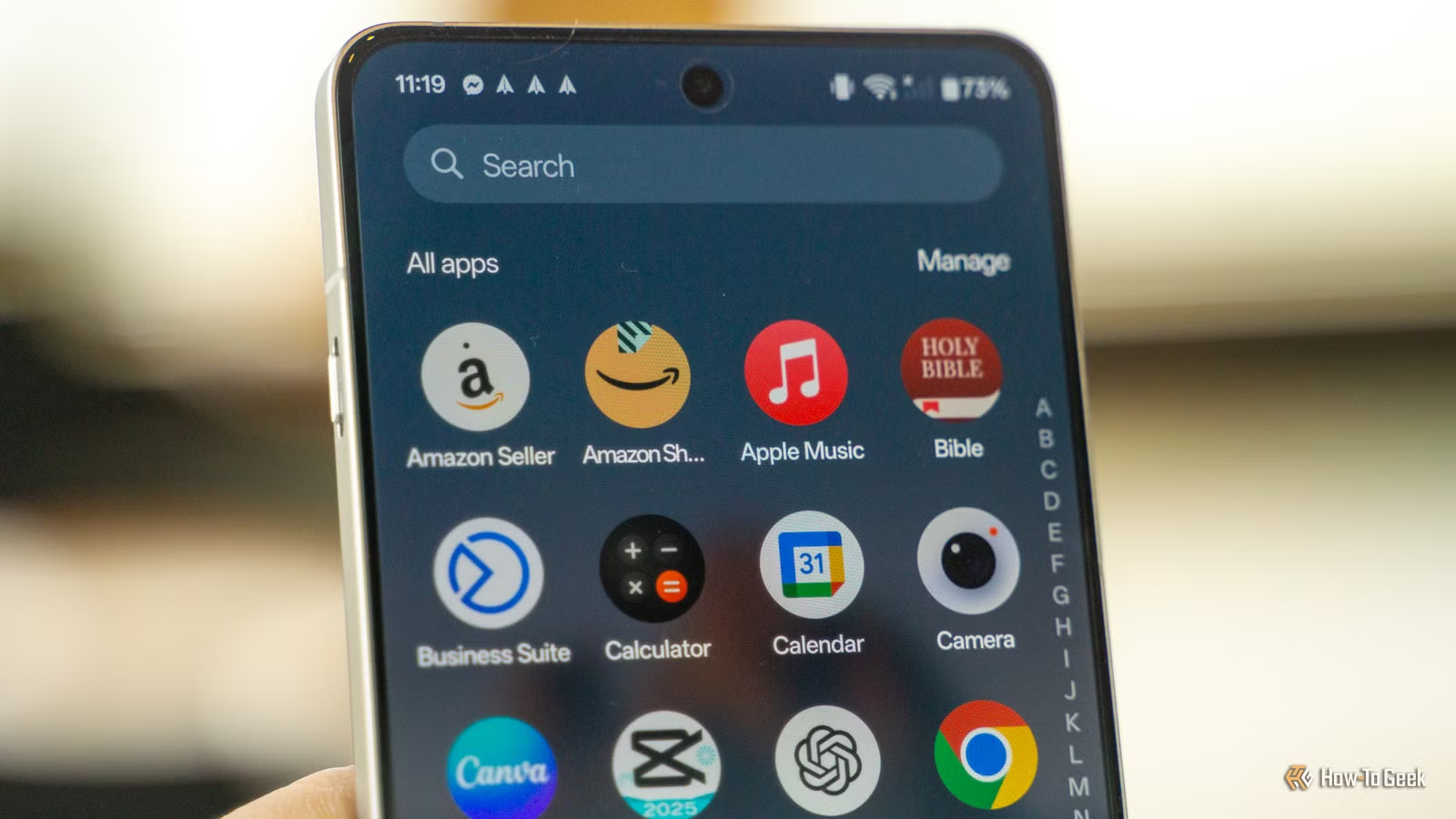
Many of us have seen lists recommending the essential apps for Android devices. However, this article offers a different perspective. Instead of suggesting which apps you should download, it focuses on which ones you can safely remove. Android has evolved significantly, and functions that once required dedicated applications are now integrated into your device.
Before you click to download an app for scanning documents, optimizing RAM, sharing files, or enhancing vacation photos, take a moment to read this article. Your Android device can serve multiple purposes.
Goodbye to dedicated photo editing apps
I achieve stunning results effortlessly
As someone passionate about photography, I once depended on apps like Snapseed, PicsArt, and Lightroom to fine-tune my images. Whether I needed to brighten a dim vacation photo or remove an unwanted photobomber, I always turned to third-party editing tools for help. Even basic tasks like cropping required me to open a specialized app.
Nowadays, I hardly find it necessary.
The built-in editing features on my phone and in Google Photos suffice for my needs. I can easily access a photo from my Gallery, hit the edit button, and choose from a variety of options to enhance it. I can apply filters, crop, rotate, adjust brightness, contrast, and utilize AI-driven editing features on compatible devices. Whether sharing photos with family or posting on Instagram, I can make quick edits and move on. My brother still opts for professional software as a seasoned photographer, but for me, the built-in editor does the job.
My camera has taken over scanning functions
Scanning is now a breeze
QR codes are everywhere these days. I can barely recall the last instance I manually entered a website URL. A quick scan usually directs me to where I need to go—be it a restaurant menu, a ticket, or a payment. It’s amusing how a simple pattern of black and white has become a gateway to nearly everything. Instead of relying on a separate app, I simply point my camera at the QR code, tap the notification, and I’m done. If you have a QR scanning app occupying storage on your device, it’s likely time to delete it since your camera can handle that task just fine.
I also used to rely on document scanner apps like CamScanner. In the past, I’d open it regularly to scan physical papers into PDFs. Now, I just use my Samsung Galaxy Z Fold 6’s camera. For those without Galaxy devices, Google Drive’s integrated scanning feature is a great alternative.
If your camera isn’t set up to recognize QR codes automatically, check the settings for options regarding QR code scanning. The steps may vary based on your phone model.
I eliminated all my file-sharing applications
Quick Share simplifies the process
If you’re still using apps like EasyShare, Xender, or Zapya, it might be time to rethink why. I used to go through the lengthy process of discovering nearby devices and waiting for transfers just to share a few images or videos. That was before I switched to Quick Share, which rendered those apps useless.
Quick Share truly lives up to its name. I simply select the files I want to send, access Quick Share, choose a nearby device, and it’s done. No extra app, no complex steps involved. This feature becomes even more handy for sending multiple files simultaneously. I can group share multiple vacation images or important documents instead of sending them one by one. With Quick Share built into modern Android devices, keeping an extra app solely for file transfers feels unnecessary.
RAM cleaning applications are unnecessary
My device handles it more effectively
Many of us have felt satisfied after using a RAM cleaning app, seeing those numbers drop and feeling like we’ve revitalized our phone. However, modern Android systems manage memory much more effectively than they used to.
Your device optimizes everything automatically, handling memory and background tasks efficiently. For managing “junk files,” you can use the Files app to help you out. Just access Files and check the Clean tab for options to clear unwanted files. Rather than adding another app, I trust my Android to take care of these tasks.
Think before downloading an app
It seems that Google, Samsung, and other Android manufacturers understand why we tend to download so many third-party apps. They continuously enhance device features to eliminate those gaps. Many of these apps simply consume storage and deplete your battery. Before jumping to download something new, take a moment to explore the capabilities of your device.
Are you prepared to declutter, save storage space, and maximize your device’s functionality?