Installing Linux on an outdated PC has become a favored project, providing a way to recycle aging hardware rather than discarding it. While Linux is a great option for revitalizing old machines, it is not without its limitations, which stem from its inherent design.
(Some) Linux Distributions Are Lightweight
Only the Right Distros Can Revive Old Machines
One of the reasons Linux is often viewed as lightweight is due to the efforts of developers to create streamlined versions. Unlike Windows, which has a singular version, Linux features a variety of “distributions” that bundle the Linux kernel—the core of the operating system—along with utility programs, a desktop environment, and various user applications. These user programs can include web browsers, office applications, and simple games, akin to what older versions of Windows provided.
However, not all Linux distributions are necessarily lighter than Windows. For instance, Ubuntu—a popular choice for newcomers to Linux—requires at least 4GB of RAM, which matches the minimum for Windows 11.
There are lightweight desktop environments and programs available, which can be beneficial for older systems.
In Linux, the desktop environment operates separately from the core OS. Historically, most Linux systems used the X Window System (X11), which has since been gradually replaced by Wayland in many popular distributions. A desktop environment consists of smaller elements, including window managers that design the appearance of buttons and borders, as well as file managers for navigating the system visually.
This modularity allows for the easy replacement of desktop environments, enabling developers to create “lightweight” options. The major options for desktop environments include GNOME and KDE Plasma. Each of these has distinct visual styles and user interfaces, making trading off familiar aesthetics for users coming from macOS or Windows relatively straightforward.
Besides these popular choices, several smaller environments exist, such as Xfce and LXQt, with distributions like Kubuntu and Lubuntu built around them. Users interested in switching desktop environments can do so without needing to install an entirely new distribution; simply installing the desired environment suffices, and changes can be made through the login menu.
Linux Has Different Programs
Linux Is Not Windows

Linux’s reputation for being lightweight also comes from its capability to run different types of software. While Linux desktop distributions provide applications reminiscent of Windows, they operate on fundamentally different architectures.
Rooted in the Unix philosophy, Linux promotes the use of small, interconnected programs. While this concept can be tricky to apply in graphical interfaces, it reflects the overall design ethos of Linux applications. Well-known programs like LibreOffice or Firefox cannot necessarily be classified as lightweight, nor can more demanding 3D games that are gaining traction on Linux.
If Linux were to take hold as a mainstream desktop environment, users might express concerns about “bloated” software. Critiques often arise around so-called lightweight programs, which may lack extensive functionality, rendering them inadequate for specific user needs. Conversely, a more feature-rich application like Excel may be deemed bloated but remains attractive for a larger user base due to its robust capabilities.
Current web standards also demand compatible browsing environments, pushing many lighter browsers like Dillo to the side. Meanwhile, text-based browsers like Lynx serve specific purposes, especially for accessibility.
Linux Doesn’t Work on Every Machine
A Smaller Market for Drivers
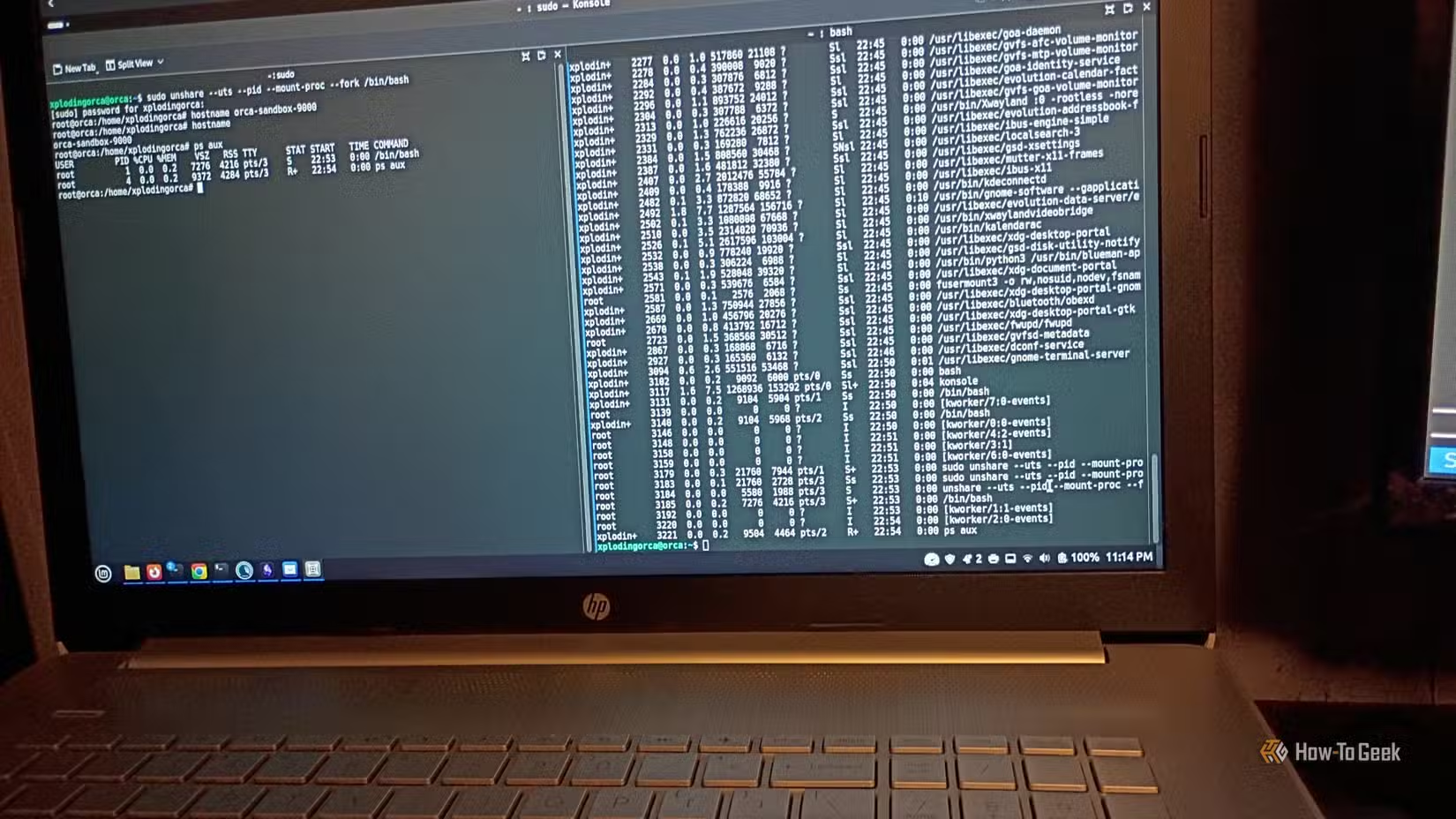
Despite its advantages, Linux may encounter hardware compatibility issues, a challenge that has decreased over time. Similar to Windows, Linux requires device drivers for hardware interaction, yet with a significantly smaller desktop market share, manufacturers prioritize Windows. Most Linux drivers are developed by independent enthusiasts.
Proprietary intricacies surrounding hardware mean Linux developers often have to reverse-engineer devices to create drivers, which can lead to inconsistent support. Many users have faced frustrations when only partial device functionality works on Linux, while fully operational under Windows. This challenge is especially prevalent with newer hardware lacking driver support, as well as with older or niche devices. Laptops with unconventional motherboards have historically shown susceptibility, and Wi-Fi connectivity issues were common for many systems in the 2000s.
An Old Linux Laptop Can Be a Good Chromebook Alternative
Use the Machine You Already Have for Basic Tasks
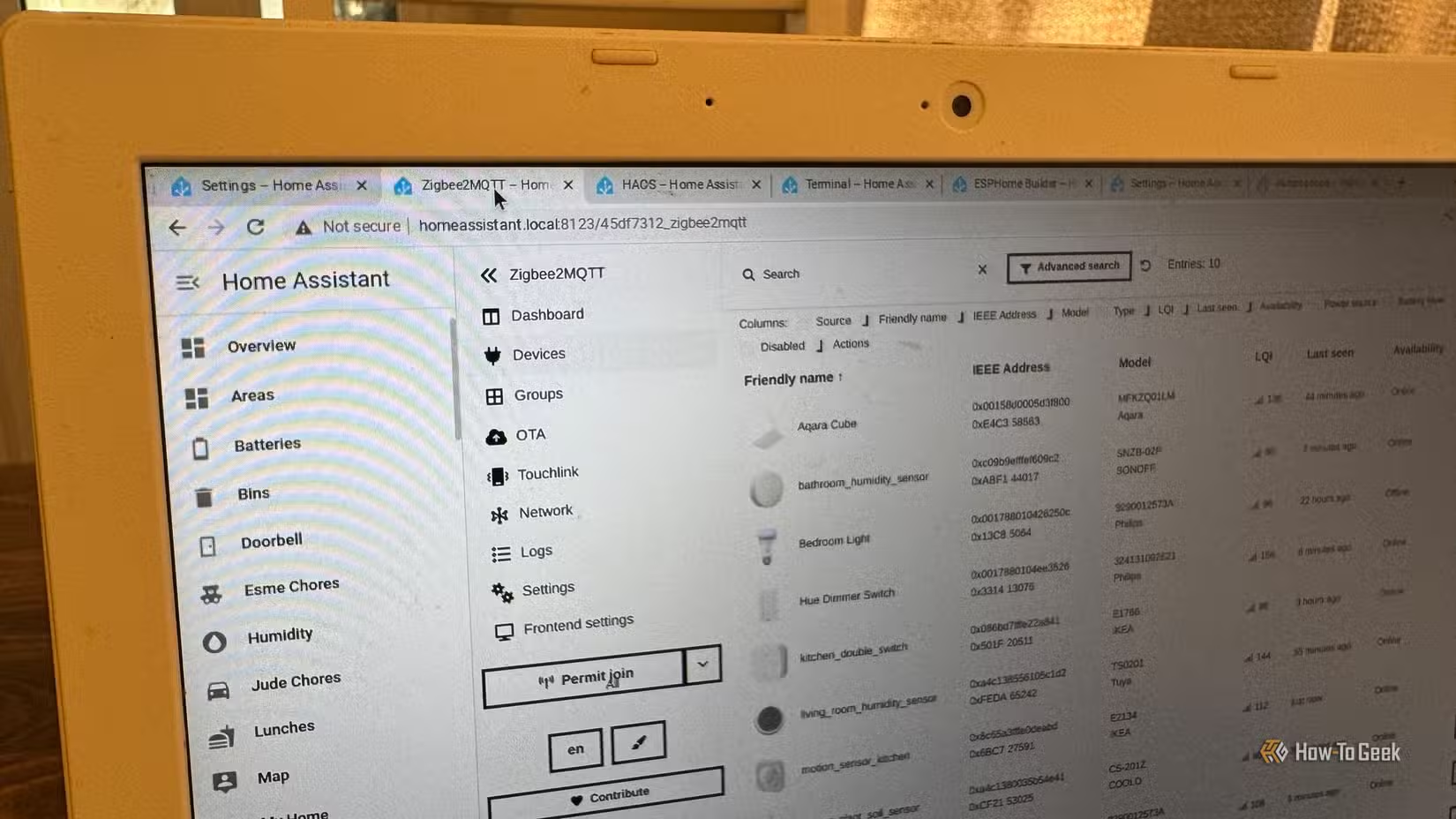
An older laptop can serve as an excellent device for basic tasks like web browsing, emailing, and light productivity, making it a solid alternative to purchasing a dedicated Chromebook. Instead of investing in a new device, users can repurpose existing hardware, avoiding the limitations typically associated with Chromebook functionalities.
Linux, the Malleable OS
While Linux is highly regarded, it is not inherently lightweight without proper configuration. Its adaptability allows it to be tailored to run efficiently on older or less powerful hardware, a key reason for its popularity among developers and tech enthusiasts.