Unconventional Perspective: Why After Three Months at a Desktop PC, I Was Eager to Move On

For the last few years, I’ve been doing most of my writing on my phone, which many people find unusual. Curious about the experience of using a desktop PC, I decided to try it out after receiving a secondhand graphics card from my brother-in-law.
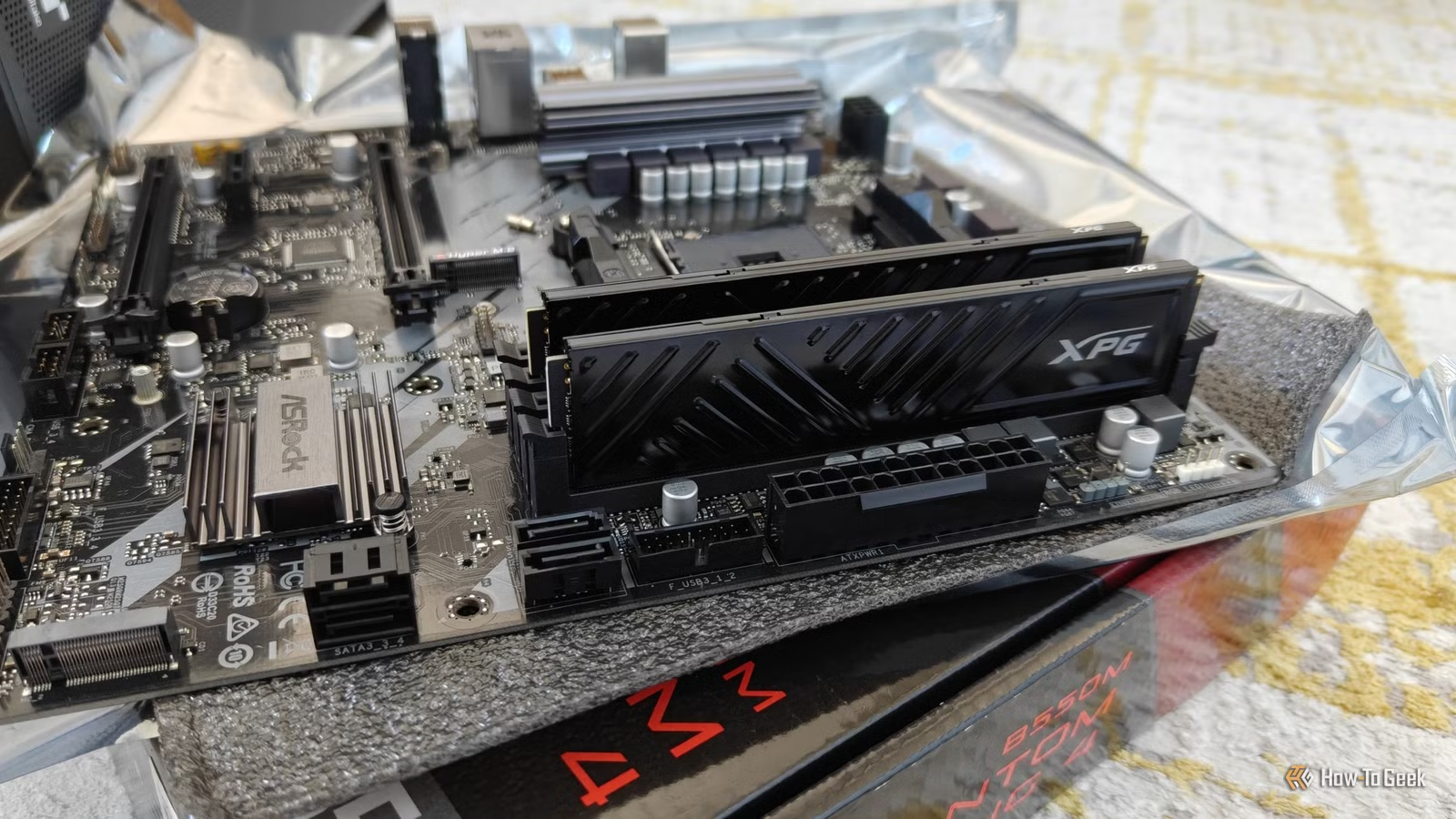
I attempted to create my own PC over the course of three months, but ultimately, I found it wasn’t a good fit for me. I encountered too many obstacles compared to the ease of using my foldable phone for writing.
A desktop confines you to one workspace
I’ve never felt so restricted in my career
Throughout my career, I’ve typically worked on a laptop. Although I often stayed in a few familiar locations, I was never tied to one spot—libraries, parks, and friends’ homes were all viable options. Using my foldable phone takes this flexibility even further; I can dictate drafts while walking or jot down notes while waiting in my car for my kids after school.
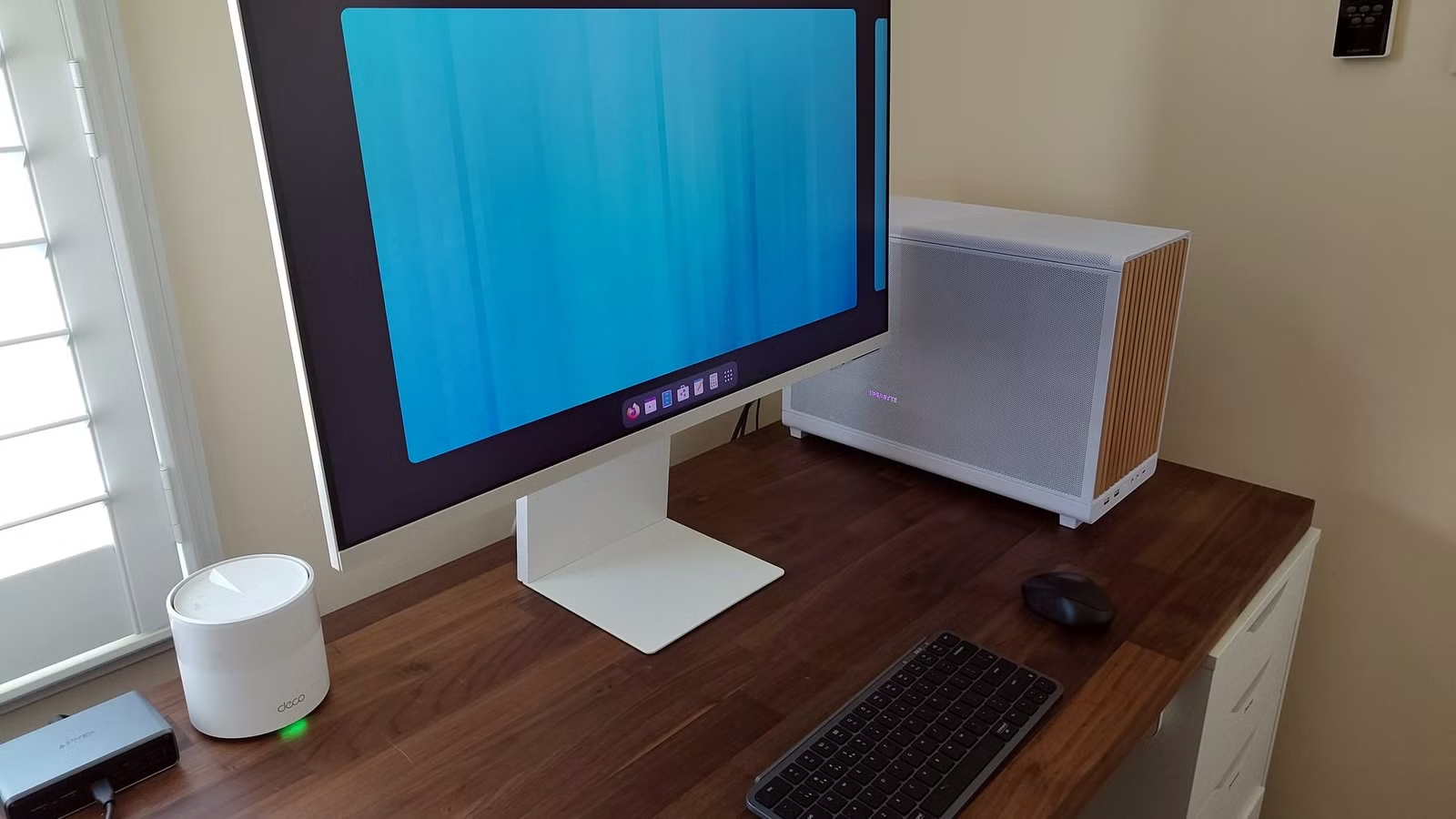
Transitioning to a desktop setup led to long hours anchored in one corner of my home office. While I still managed some tasks on my phone, it became frustrating, as I had grown accustomed to desktop functionalities. I prefer using one software suite consistently rather than switching between platforms repeatedly.
To regain some of that mobility with a desktop, I’d need to acquire another device.
Productivity takes a hit on a larger screen
Having too much space makes it tough to focus
I understand why many struggle to work effectively on a phone, even a foldable one; a desktop monitor offers a clear view of multiple applications at once. Multitasking is simpler, and desktop applications often come with features that mobile versions lack.
However, I found that those advantages were negated for me. With extensive screen space, I felt the urge to multitask in unproductive ways—I would open streaming videos just because they were within reach. I lost significant time to aimless browsing, and while I won’t deny that distractions occur on a phone, the single-task design of mobile devices makes it clearer when I’m veering off track, which helps me stay disciplined.
Internet stability becomes an issue
More equipment is needed to maintain connectivity
Since graduating, I’ve been working remotely as a writer, requiring just an internet connection to access my work. This is a huge advantage of using my phone, as it can switch to cellular data when Wi-Fi isn’t available, allowing me to stay connected nearly everywhere.
Using a desktop, however, made me feel quite exposed. Initially, I opted for a wired Ethernet connection instead of a Wi-Fi adapter, which meant outages left me in the lurch, unable to use my phone as a backup hotspot. I quickly realized my mistake and ordered a Wi-Fi adapter to mitigate this issue.
Energy consumption increases dramatically
Keeping my desktop running during outages is a significant investment
I live in a net-zero home powered by solar panels, which generally provide more energy than we consume. I’ve also invested in several portable power stations to ensure our devices remain functional during outages.
This becomes much trickier with a desktop computer compared to my foldable phone. My phone can last all day and can be easily recharged using a portable battery or car adapter. In contrast, a desktop and monitor can consume up to 100 watts every hour, translating to far more electricity usage over time than my phone requires over many days.
I’m writing this again on a foldable phone
Having concluded my desktop PC experiment, I’ve come to value the convenience and flexibility of using one device that meets all my needs, regardless of location. Of the available options, I find the Motorola Razr Fold offers the best balance of features without significant trade-offs.
For any tasks beyond my phone’s capabilities, I’ve discovered that a NAS can take over many functions previously thought to require a traditional PC.