I often find myself in a constant cycle of productivity, struggling to take breaks from various tasks. I rely heavily on Docker for many aspects of my life, from managing finances and freelance work to personal projects and keeping track of my book and comic collections. It’s a daily tool for me, running numerous applications in my home lab. Recently, I decided to tackle a challenging project: setting up and using Docker on my Android device.
For those unfamiliar with Docker, the term “container” refers to a containerized application designed for use with Docker.
Docker Installation on Android: A Complex Journey
It Can Be Done
Setting up Docker on Android is not an easy process. Historically, it has not been officially supported, but it is achievable. Some methods require rooting your device and altering the Android kernel, which can be problematic as unrooted devices face issues accessing the kernel directly for virtualization. However, there is a method that doesn’t require root access, utilizing virtual environments to facilitate the installation.
For my experiment, I used a Motorola Moto G with Android 16. I needed a terminal emulator like Termux (available through F-Droid) and Proot-distro to install Alpine Linux. I later discovered a more efficient app to work with.
Docker Setup on Android
Getting Started
Before installing Docker, I had to set up a Linux environment on my phone. Initially, I followed a tedious process that involved manually installing QEMU, obtaining an Alpine ISO, configuring Alpine, enabling the community repository for image downloads, and attempting to pull containers.
This method didn’t yield great results; the process was cumbersome, and while getting Alpine running was straightforward, pulling the desired containers turned out to be quite difficult.
After struggling with Termux, I opted to download Podroid from GitHub, which proved to be a better choice. I realized I should have taken this route from the beginning. On a positive note, I did learn how to configure QEMU on Termux, so it wasn’t entirely wasted effort.
Podroid allows running Alpine and installs applications using the apk add app-name command. I installed Docker CLI and Docker Compose, subsequently pulling a few applications that I thought would be compatible with Android.
To run my containers, I had to issue a port forwarding command within Podroid. This step was slightly tricky, and I had to refer to the Podroid manual for troubleshooting. It’s important to remember to use Podroid’s built-in port forwarding rather than the default port settings in the containers.
One of my favorite applications is FreshRSS, which I use to stay updated on news, tech, and comics. It runs continuously and alerts me when new stories are available, which is convenient while I work. Being accessible on Android allows me to check it when I’m out and about, although I do need to switch to Desktop mode to view the sidebar effectively.
Calibre-web: Mobile Library
Bringing My Library to My Device
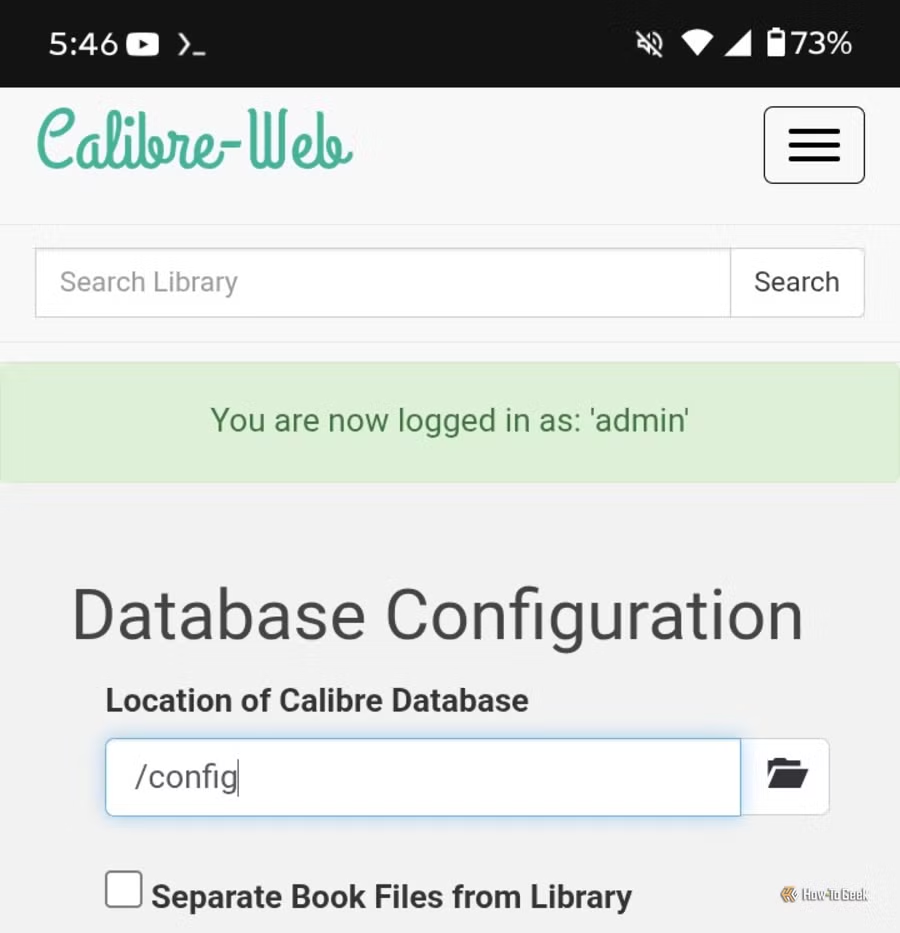
I have used Calibre for years, so adding Calibre-web to my Android device felt like an obvious choice, especially since I have a sizable Calibre library on my PC.
I transferred several selected works to my phone via cloud storage and utilized the metadata.db file to set up my library. It has a few quirks, but overall, Calibre on Android is quite effective. I’ve noticed some performance issues, particularly when it idles for too long while I read an e-book, which sometimes leads to the app being killed by the phone’s optimization settings.
A Multipurpose Toolkit
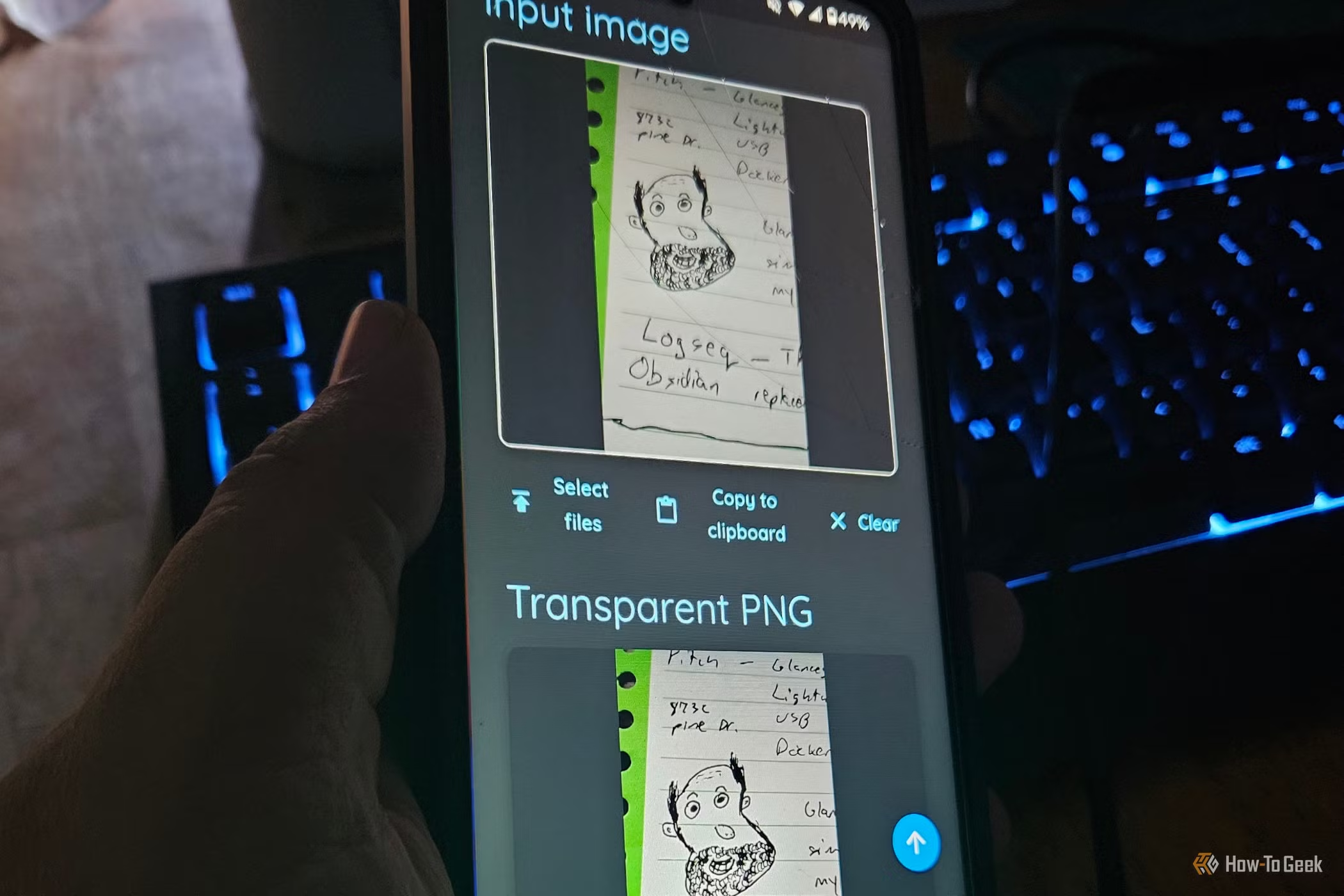
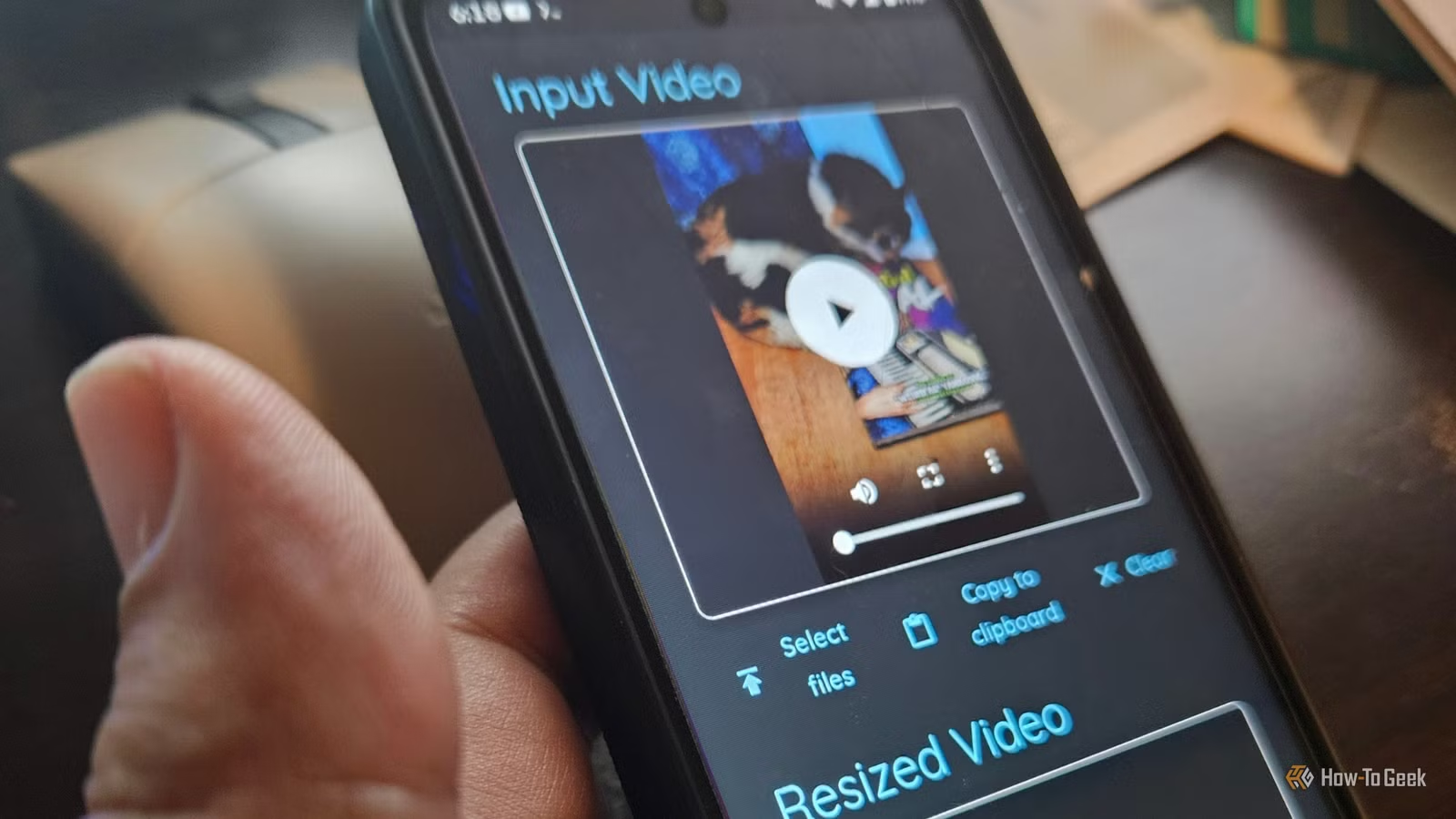
For various tasks, I use desktop applications like Paperless-ngx, Stirling-PDF, and Trilium, which offer powerful features tailored to my needs. For Android, I found Omni-tools to be particularly useful, as it is a multi-functional toolkit, handy when away from my primary workstation.
Omni-tools can create transparent images, a feature I find beneficial for my work, and it also allows for quick video editing directly on my phone—much more convenient than loading separate software for simple tasks.
Portable Docker Solutions
Having access to my essential Docker applications on my mobile device has been incredibly useful. While the installation process was somewhat daunting and time-consuming, especially when downloading images, the end result has been rewarding. Now that I understand how to set it up, I’m keen to explore additional Docker applications, at least until I decide to root my device for further functionality.