Ryan Haines / Android Authority
Add Android Authority on Google:
Summary
- The Pixel Journal app is beginning to implement integration with Google Recorder for audio recording.
- References to adding existing audio clips and their transcripts have been spotted.
- A new export function is being introduced to allow users to back up their entries in a zip file.
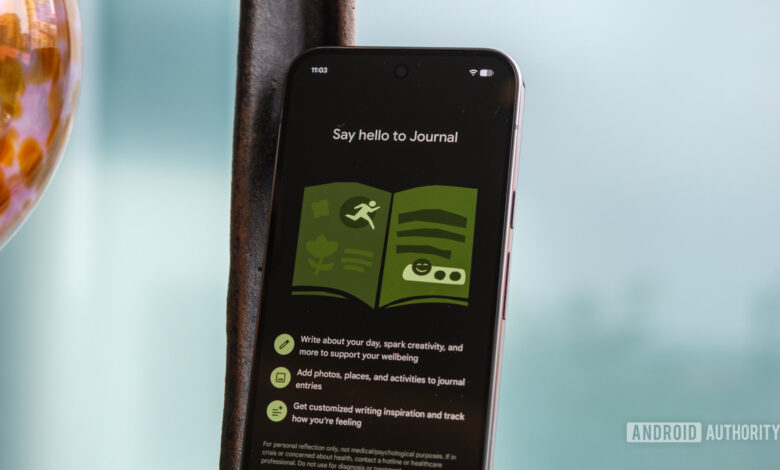
An update to the Pixel Journal app indicates the forthcoming integration of Google Recorder and introduces a convenient export feature. Currently, users can incorporate various elements into their personal journals, including locations, images, and activity data via Health Connect. However, the absence of voice recording functionality has been noted, although this may soon change.
The latest version of the Pixel Journal app includes a “Record new audio” feature within the item addition section, accessible via the menu in a journal entry.
This hints that a future update may enable this support, although it is somewhat surprising to see such a key feature missing from the Pixel Journal app initially. Additionally, an examination of the app’s code reveals hints of a function to include existing recordings and their transcripts, although these aren’t operational yet.
Moreover, the Pixel Journal is set to introduce an export functionality in the settings, enabling users to back up their journal entries collectively. This backup will encompass all materials, including images and videos, and presumably the audio recordings in due time.
The HTML backup will be stored in a zip file, which users can access on their devices by extracting and opening the index.html file.
Initially launched exclusively with the Pixel 10 series, Google has since extended the Pixel Journal app to the Pixel 9 and Pixel 8. While its features may not yet rival established journaling platforms like Day One, the anticipated additions could help close that gap.