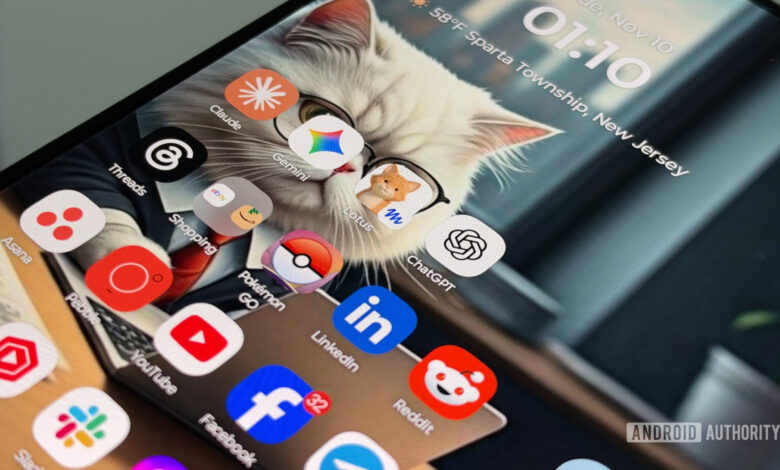
For a while, I was hesitant to embrace artificial intelligence in my everyday activities. The AI tools available on my smartphone seemed ineffective, and I found them unsatisfactory. However, larger language models like ChatGPT and Claude gave me hope, though I doubted their accessibility for casual users.
Recently, my perspective has shifted. Having increased my use of Codex, I’ve begun exploring chat agents that aim to simplify AI interaction for those not deeply versed in cutting-edge technology. These newer agents are user-friendly, visually appealing, and more engaging in their assistance.
Having tried both Meta Muse and ChatGPT Dots, I’ve chosen to stick with Meta Muse for now. Here’s why.
What I Appreciate About Meta Muse
Starting with Meta Muse is a breeze. If you already have a Meta account from platforms like Facebook or Instagram, you can jump right in. The familiar interface makes it feel like just another chat on Messenger, and customizing my avatar was straightforward—I simply told Muse I wanted an orange cat, and that was that.
Currently, Meta Muse is free to use, although there are paid options if you exceed certain limits. Personally, I’ve never used more than half of my weekly allowance, which seems adequate for casual users. Although future changes could introduce fees, I appreciate not having to add yet another subscription to my budget.
Muse operates like a personalized assistant, proactively handling tasks with minimal input from me. I’ve set it to find great deals on retro tech from eBay while also checking my emails for missed communications—a task it handles surprisingly well, identifying important messages I would have otherwise overlooked.
My increased spending on eBay, thanks to Muse’s suggestions, indicates its effectiveness. I can specify how I want to search eBay, sorting listings by new arrivals set to a Buy It Now price. The assistant’s scanning frequency is adjustable, so I’m not overwhelmed with notifications.
On a recent trip planning venture to Florida, Muse helped me identify budget-friendly hotels and suggested convenient stops along the way. Although I’m not ready to let it finalize bookings, it directed me to hotel reservation pages seamlessly. Muse encapsulates the idea of generative AI in a user-friendly format.
Equally beneficial are the Feed and Idea sections. Once it gets to know me, I can scroll through prompts and reminders, complete with visuals and links to my calendar. This functionality serves as a neat recap of what I’ve achieved and what’s ahead. The Ideas section empowers Muse to propose actionable tasks.
What I Enjoy About ChatGPT Dots
When comparing Muse and ChatGPT Dots, the first notable difference is pricing. Muse offers a lot for free, while using Dots requires a ChatGPT Pro account, which starts at $100 monthly. This price disparity significantly influences my perspective on both tools.
Despite this, I find Dots impressive. Although it doesn’t feel as standalone as Muse, it excels in versatility and maintains key integration with the ChatGPT app. My Dot is just as effective in managing eBay searches and sifting through emails as Muse. I also queried it about my upcoming road trip, and while the results differed slightly from Muse’s recommendations, it still provided viable options.
Although my ChatGPT Dot excels at handling fundamental tasks, it truly shines for users who are deeply engaged and leverage its full potential. Unlike Muse’s direct interface, Dots can also be integrated with various messaging platforms, offering more communication flexibility.
Diving deeper into functionality, my Dot can connect with ongoing projects, making it invaluable for managing multiple responsibilities simultaneously, such as reviving vintage technology projects. It has even suggested useful resources based on my interests, bringing tangible benefits to my workflow.
Which to Choose?
For dedicated ChatGPT users on a Pro plan, Dots are worth exploring, as they offer a robust experience that will likely expand in functionality. However, I find myself inclined toward Muse for most users. Its approachable design makes it easy and enjoyable to use, especially since it’s currently free—an appealing aspect for newcomers to AI tools.
Muse allows individuals to experiment without the pressure of financial commitment, paving the way for the integration of AI into daily routines. This shift into natural-language interaction represents significant progress for consumer-oriented AI solutions.