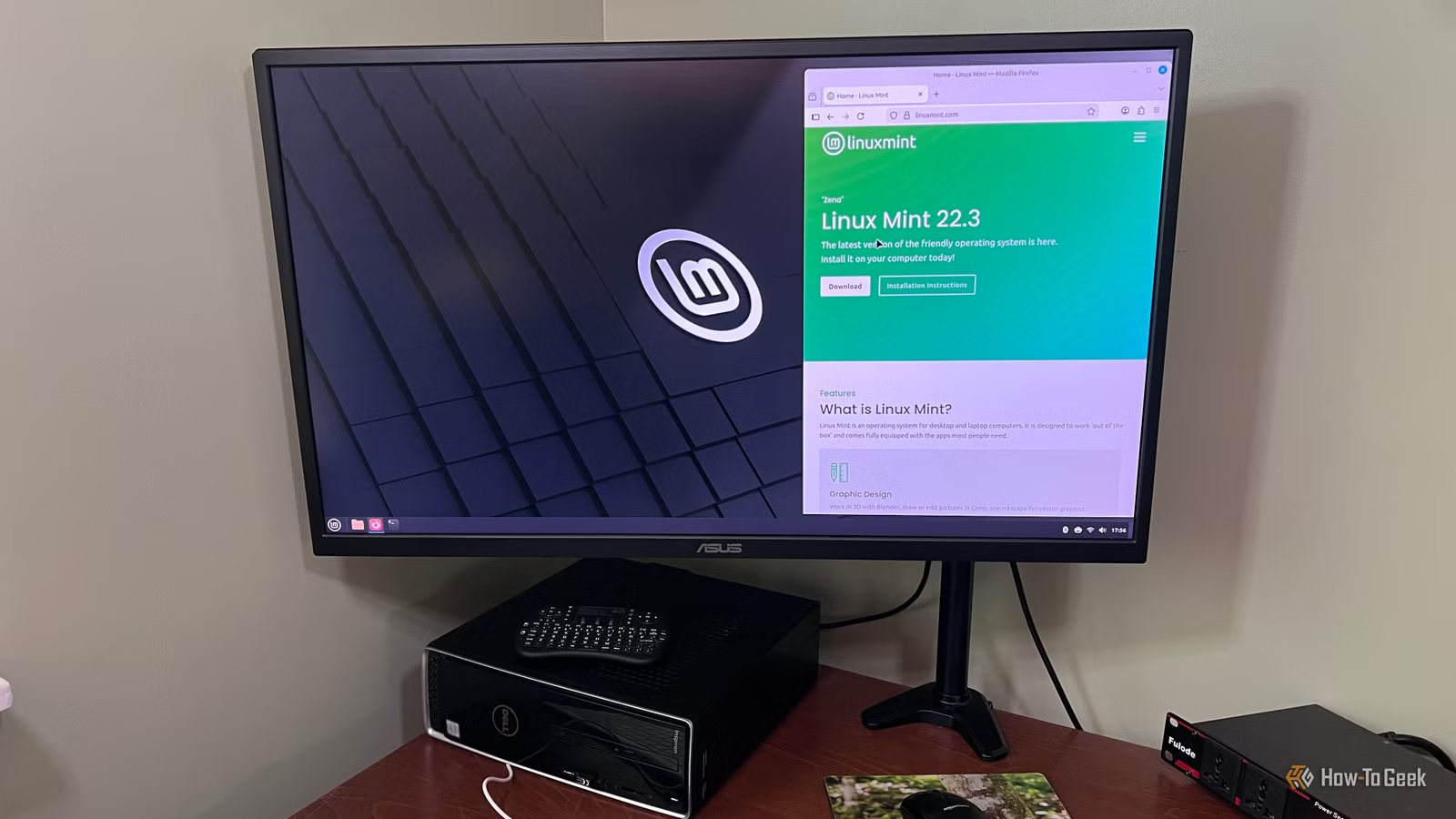
Linux Mint is often praised as a user-friendly Linux distribution and is frequently recommended for those transitioning from Windows. I too believed it would facilitate my transition, and after installing it on my Lenovo IdeaPad Y70, I felt confident about making the switch. However, the subsequent year was filled with frustration and regret regarding that decision. I wish that more individuals would share the realities of moving from Windows to Linux.
Older Laptops Face Significant Challenges with Linux Mint
Older Hardware Can Cause Numerous Issues
Having installed Linux Mint on my Lenovo IdeaPad Y70, I quickly realized that it did not play well with my machine. Many laptops face compatibility issues with Mint, including my own. My first major encounter was when Mint inexplicably disabled wireless connectivity, rendering both Wi-Fi and Bluetooth unusable, despite appearing functional at first.
One of the challenges with Linux is that when problems arise, there are often no on-screen guides to resolve them, forcing you to sift through online forums. The main issue stems from the fact that many older laptops were designed for Windows, and Mint’s generic drivers can struggle with the hardware specifications. You might face dropped connections when using Wi-Fi and Bluetooth simultaneously, or your device might fail to wake from sleep.
Achieving stable performance typically necessitates installing drivers from external sources or adjusting startup configurations. While experienced Linux users may find this manageable, novices may not even consider such solutions.
My laptop’s troubles began when Mint defaulted to a free open-source driver for NVIDIA graphics cards. Although it functions, it limits performance, causing games to run at a reduced speed. To rectify this, users can switch to NVIDIA’s official driver through Driver Manager; however, this leads to complications with updates.
Each time Mint updates its core system, the NVIDIA driver must be recompacted to remain compatible. With older cards, this update process can fail, leading to scenarios where users are left with a black screen after routine updates—exactly what happened to me after nearly a year of use. While I could rebuild the driver, I had never faced such issues until installing Mint.
Creative Software and Games Perform Poorly on Mint
Creative Programs and Games May Prove Problematic
For those relying on creative software, switching to Linux Mint may not be the best choice. Popular applications like iClone, Character Creator, and Cartoon Animator are simply unavailable for Linux. Running a virtual machine doesn’t provide a solution either, as virtualized graphics typically can’t utilize real GPU acceleration, leading to a subpar experience.
While Steam’s Proton enables many Windows games to run on Linux, the default Cinnamon desktop environment does not optimize gaming performance. Mint’s older display system, combined with its compositor, can hinder smooth gameplay significantly. This difference may be negligible for turn-based games, but competitive genres like first-person shooters could reveal noticeable lag.
This discrepancy is rarely discussed by Linux advocates; while gaming and creative applications can run on Mint, performance and usability are generally less satisfactory than on Windows or macOS.
Getting New Devices to Work Can Be Risky
Using gaming peripherals on Linux Mint can be frustrating, and many new users discover this the hard way. High-quality devices from brands like Logitech, Razer, or Corsair typically require drivers that are not developed for Linux environments. While basic functions may work, advanced features often remain inaccessible.
For example, you might be unable to reconfigure button assignments, adjust sensitivity settings, or customize lighting. Attempts to use Windows installers via platforms like WINE usually fall flat, as they depend on drivers and services exclusive to Windows.
This leads users to rely on community-built tools such as Piper or OpenRGB, which can be unpredictable and, in some cases, may even damage your hardware.
This problem extends to various newly released devices. For instance, many streaming microphones rely on dedicated software for their advertised features. While basic recording capabilities function well, advanced options often necessitate extensive DIY solutions using PipeWire and other open-source plug-ins.
Resolving Issues Can Be Overly Complicated
Problem-Solving Is Often a Solo Endeavor
The most frustrating aspect of using Linux Mint is that when problems arise, users are usually left to troubleshoot on their own. More often than not, the issue is rooted in the operating system rather than the individual applications—leading to a lack of straightforward solutions.
While Windows and macOS users can easily seek assistance from support services or visit a store, Mint users are left to comb through various online resources, including forums and social media, to identify similar problems that others have faced.
Simple troubleshooting can quickly evolve into lengthy investigations that consume a considerable amount of time. Furthermore, solutions often involve complicated command-line actions instead of easy settings adjustments.
This leads me to caution others against blindly accepting the hype surrounding Linux Mint; the reality often requires significantly more effort. Although there are compelling reasons to explore Linux Mint, I ultimately determined that it wasn’t worth the significant effort required.
Linux Is Not Always the Ideal Choice
While Linux Mint is not inherently flawed and serves many users well, the disparity between its marketing and the actual experience—especially when it comes to hardware compatibility and various applications—can be vast. It’s crucial not to make a snap decision without thoroughly considering the implications of switching operating systems.