5 Overlooked Apps Draining Your RAM on Windows 11: Time to Reclaim Your Memory!

Windows 11 has garnered mixed reviews, particularly concerning its built-in applications. The operating system has been overloaded with various features, leading to a perception of being cumbersome.
A significant issue arises when certain applications run unnoticed in the background, consuming valuable RAM. Some apps can devour hundreds of megabytes, cumulatively affecting the memory available for essential processes. Here are some applications that might be worth removing.
MSN Weather: A Resource-Heavy App
Excessive RAM Usage
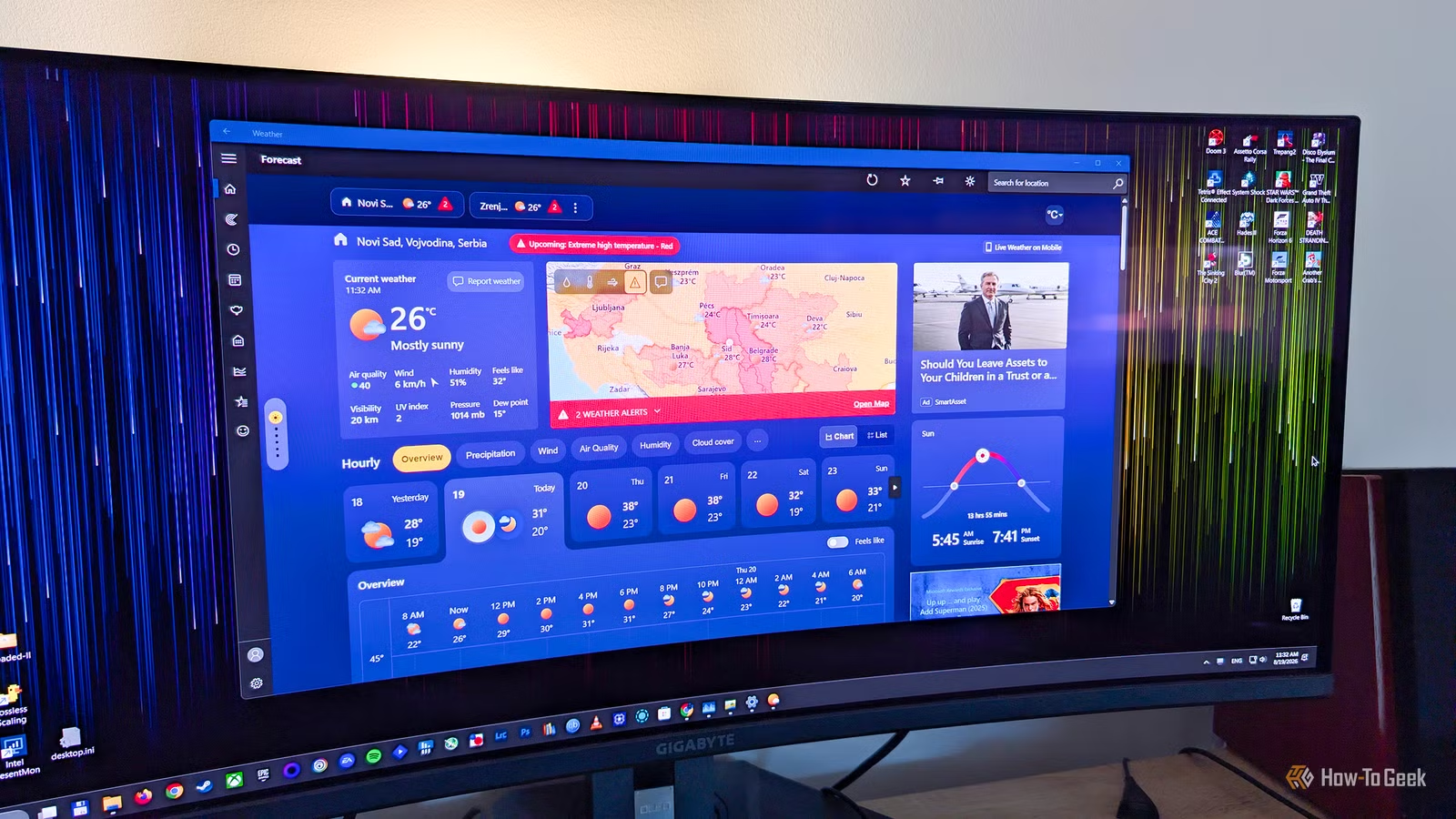
Checking the weather should arguably require minimal memory—certainly not more than a few hundred megabytes. However, users have reported that the MSN Weather app can consume over 1GB of RAM just moments after being launched.
This is particularly problematic if you leave the app open throughout the day, as it continues to consume substantial RAM while you check forecasts. The memory usage is vastly disproportionate to its primary function.
The bloated RAM consumption can partially be attributed to MSN Weather being a WebView2-hosted application, essentially running a mini web browser inside itself.
Widgets Board: A Web Resource Hog
The Widgets Board on the taskbar can be accessed easily, either through its icon or by pressing Windows+W. Upon initiation, it floods the screen with news, sports updates, stock prices, weather reports, and other information.
While it can be an attractive feature, the Widgets Board can use up several hundred megabytes of RAM, depending on the displayed content and your system specifications. While some users may find value in it, others who rarely use it may want to consider disabling it.
Outlook: An Overly Heavy Email Client
Email Shouldn’t Consume So Much RAM
Outlook is primarily marketed as a simple email application. Given that traditional email clients operated efficiently with under 100MB of RAM, one would expect Outlook to be lightweight. Unfortunately, this expectation is misleading.
As another WebView2 application, Outlook is poorly optimized for memory usage. It often acts similarly to having multiple browser tabs open. Additionally, the app can remain active in the background for notifications, eating up hundreds of megabytes of RAM.
Microsoft Edge: The Stubborn Browser
A Browser That Likes to Linger
Microsoft Edge is notorious for its persistence, reappearing even after you’ve opted not to use it. Beyond its annoying prompts, Edge continuesto run in the background after being closed, consuming notable amounts of RAM.
This behavior stems from a feature called Startup Boost, which aims to make Edge launch faster. While this might be convenient for frequent users, those who prefer not to have it running in the background can easily disable this feature.
OneDrive: A Memory-Draining Sync Tool
Constantly Consuming Resources
OneDrive, Microsoft’s cloud storage and file synchronization tool, is notorious for using large amounts of RAM. Some users have reported issues with memory leaks, causing it to consume gigabytes of memory without clear reasons.
If you do not utilize OneDrive, it is advisable to uninstall it as it tends to run persistently even without active use, consuming system resources.
Understanding RAM Consumption
While applications naturally require RAM to function, some processes waste this valuable resource. If your device has limited RAM capacity—like 8GB—every megabyte matters. Consider removing any default Windows applications that you do not frequently utilize.