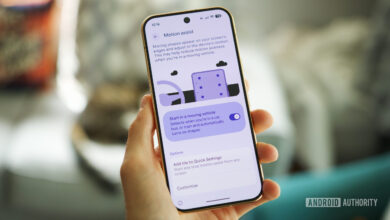
Transform Your Google Messages Inbox: Discover This Hidden Setting for a Clutter-Free Experience!

Google Messages serves as the primary messaging application for Android devices, continually enhancing its features over time. It also functions as the main platform for receiving One Time Passwords (OTPs) necessary for login or parcel delivery confirmations, which can lead to a cluttered inbox. Aside from simply pressing the “Mark as read” option in the notification or overlooking the OTP as I’ve already seen it on my smartwatch, I’ve rarely taken the initiative to delete these messages myself!
Recognizing this issue, Google took action in 2021 by implementing a feature that automatically removes OTPs after a 24-hour period. Users should have received a notification within the app to activate this feature, but it’s possible that it was overlooked. If your Google Messages app is overflowing with OTPs, here’s how you can easily verify if this function is activated.