The firm discontinued its integration with Microsoft OneDrive in September.
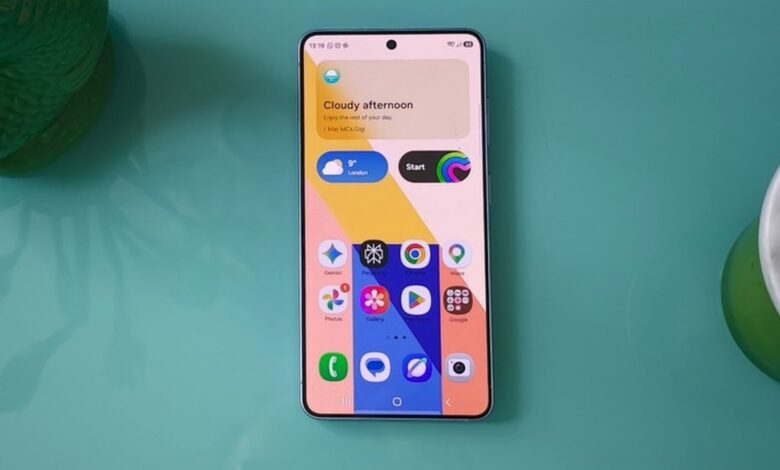
If you have ever used a Samsung smartphone, you’ve probably been prompted to back up your media to OneDrive at some point. However, in September, Samsung removed the Gallery app’s ability to sync with Microsoft OneDrive. It seems they were preparing a different collaboration, as the company recently announced that the Gallery app can now sync with Google accounts.
Previously, if you wanted to save your photos and videos to Google storage on a Samsung device, you needed to use Google Photos, either exclusively or as an additional option alongside the native Gallery app. With this new update, users can now use Samsung’s Gallery app for this purpose. Currently, this functionality is available on select Galaxy devices equipped with One UI 9, Samsung’s latest version of its customized Android interface. The company plans to expand availability to more devices over time. To activate this feature, simply click on the Cloud icon in the Gallery or navigate to Gallery Settings and enable Sync photos and videos.

Samsung
Through this new feature, media files can sync to your Google account, making them accessible in the Gallery app on another Samsung Galaxy device. Just sign into the same account on the second device and enable sync, allowing you to view previews of your synced photos and videos there. For the original files, you simply need to select and download them. Alternatively, if you prefer to free up space on your phone or tablet after syncing, Samsung has introduced a Free up space option within the Sync photos and videos settings. This functionality deletes the original files from your device while maintaining visible thumbnails in the Gallery app.
It’s essential to keep in mind that using Gallery sync will consume storage from your Google account. default, each Google account provides 5GB of free storage, which you can increase to 15GB by verifying a valid phone number. If you require more space, since this storage is shared across Google services, you’ll need to subscribe to Google One, which offers 100GB for $2 per month or 200GB for $3 per month.