A Network Attached Storage (NAS) device provides an affordable and efficient method for backing up important data. Though these devices are generally reliable, hard disk drives (HDDs) and solid-state drives (SSDs) will eventually fail. Thus, it is wise to develop a backup strategy before data loss occurs. Here are several cost-effective options for ensuring your NAS is backed up.
Utilize Cloud Storage for Off-Site NAS Backups
Let the Cloud Manage Your Backups
Initially, the concept of cloud storage for backups may seem contradictory to those who invested in a NAS to avoid subscription fees. However, cloud storage is among the most dependable long-term data storage solutions. Providers have built-in redundancies that greatly reduce the risk of data loss from hardware failures—something that is difficult to replicate on individual systems.
There are many alternatives for cloud storage beyond simply uploading files to a free tier on platforms like Google Drive. Cloud object storage is a budget-friendly option for large data volumes. Services such as Backblaze B2 and Wasabi offer rates under $10 per terabyte, making them great choices for storing critical data securely.
For even lower costs, cold cloud storage can be utilized—though accessing the data may involve waiting hours and incurring retrieval fees. Since the data is already on your NAS and backups are only needed in case of drive failure, this could be a viable option.
Convert an External USB Drive into a Backup Solution
Simple Yet Effective
If your NAS drive slots are filled and you want a straightforward method for adding external backups, you can use the USB port on your NAS. Options range from USB flash drives to SSDs, but traditional hard drives are typically the most economical choice for large backup needs.
After connecting an external hard drive to your NAS, configure an automatic backup schedule for essential files through your NAS software or an application like Duplicati. This process is more dependable than manually transferring files sporadically. Unplugging the drive after backups can add an extra layer of security against potential malware—just be sure to remember to plug it back in.
Create a Low-Cost Cold Storage Backup with Used Drives
Avoid Costly Enclosures
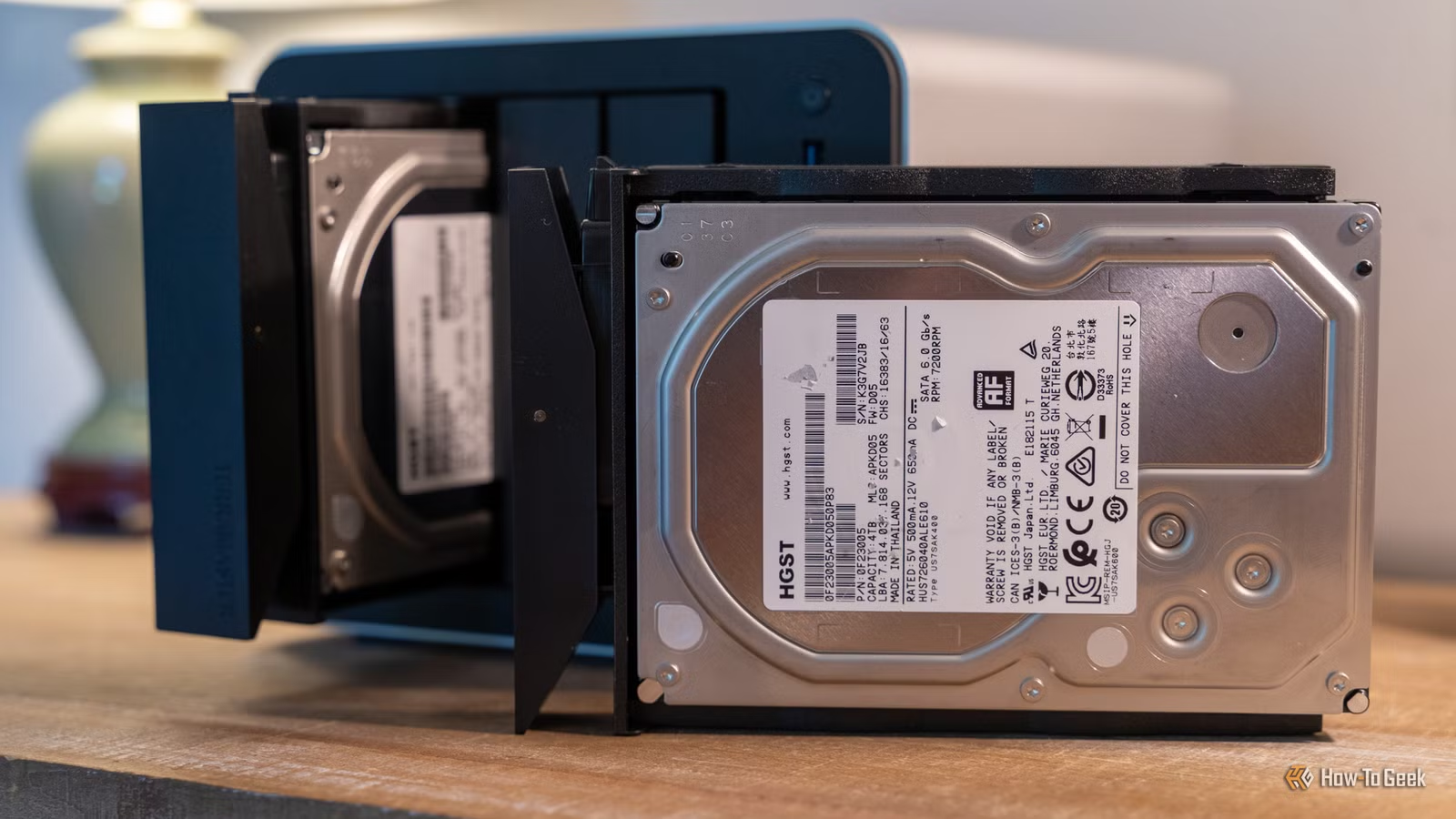
If you prefer using external USB drives but only have SATA drives on hand, you can easily assemble your own external backup solution with a simple adapter. An affordable SATA-to-USB-C adapter or a basic HDD enclosure can enable you to use existing drives for backups.
This setup allows you to swap, replace, and repurpose drives conveniently. For older drives, it’s wise to check their SMART status beforehand to ensure they are suitable for backup purposes.
Build or Buy a Budget-Friendly Backup NAS
A Secondary NAS Solution
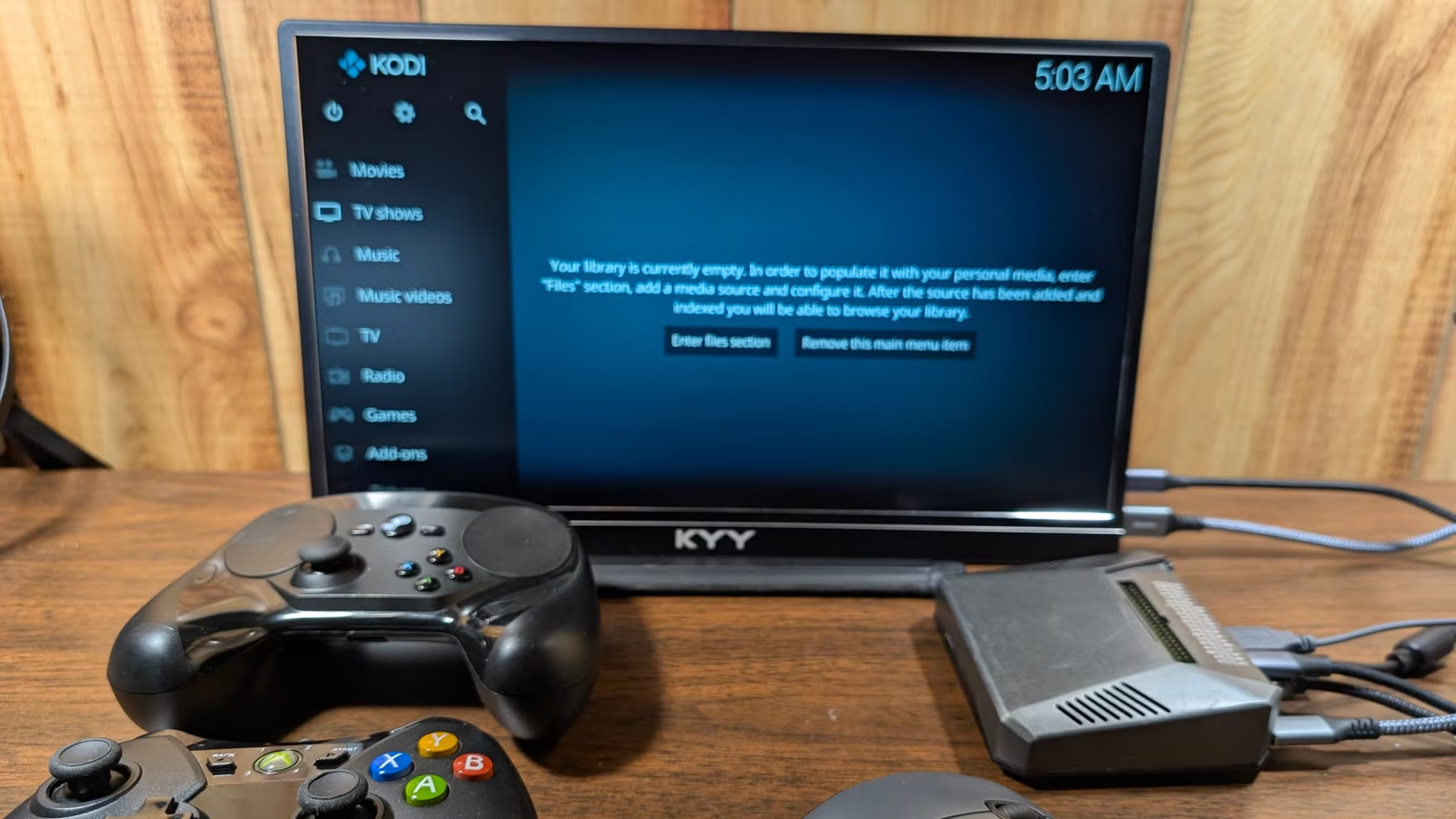
Setting up an additional NAS dedicated to backing up your primary NAS may seem redundant, but it’s an effective strategy for data preservation—especially with RAID configurations. The secondary NAS does not need to replicate the specifications of your main unit; you could opt for a budget NAS enclosure or recycle an old computer, laptop, or Raspberry Pi for this purpose.
When configuring your backup NAS, ensure to implement scheduled versioning or snapshots. This way, older versions of files are retained, so if something is accidentally deleted from your primary NAS, it won’t automatically disappear from the backup as well.
Back Up Important Data on Your PCs
Convenience at Your Fingertips
While many use a NAS for PC backups, it can also work the other way around. Instead of solely relying on your NAS, consider using your PCs as additional backup destinations for vital documents and photos.
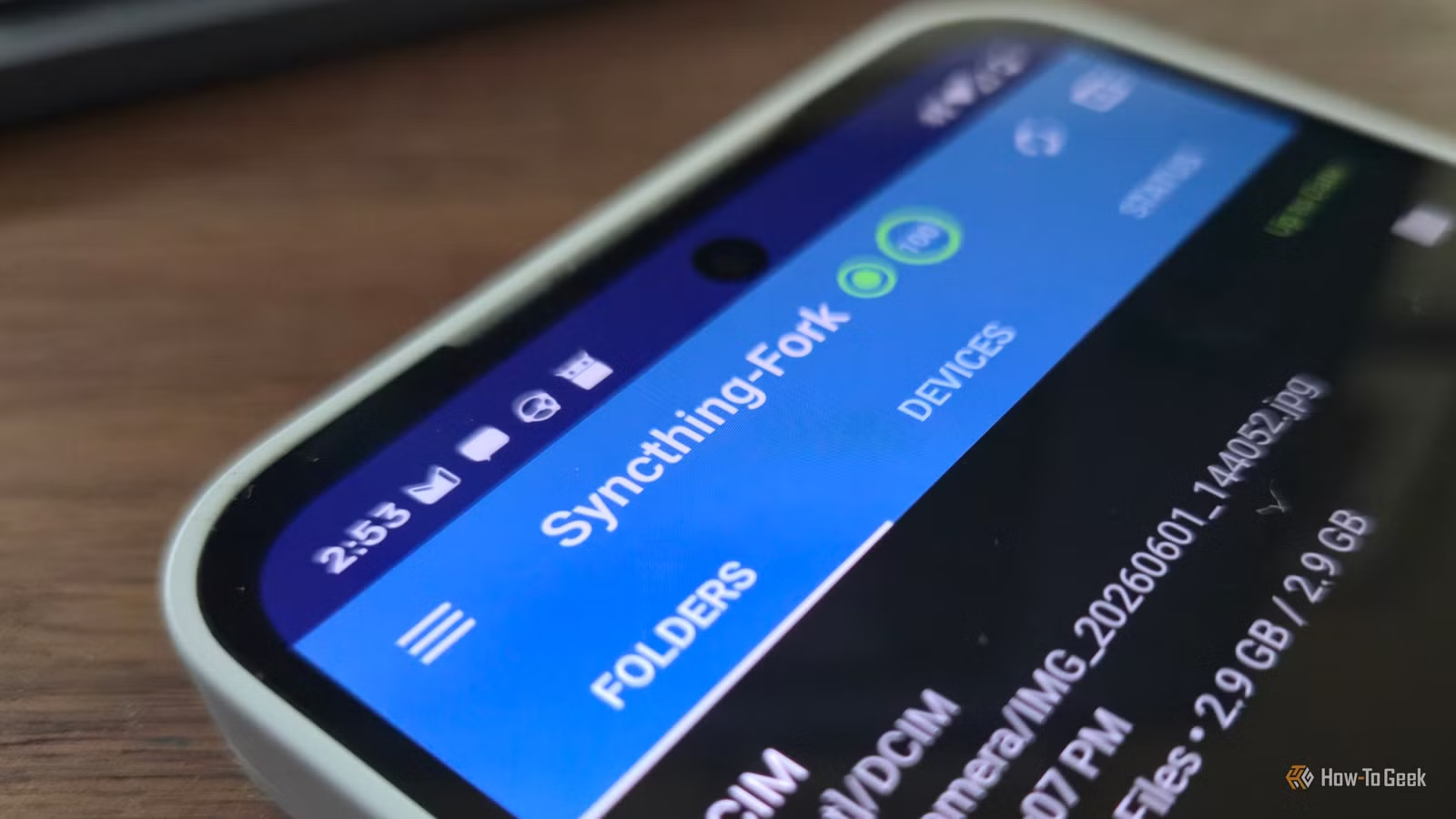
Using synchronization tools like Syncthing with File Versioning can enable seamless sharing of important folders between your devices. In the event of a failure on one machine, copies still exist on the others, potentially making your backups more secure, especially if one device is only occasionally powered on.
Your NAS Should Not Be Your Sole Backup
The key message here is to never consider your NAS the only backup solution. Hardware can fail unexpectedly, and it’s critical to have multiple copies of important data across various devices and locations. For irreplaceable data, investing in a cloud backup service is a prudent choice.