My Galaxy Phone Distorted My Photos with Unwanted AI: Why I Transitioned to a FOSS Camera App

Are our smartphone cameras capturing reality accurately, or are they enhancing images in ways that alter our perception? In today’s world of computational photography, boosted by advanced AI technology, it’s possible to transform a basic photo into something entirely different. This feels akin to applying a filter to our memories.
While this isn’t inherently negative, it can cause unease. Different smartphone brands process images in unique ways. For instance, the output from a Pixel Phone, an iPhone, and a Samsung Galaxy can all depict the same scene but with distinct styles. This variance arises from both the camera hardware and the proprietary algorithms at play.
Disagreements Between My Camera and Me
Embracing the Raw Look
Consider the incident where Samsung phones were found to enhance moon photos. The phones employed AI to interpret the image, generating a depiction of the moon that exceeded the camera’s native capabilities. It was a fascinating showcase of AI’s potential, allowing users to capture images their cameras could not genuinely represent.
However, Samsung isn’t alone in this. Many other brands have faced similar scrutiny, with users tricking their phones into thinking they were capturing the moon when they were actually pointing at something else. There’s no question that the AI-enhanced images are visually stunning, but one must consider whether that’s the desired outcome. Some may prefer an accurate reflection of what was seen, similar to how my parents have altered family photographs using AI, which sometimes results in altered features and unfamiliar yet striking likenesses.
In short, there are times when I wish for the option to view things as the camera truly perceives them, rather than through the lens of AI interpretation.
Discovering Samsung’s Options for Control
Your Camera, Your Control
To Samsung’s credit, there are options to limit excessive processing. Users can deactivate the Scene Optimizer, a feature responsible for many of the AI-enhanced features. Reducing “Quality Optimization” to the lowest level is also possible, though not completely disabling it.
Other features like Auto HDR and “Picture Softening” can be adjusted. When these settings are personalized correctly, one experiences closer representation of the actual captured image. For a more hands-on approach, switching to “Pro mode” offers greater control, especially beneficial for extreme close-ups, as the automatic mode struggles with small subjects.
Exploring Alternative Options with Open Camera
A Fresh Perspective
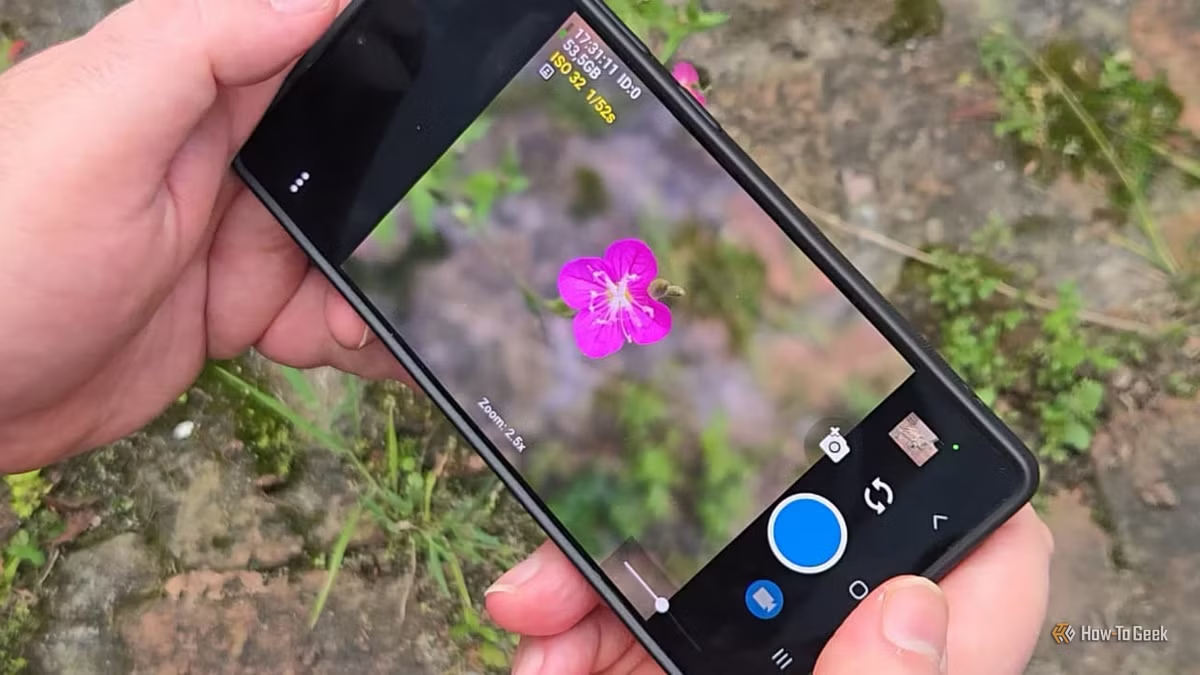
This brings us to Open Camera, a widely downloaded open-source application available for Android devices. This app allows users to dive deeper into the camera’s capabilities, avoiding excessive limitations typically found in built-in apps.
While Open Camera retains some processing—like face and edge detection algorithms—it grants users significant autonomy over settings. Unlike mainstream alternatives that heavily rely on AI algorithms, this app offers customizable options, allowing for a more authentic photographic experience.
Achieving the Desired Results with Open Camera
From Capture to Creation
One of the primary reasons I favor Open Camera over the Samsung default app is its superior control over focus settings, particularly for close-up photography, where accuracy is crucial. While the images might not have the same polish as those processed through Samsung’s system, they maintain a more genuine quality that complements further editing in applications like Snapseed without layering additional processing.
Balancing Both Worlds
I appreciate Samsung’s approach to photo processing and don’t wish to abandon their app; as long as users understand what they are receiving. For quick photos to share instantly with family or friends, I still rely on the Samsung app. However, for those moments when I want to invest time in editing and perfecting an image, Open Camera is often my go-to choice.