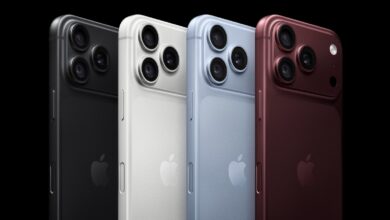
Dual Devices, Single Number: Understanding iPhone Handoff and Carrier Compatibility

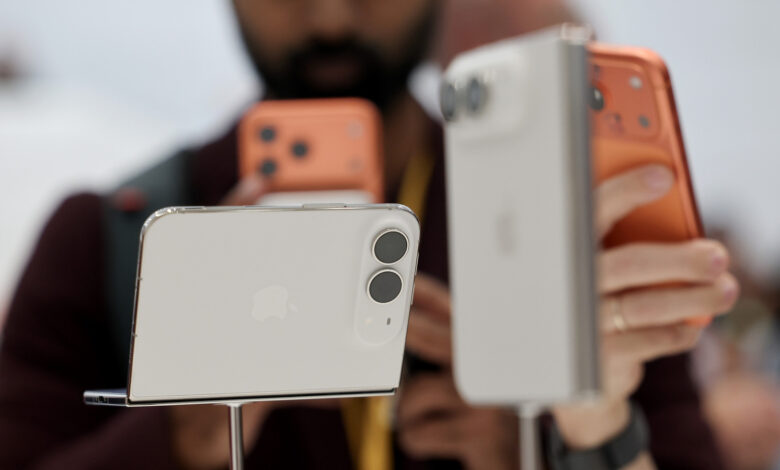
A new feature for those who frequently alternate between two iPhones is here to simplify your experience.
With the introduction of the new iOS 27 feature called iPhone Handoff, users can now operate two iPhones with a single carrier account.
This feature was briefly mentioned during WWDC and elaborated on during Apple’s Surprise and Shine event on September 9. Handoff allows seamless use of the same phone number across both devices, making the transition effortless once configured. You simply unlock the iPhone you wish to use and continue as normal.
Handoff enables you to handle calls and messages from either phone, share payment cards, and smoothly interact with various apps and iCloud. However, there are some restrictions. For instance, your mobile carrier must support iPhone Handoff, and it won’t switch the Apple Watch paired with your devices. Some wallet features, such as IDs and passes, are also not compatible. This article will guide you through setting up and using iPhone Handoff, along with details on carrier support.
Setting Up iPhone Handoff
To set up iPhone Handoff, both devices must be running iOS 27 or higher. They should be on the same Wi-Fi network and logged in to the same Apple Account for iCloud, FaceTime, and iMessage. One phone will act as the primary device, managing eSIM and carrier settings.
Currently, only T-Mobile in the US and Telekom in Germany have confirmed support for this feature, with T-Mobile charging a monthly fee of $5. Here’s how to get it set up on your iPhones:
- Place both iPhones close to each other and unlock one of them.
- Go to Settings > Cellular, and select Set Up Cellular/Add eSIM, or iPhone Handoff if a number is already configured.
- Choose Use Number on This iPhone and Another, tap Continue, and follow the on-screen instructions to designate one device as your primary iPhone.
Keep in mind that if you decide to replace an iPhone, you’ll need to transfer the eSIM to the new device. If you wish to entirely disable Handoff, Apple recommends contacting your carrier.
Utilizing iPhone Handoff
The essence of iPhone Handoff is convenience—it activates simply by picking up and unlocking your iPhone. You will see a notification in your Dynamic Island below the Wi-Fi indicator to confirm that Handoff is active on your device.
While this feature may not appeal to everyone, it provides valuable utility for those transitioning from an older iPhone to a newer model, or for users who want the flexibility of carrying both a more economical device and a premium one. Additionally, it can be beneficial for professionals managing work-life balance with different devices.