Driving with Meta Display Glasses: A Guide to Utilizing the Audio-Only Function

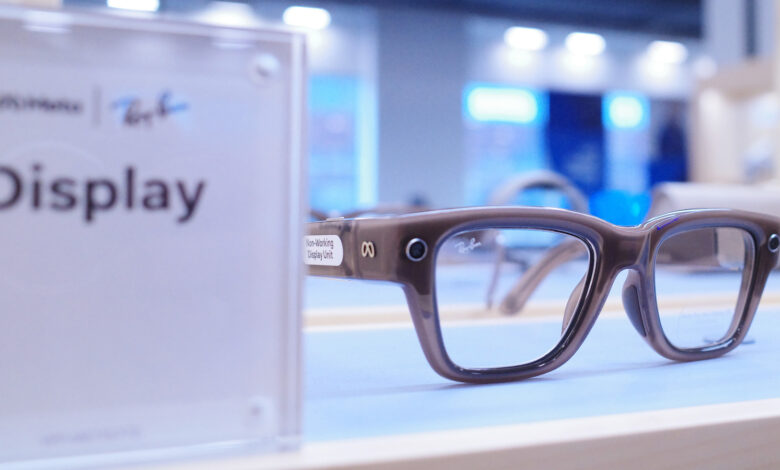
This feature completely disables the visual display.
Smart glasses are becoming an integral part of daily life, helping users check notifications and make calls without needing their phones. This convenience, however, can quickly become distracting while driving, especially if the glasses feature a display. Fortunately, there’s no need to remove your Meta Ray-Ban Display when you hop into your vehicle.
While Meta Display glasses are not specifically designed for providing real-time driving directions, you can still use them safely in your car. By activating the Audio Only mode, the glasses will turn off their display completely, transforming them into regular Meta Ray-Ban AI glasses. You’ll still have hands-free audio for calls and voice commands without visual distractions.
Configuring Driving Detection on Meta Display Glasses

Adjusting these settings is straightforward, and there’s no need to remember to switch modes each time you get in the car. The Meta AI app features a Driving Detection option that automates the process. When activated, the glasses will utilize their internal sensors to recognize when you’re in a moving vehicle and will automatically deactivate the display.
Setting it up is quick. Open the Meta AI app on your smartphone, head to Settings, select your glasses, and tap on Device Settings. From there, enable Audio Only and toggle on Driving Detection. The glasses will take care of the rest. When you arrive at your destination and exit the vehicle, the display will reactivate on its own.
Note that the Meta AI app may require special permissions to enable this feature, as it needs access to your phone’s sensors. You also have the option to switch modes manually by saying, “Hey Meta, turn on/off audio only.”
Meta Glasses are Not Intended for Driving Navigation

If you’re wondering whether you can use Meta for driving directions, the answer is negative. These glasses are designed primarily for pedestrian navigation and lack the necessary features for high-speed travel, such as real-time traffic updates and lane guidance. For driving directions, it’s better to rely on your phone’s GPS or your vehicle’s built-in navigation system.
Besides safety, using Audio Only mode comes with additional advantages. Disabling the display can preserve battery life for more critical functions, and it offers a chance to take a break from screens and the barrage of notifications. For further insights into the Meta Display glasses, you can consult our full review.