
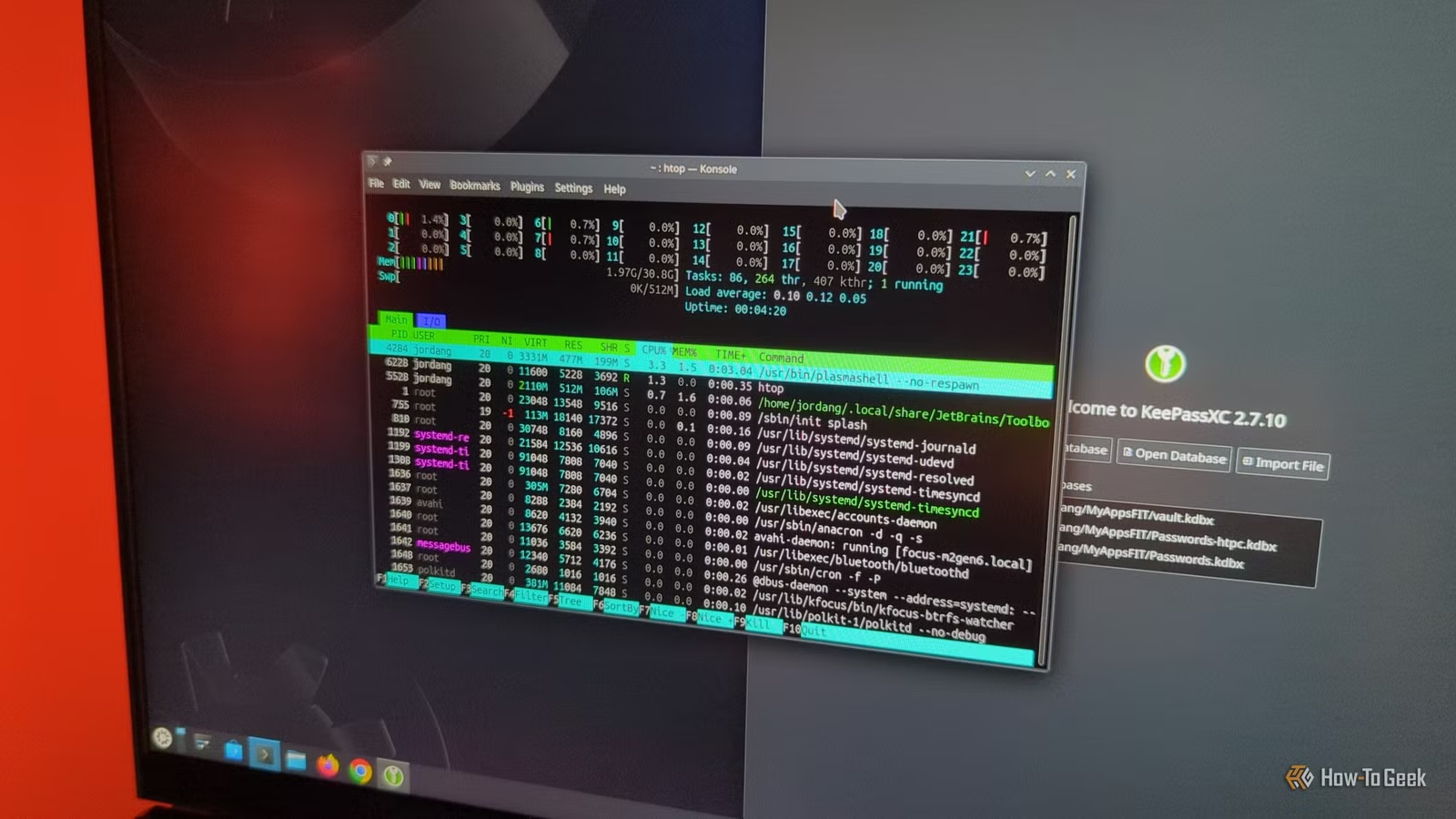
While many users perceive Linux as superior to Windows, the performance can vary significantly depending on the distribution. Various Linux distributions come with varying system requirements, some of which can be quite demanding compared to the latest versions of Windows. Nonetheless, there are lean distributions available that work exceptionally well on both modern computers and older systems.
Tiny Core Linux
A compact distribution with extensive flexibility.
Tiny Core Linux, often referred to as TCL, is a minimalist distribution with a minuscule footprint of just 10MB. The design focuses on maximizing RAM usage for loading necessary applications, offering faster operation by avoiding traditional hard drive or SSD access.
The most basic version requires only 28MB of RAM, making it feasible for use on surprisingly dated hardware, with support starting at Intel 486 processors. TCL is unique among minimal distributions in that it includes a graphical desktop environment, FLWM.
This system operates in three modes: the default “Cloud/Internet” mode runs from the media while loading into RAM; intended for testing, it allows users to download applications, termed “extensions,” which are temporary for the session. In “Mount” mode, apps are saved to a specific location, while “Copy” mode allows some apps to load directly into RAM, which can be beneficial for frequently used programs, albeit at the cost of available memory.
Puppy Linux
A collection of charming distributions
Puppy Linux revolutionized the concept of Live CDs in the 2000s, enabling users to save modifications directly to a CD-RW, effectively creating a remastered version. This eliminated the need for an additional hard drive or USB drive.
Users can select among distributions based on four options: Debian, Ubuntu, Slackware, and Void, with Ubuntu and Slackware versions utilizing Puppy’s unique .pet package format.
Gentoo
A customizable Linux distribution
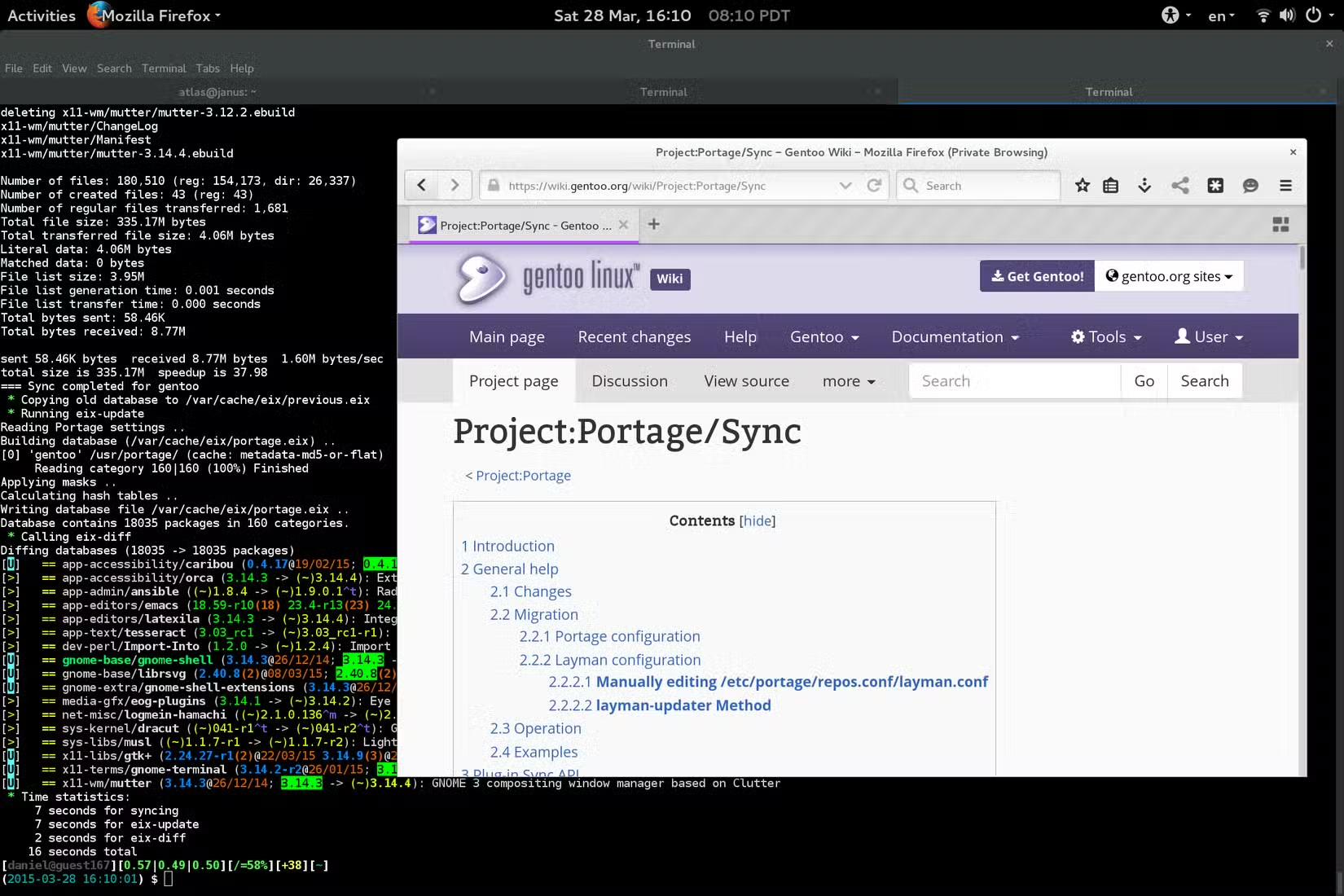
Since its emergence in 2002, Gentoo has gained a loyal following among serious Linux enthusiasts. The name is derived from a fast-swimming penguin species, reinforcing the connection to Linux. Gentoo stands out for distributing all its software in source form, often requiring users to compile from source code, including the kernel, providing an opportunity for customization tailored to specific hardware. Users can utilize “USE flags” to fine-tune performance, though this might impact reliability.
Though compiling software may be lengthy, binary package installation is also an option for larger applications, offering flexibility in the setup process.
Arch Linux
An excellent choice for performance enthusiasts

Arch Linux has emerged as a serious competitor for customization enthusiasts, coining the phrase “I run Arch btw” to signal advanced Linux knowledge. Unlike Gentoo, Arch requires no compiling as programs are available in binary form.
Installation begins in a console environment, demanding command line familiarity, but Arch compensates with comprehensive documentation available in the Arch Wiki, which serves as a valuable resource even for users of other distributions.
Debian
A stable distribution enhanced with a lighter desktop
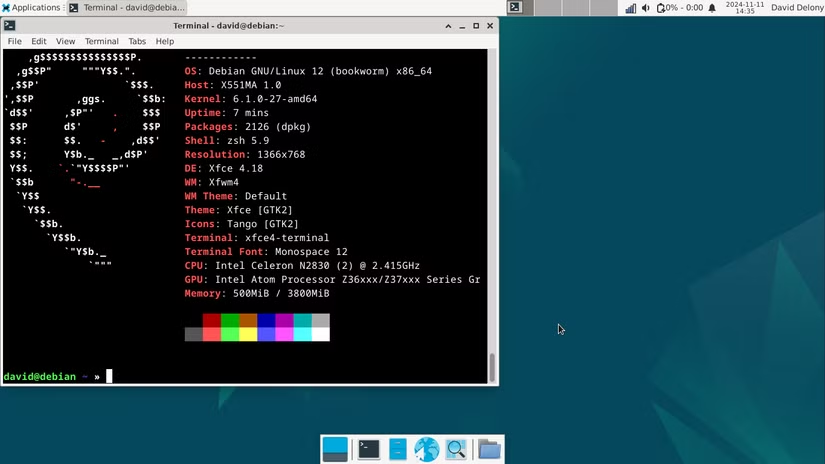
Debian, a well-established and mainstream Linux distribution since 1993, is appreciated for its conservative stable version, while also offering “testing” and “unstable” alternatives. The default environment is GNOME, which may not be the lightest option, but alternative lightweight desktop environments like Xfce can be easily installed through APT. The simplistic install command is:
sudo apt install xfce4Users can switch environments at the login menu.
Linux: The operating system that optimizes performance
Linux stands out for its superior performance on servers and desktop environments. The right distribution can significantly enhance user experience, ensuring that high-performance machines run efficiently while older machines remain usable, avoiding the scrap heap.




