“What does the ‘C’ stand for?
USB has gained a reputation as a universal connector, yet it comes in a bewildering range of shapes and colors. You may find yourself at a store or browsing online, puzzled by the various options and unsure which one meets your needs.
Recently, many devices have started adopting a standardized choice: USB Type-C. This connector has a unified shape, lacks color coding, and is designed to work seamlessly with any USB Type-C device. However, the question remains: what does the “C” really signify? Surprisingly, the answer is more straightforward than one might expect.
What the ‘C’ Does Not Stand For
A quick search online about the meaning of the ‘C’ will lead you to various theories, but these are largely misconceptions that can be easily clarified.
Many online explanations frequently suggest three main interpretations: some believe the ‘C’ stands for “connectivity,” as the connector works with a diverse array of devices. Others think it means “charging,” since that’s a common function. A third group contends that it refers to the rounded design of the plug. However, all of these interpretations are incorrect—the “C” simply designates the connector and does not stand for any specific word.
The misunderstandings extend beyond just the name. There are various assumptions about USB-C capabilities, such as the notion that it guarantees fast charging or is synonymous with Thunderbolt technology. In reality, not all USB-C ports have the same features, as the performance will vary based on the specific device and cable used, making USB-C a connector with no assurance of high speeds.
A Brief History: From Type-A and Type-B to Type-C

The true reason behind the ‘C’ is relatively mundane: USB Type-C simply follows the earlier Type-A and Type-B connectors.
Introduced in January 1996, USB 1.0 initially featured only these two types, designed to be non-interchangeable. Type-A, the flat rectangular connector, plugged into the host, while Type-B, characterized by a chunky square shape, connected to devices like printers. This design reinforced a one-way communication model, where the host supplied power and controlled the interaction, while the peripheral merely responded. Differentiating shapes prevented incorrect connections.
As technology evolved, so did USB connectors. USB 2.0 in 2000 introduced mini connectors and later, micro connectors to meet the needs of thinner gadgets. Color coding emerged to distinguish between versions—black for USB 2.0, blue for USB 3.0, and others for power supply features. Unfortunately, these conventions weren’t always adhered to, leading to confusion. Most devices still featured B-type connectors on the device end, paired with Type-A on the other end.
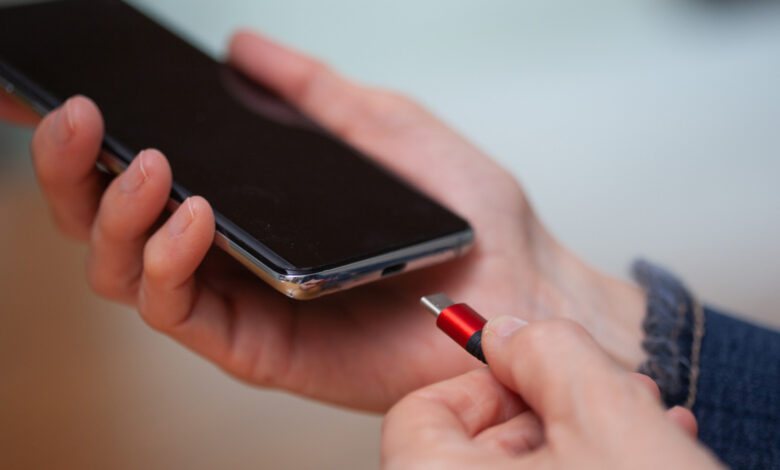
Finalized in August 2014, USB Type-C addressed numerous issues users had with previous connectors. It’s sleek and reversible, eliminating the hassle of figuring out the correct orientation for plugging it in. Additionally, it combined the functions of the host and device into a single, uniform connector, reducing the need for color coding. The two connector ends communicate directly to negotiate data and power transfer, and with newer cables, even higher speeds can be achieved, as USB4 Version 2.0 now supports up to 80Gbps using the same Type-C connector.
Lessons Learned and Hopes for a USB Type-D
USB Type-C has been well-received by both consumers and technology companies due to its speed, compact size, and flexibility. The reversible design gained initial accolades, but it isn’t without flaws. The connector includes a fragile plastic tab that holds the pins, which can bend or break, rendering the port ineffective. Furthermore, inserting the connector can still be a bit tricky.
Currently, there are no definitive plans for a Type-D connector. However, if a new design were to be proposed, it could possibly feature a ball-shaped plug that connects magnetically to its socket.