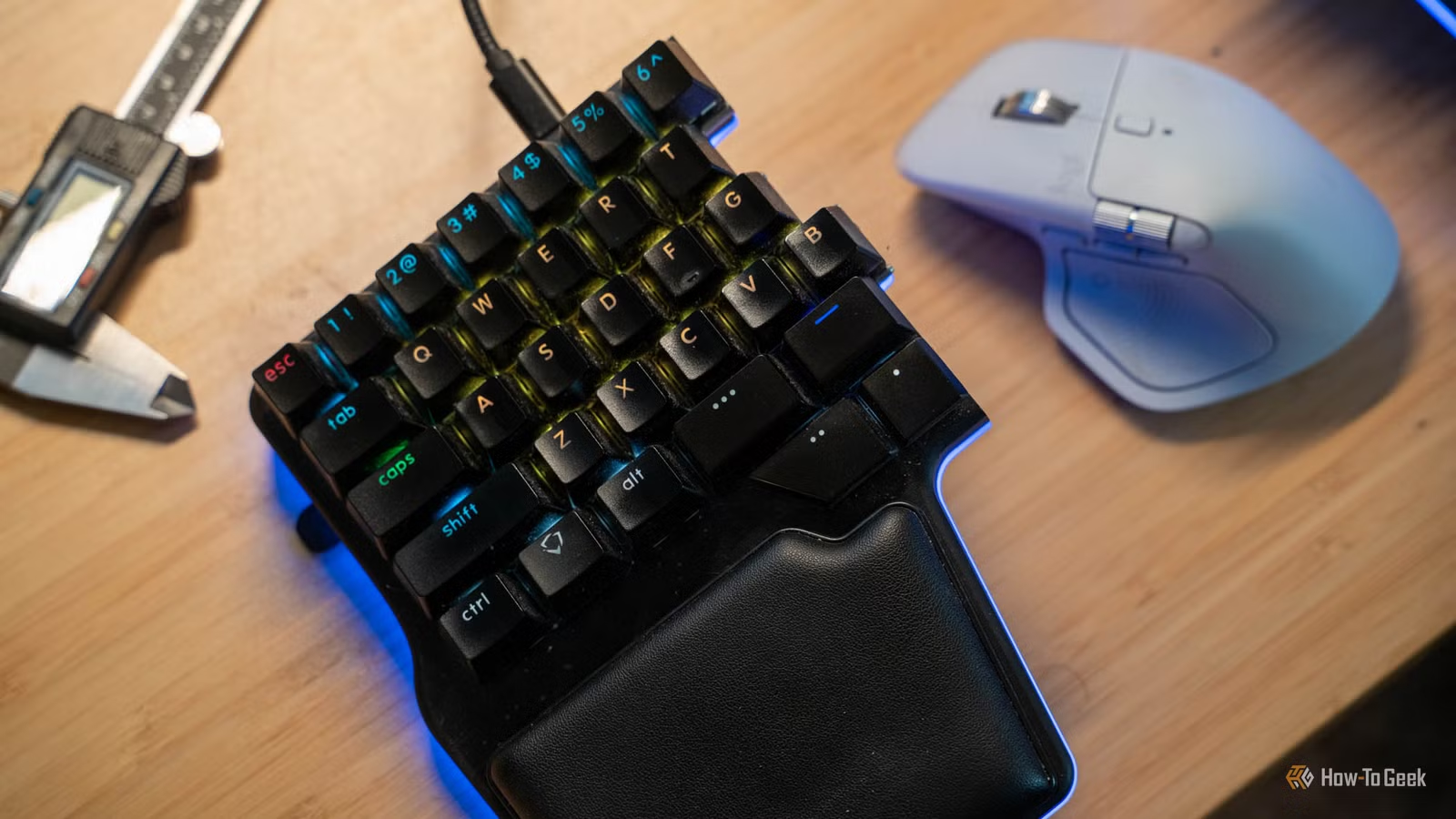
My keyboard lacks a Delete key, along with F1-F12, Home, End, and even the tilde key; yet I type thousands of words daily without any issues. This is because my keyboard features layers: by holding down one thumb key, the entire layout transforms completely. Once I discovered how to integrate layers into my workflow, traditional keyboards began to feel inadequate.
I Prefer Compact Keyboards
60% Keyboards Are Ideal
Years ago, I used full-sized keyboards for writing. After switching to a smaller version, I found much greater satisfaction.
Previously, I favored keyboards like the Das Keyboard, which was my go-to until I transitioned to the Dygma Raise, now upgraded to the Raise 2. Most people are accustomed to standard full-size keyboards, complete with a number row and a separate keypad, but now that seems overly cumbersome to me.
The Dygma is a 60% split ergonomic keyboard, taking far less space than traditional models. Despite its size, it has a few limitations, yet these do not significantly impact my experience. That’s where keyboard layering comes into play.
Compact Keyboards Lack Essential Keys
Missing Delete Key

The Dygma Raise 2 that I use daily lacks a function row, a numeric keypad, and essential keys like Delete, Home, and End. However, I find I rarely used those keys anyway.
With the Dygma, I create layers. The primary layer resembles a traditional keyboard layout, where keys are mapped in familiar ways. For instance, Escape remains Escape, and the number keys function normally.

One of my thumb keys activates a secondary layer when pressed. This layer includes a complete number pad, and I’ve programmed C and V to function as Delete and Backspace, respectively, allowing easy access without using my right hand.
The Print Screen key and the Function keys (F1–F12) are also readily available on both layers, ensuring I can access them without difficulty.
Having these layers lets me utilize a compact keyboard as if it were a full-sized model, and even more.
Designing Unique Layers for Different Tasks
Layers for Writing, OS-specific Uses, and Gaming
Layers can also be customized for specific tasks. For instance, I created a gaming layer that places all essential keys on the left half of the keyboard to allow my right hand to remain on the mouse.
Additionally, I have a layer designed for Windows with configurations optimized for that OS, and another for macOS, which operates distinctly differently.

Thanks to the ability to create tailored layers for various activities, my keyboard has become more versatile than ever, and I’m thrilled to have this feature.
- Form factor
- 60%
- Switch options
- Gateron G Pro 2.0 Yellow, Kalih Silent Brown, Kailh Box White
- Colorways
- Black, Silver
- Backlight
- RGB
- Construction
- Aluminum
- Supported operating systems
- Windows, macOS, Linux
The Dygma Raise 2 is a premium split mechanical keyboard that features unique layouts and various advanced functions, including built-in tenting options and wireless capabilities.
Layers Are Essential for My Usage
While I can use a keyboard without layers, it wouldn’t be my choice for primary use. Currently, I’m using an iPad Pro and Magic Keyboard without layers; however, I wouldn’t want my desk keyboard to ever lack this feature again. Once you get accustomed to layers, it becomes challenging to go back.