The Essential Guide to Safely Disconnecting External Drives: Understanding its Importance

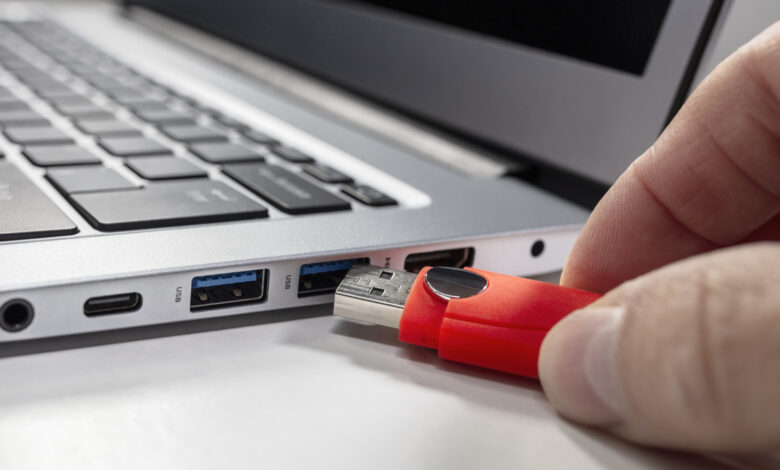
External drives may appear inactive, yet they could still be in use.
It’s tempting to unplug your external SSD or HDD right after transferring files, especially if you’ve done it for years without issue. However, properly ejecting these drives is still crucial. After a file transfer completes, your operating system might still be engaged with the external drive, handling tasks like writing cached data or managing file directories. For instance, on macOS, features such as Time Machine and Spotlight might still be accessing the external drive even after a transfer is completed. By taking a few extra seconds to eject the drive, you signal your computer to finish these background processes, thereby reducing the odds of data loss or corruption.
Consequences of Not Ejecting External Drives
Often, nothing occurs if you unplug a drive without ejection; however, risks are always present. The potential drawbacks are consistent across operating systems like Windows, macOS, and Linux. If a transfer is still happening, unwittingly removing the drive may leave files corrupted or incomplete. This corruption can be deceptive, leading you to mistakenly delete the initial file because you thought it was successfully transferred.
Moreover, failing to eject can risk file system corruption. A file system keeps track of where everything is on the drive. Plugging the drive back in after an unexpected removal may prompt the operating system to perform a scan and fix. The common “Disk Not Ejected Properly” alert on macOS is a warning; the real danger surfaces if the drive is disconnected while writing data, such as during a backup.
In rare cases, neglecting to eject may cause damage to the partition table, which helps the operating system navigate the drive’s contents. Any damage here can render your drive unallocated or uninitialized, effectively making it useless until rectified.
When Is It Safe to Unplug an External Drive Without Ejecting?

There are instances when you can safely remove a drive that appears idle—meaning no applications are using it, its files are closed, and no transfer is ongoing. However, it’s important to note that the definition of “idle” may differ between what you perceive and what your computer is processing in the background. Given the time needed to verify whether it’s truly idle, taking a moment to eject the drive is a quicker and safer choice.
The safety of unplugging an external drive varies by operating system. Windows 10 has a default setting called Quick removal for removable drives, which diminishes risks associated with unsafe ejections, albeit with some impact on performance. This setting can be modified by accessing Disk Management.
On macOS, ongoing processes, such as backups and indexing, underline the need for proper ejection, while Linux is relatively riskier due to its dependency on write caching, which might give the impression that a transfer is complete when it isn’t. Disconnecting the drive prematurely can lead to data remaining in memory rather than being correctly saved to the drive.
Some modern external drives include protections against unexpected disconnection to minimize data loss. However, these features can sometimes fail, so it’s advisable to always eject or unmount the drive before unplugging it. This takes only a moment, and your computer will provide notifications if finishing any pending tasks, ensuring you don’t have to take any chances.