Microsoft Unveils Copilot: Integrating Office Suite, AI-Powered Coding, and Streamlined Automation

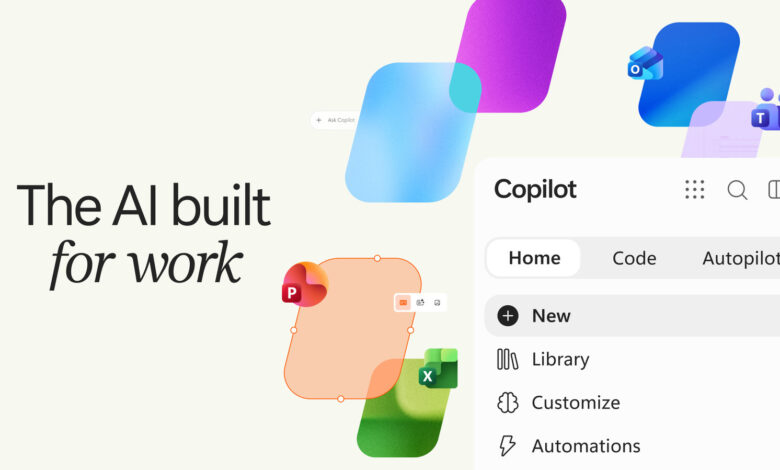
Microsoft’s AI application receives another update.
While Microsoft is scaling back on the implementation of AI and Copilot functionalities within Windows, it is continuing to enhance its standalone Copilot application. Following a recent update, the app will introduce a new tabbed layout and seamless integration with Office applications. This aims to broaden Copilot’s utility for both individual users and businesses. Although consumer adoption has yet to be strongly emphasized, the application holds significant potential for enterprises that often manage data, generate reports, and prepare presentations.
The revamped version of the Copilot app will feature a “Home” tab, which will serve as a hub for standard AI interactions and tasks. In time, this tab is expected to intelligently direct user inquiries to different functions of Copilot. For instance, a straightforward question could remain within the Chat mode, whereas a more intricate request may activate Copilot mode, allowing users to assign tasks to the AI.
The new “Code” tab enables users to complete tasks using plain language, eliminating the need for programming expertise. According to Jared Spataro, Microsoft’s Chief Marketing Officer for AI at Work, you can describe applications, trackers, dashboards, automations, or workflows in everyday language, and Copilot will determine an appropriate solution and create it. Copilot is capable of generating a range of tools, from basic desktop widgets to comprehensive data management dashboards.
Lastly, the “Autopilot” tab introduces advanced features. This functionality allows Copilot to autonomously manage discussions or recurring tasks without user intervention. As Spataro mentioned, it could handle processes like coordinating a supplier review by organizing the timeline and preparation, conducting meetings, and following up with stakeholders independently.