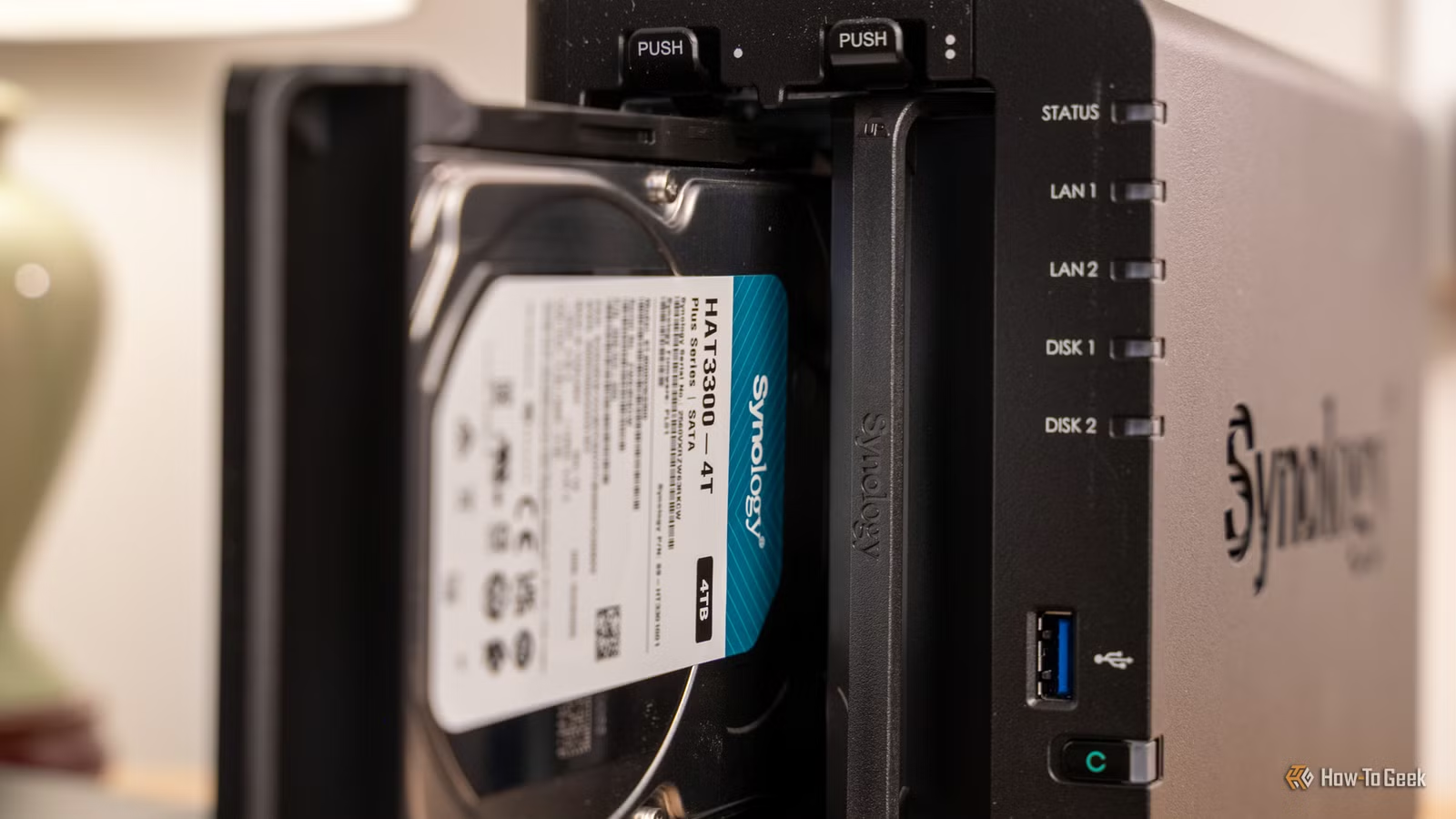
New hard drives often hide their issues until after you think they’re settled in, which is why testing them extensively before use is crucial. Conducting what’s known as burn-in testing helps surface any potential problems early on, ensuring your data remains secure. This article outlines the concept of burn-in testing, how it is conducted, and whether it’s necessary for your setup.
Understanding Burn-In Testing
Preemptive Testing of New Drives
Burn-in testing is a practice taken from electronics production, where new components undergo rigorous use to identify defects before they are relied upon. When applied to a NAS, this involves putting a fresh hard drive through intensive reading and writing processes, as well as its built-in diagnostics, before adding it to your storage configuration.
The reasoning behind this is straightforward. Engineers often illustrate the failure rates of products over time using a bathtub curve: a spike in initial failures, followed by a stable period, and then an increase in failures as components age. Burn-in targets the initial failure phase. A hard drive that has a subpar read head or a faulty section of the platter is more likely to fail during intense testing than during regular, low-stress usage. Detecting a problem while the drive is still empty is a minor inconvenience; discovering it after loading years of valuable data can be far more detrimental.
It’s important to note what burn-in testing is not. It doesn’t enhance a drive’s functionality or lifespan, nor does it guarantee that a drive will last indefinitely. Rather, it acts as a screening mechanism to identify obviously defective units that will show signs of failure, such as bad sectors or read/write errors, under heavy loads. Most drives will pass this test, which is the desired outcome. If one fails, it’s beneficial to discover it while you’re still able to return it.
How Burn-In Testing Is Conducted
The Testing Process
A typical burn-in testing procedure consists of three phases, all conducted with an empty drive, as the primary tests can be destructive. It begins with establishing a SMART baseline by checking the drive’s health report and noting its serial number, followed by running a brief SMART self-test to assess the basics.
The next phase involves comprehensive testing, often using the utility badblocks in its write mode. Instead of scanning existing data, it writes a series of patterns to each block, then reads them back for verification. Any discrepancies indicate a failure to store data reliably in that area, and this phase can be lengthy— reports suggest that it takes about five days for an 8TB drive, and around 166 hours for a 12TB drive, even when multiple drives are tested simultaneously.
The final part involves conducting an extended SMART self-test, wherein the drive evaluates its surface using its internal firmware, followed by comparing the SMART data with the baseline established earlier. Key attributes to monitor include reallocated sectors and pending sectors, which should all show zero. Historical data from drive fleets suggests that non-zero readings in these areas correlate with future drive failures.
Individuals don’t need to set this up manually; scripts like disk-burnin.sh automate the process, combining short tests and long-running utilities while logging results. It’s advisable to run this within a terminal multiplexer to prevent interruptions and to be careful in selecting the drives, as a misdirected test can lead to data loss.
Is Burn-In Testing Necessary?
Considering the Advantages and Disadvantages
For most individuals constructing a NAS, burn-in testing is advisable, though understanding its drawbacks is crucial. The principal argument in favor is timing: a new drive is typically still under retailer return policies and manufacturer warranties without any stored data. Consequently, a failure at this stage results in minimal hassle. Once the drive is populated with files, however, any issues lead to extensive challenges, including a degraded array and stressful rebuilding processes.
However, there are counterpoints. Long-term analyses of drive reliability indicate improvement over the years, suggesting that the classic bathtub curve may not still apply. Manufacturers perform pre-shipping tests on drives, potentially reducing the likelihood of defects. While testing for a week is a substantial time investment— tying up resources and possibly affecting your NAS’s functionality— routine testing is still beneficial. Balancing testing time against the operational needs of your NAS is important.
If a full burn-in seems excessive, consider a simplified approach: running basic SMART tests and a single read/write pass can uncover many issues without extensive waits. While any testing is better than none, it cannot substitute for proper backups. Burn-in testing helps minimize the risk of early failures, but it doesn’t replace the necessity of maintaining data backups.
Assessing the Value of Burn-In Testing
Burn-in testing may take days and consume minimal energy, yet it can’t entirely eliminate future failures. It does, however, reveal defective drives during the return window when resolving issues is much simpler. For anyone planning to build a NAS, this small investment of time often proves worthwhile.