Break Free from Trendy Linux Distros: Choose Your Perfect Fit by Addressing These 5 Genuine Issues

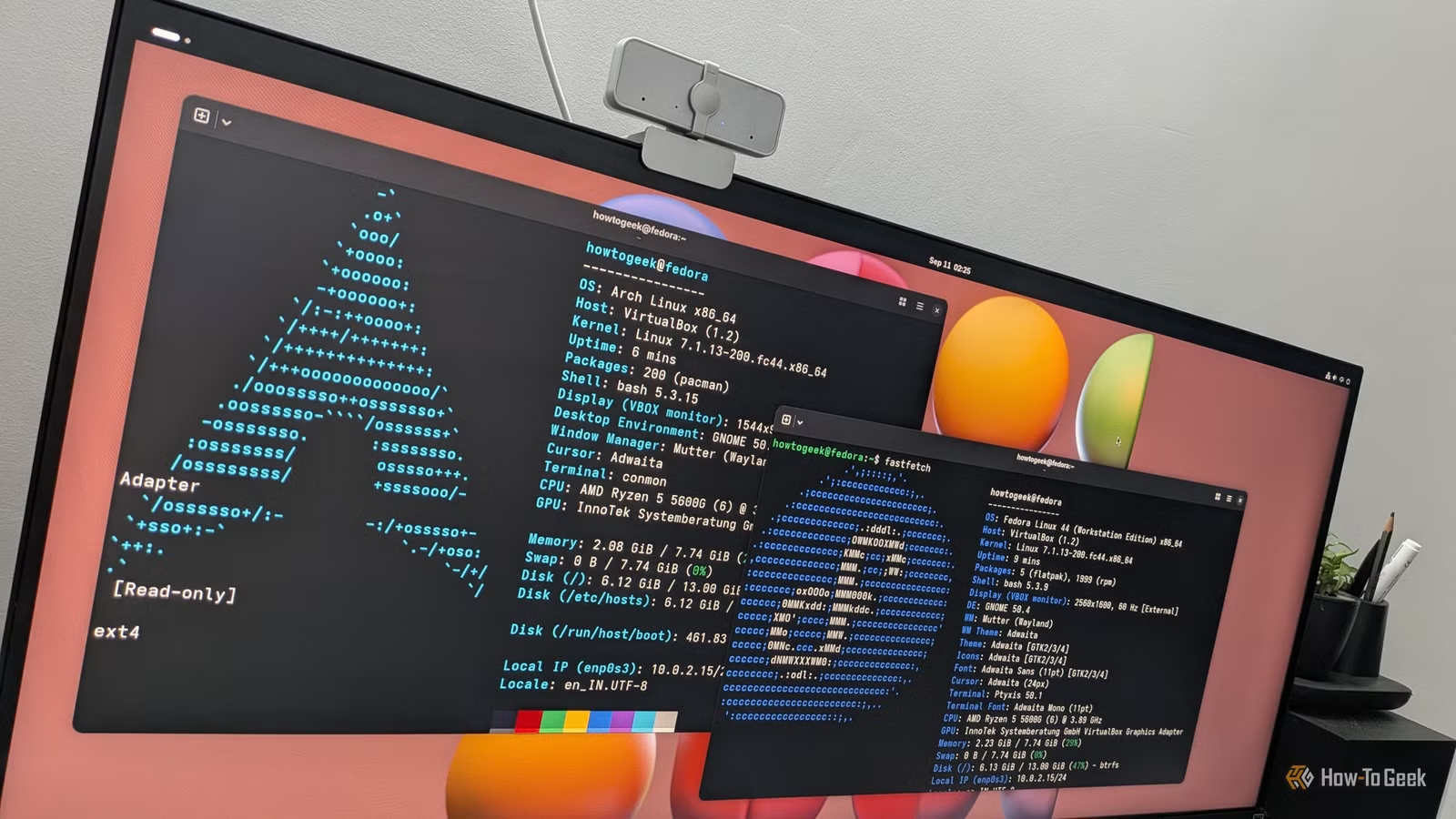
With the vast array of Linux distributions available, determining the right one for your needs can seem daunting. However, making the best choice becomes easier when you’re addressing real issues rather than hypothetical scenarios. Focus on specific considerations rather than current trends.
Troubleshooting Your Device
Popular Distributions for Hardware Compatibility
While Linux hardware support may not fully match that of Windows or macOS, it has significantly improved over the years. In my early experiences with Linux, gaining proper video support was a challenge. Issues such as ensuring the monitor’s native resolution or enabling 3D acceleration often required proprietary drivers, which weren’t always available. Thankfully, most systems now operate seamlessly.
Even Wi-Fi, once a major concern, generally works out of the box today.
Nonetheless, you may encounter situations where specific hardware fails to function correctly with Linux. Sometimes, an update might disrupt a previously functioning setup, leading to what is known as a regression.
If you experience issues, aside from hardware failures like faulty RAM, the chosen distribution could be at fault. While it may be appealing to opt for a lesser-known distro for a unique experience, such choices often come with limited hardware compatibility compared to well-established distributions. Popular options like Ubuntu or Fedora benefit from robust developer communities that prioritize resolving driver issues promptly. If a problem arises, developers are likely to notice it either through personal encounters or user-reported bug submissions, allowing for swift fixes through package management systems.
Software Version Preferences
Suitable Release Cycles for Your Needs
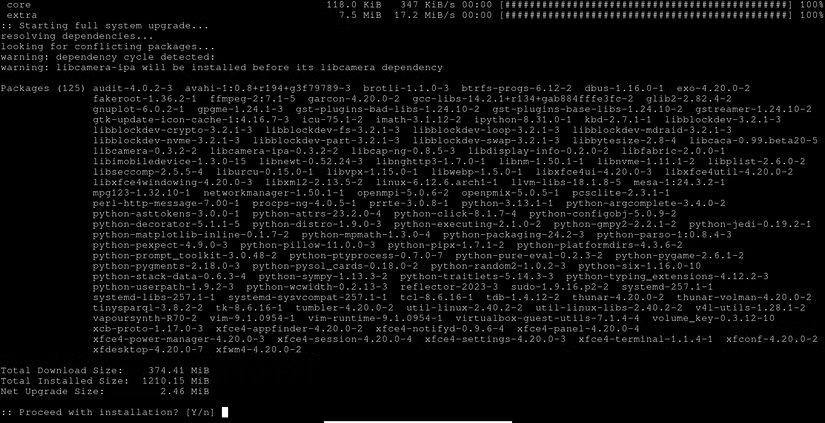
As you grow more experienced with Linux, you may find that your software version needs fluctuate. Some distributions, such as Arch, feature rolling releases, allowing for immediate updates once developers finalize their changes. Conversely, distributions like Debian prioritize stable, older software versions.
It’s common for users to experience “FOMO” regarding software versions, leading them to consider switching to distributions that feature the latest offerings. However, newer does not always equate to better; freshly-released software may introduce its own bugs. That said, quicker upgrades can also lead to faster bug resolutions.
Power users and developers typically prefer the latest software, as updated programming tools and libraries directly impact their workflow. Fedora, known for its cutting-edge offerings, even garners popularity from key kernel developers, including Linus Torvalds.
You don’t necessarily need to switch entire distributions to access newer software. Various popular open-source programs allow users to include additional repositories in their package managers, or you can install alternate package managers designed for specific needs—such as Anaconda or Pixi for data science—which can bring newer software alongside a stable base system.
Concerns About System Stability
Proceed with Caution and Consider Backups
Linux offers a unique opportunity for tinkering, unlike any other operating systems, but this can lead to inadvertently damaging your system. This hands-on experience can serve as a significant learning experience, much like touching a hot stove. Experiencing a system mishap often leads to more cautious behavior when making future modifications. You also come to appreciate the importance of regular backups and careful documentation of any changes made.
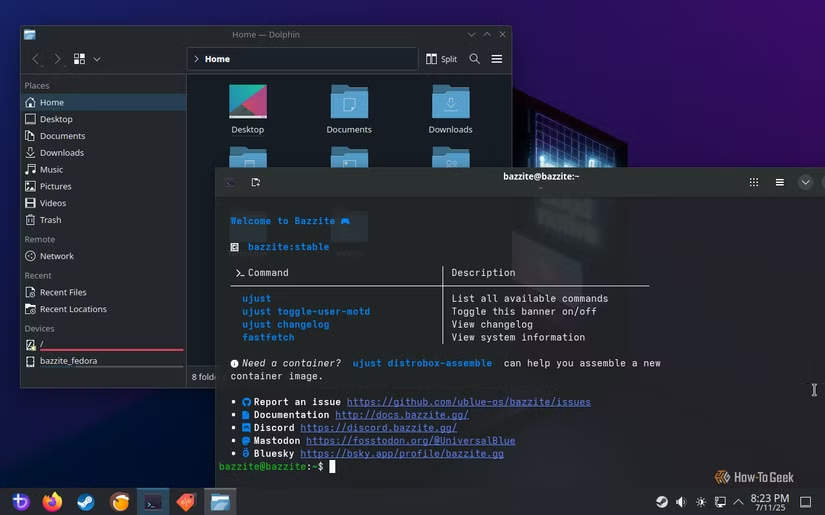
While it is rare for issues to arise from major distributions, package updates can sometimes inadvertently lead to problems that prevent booting or accessing your system, or worse yet, deleting important files. One solution is to try an “immutable” Linux distribution, where the core system remains unchangeable. When modifications occur, they are executed in a way that allows for the previous system to remain intact. Examples of popular immutable systems include Bazzite and NixOS.
Finding Appropriate Software Solutions
Larger Distributions Equal More Software Choices
Linux is unlike Windows in many respects, but it has been gaining traction in software development, including the gaming sector, particularly with the rise of Linux-based gaming devices like the Steam Deck. The availability of native software via package managers is quite extensive.
Smaller distributions, particularly those that do not build on larger systems like Debian, often have fewer resources for adapting and testing software packages resulting in a more limited selection of applications. The best solution may be to utilize a different package manager or switch to a more robust distribution if software options become restrictive.
Accessing Technical Support
Benefits of Popularity in Distributions

The advantage of using Linux and open-source software is that you’re not alone in facing problems—many others encounter similar issues. Solutions can often be found in forums or articles, enabling you to troubleshoot effectively without enduring the frustration of waiting on hold for customer service. Better yet, you receive guidance from those who actually develop the software rather than scripted customer support agents.
While many Linux communities are welcoming, smaller distributions may pose challenges in finding help or could provoke unsavory responses. More widely-used distributions typically provide enhanced support networks due to their larger user bases and projects that often maintain codes of conduct promoting respectful interactions.
Advice for Linux Beginners
If you’re just starting with Linux, it’s advisable to begin with a popular distribution. Popular options provide both reliability in software availability and support. Once you become more confident, you can explore niche distributions with rolling releases.