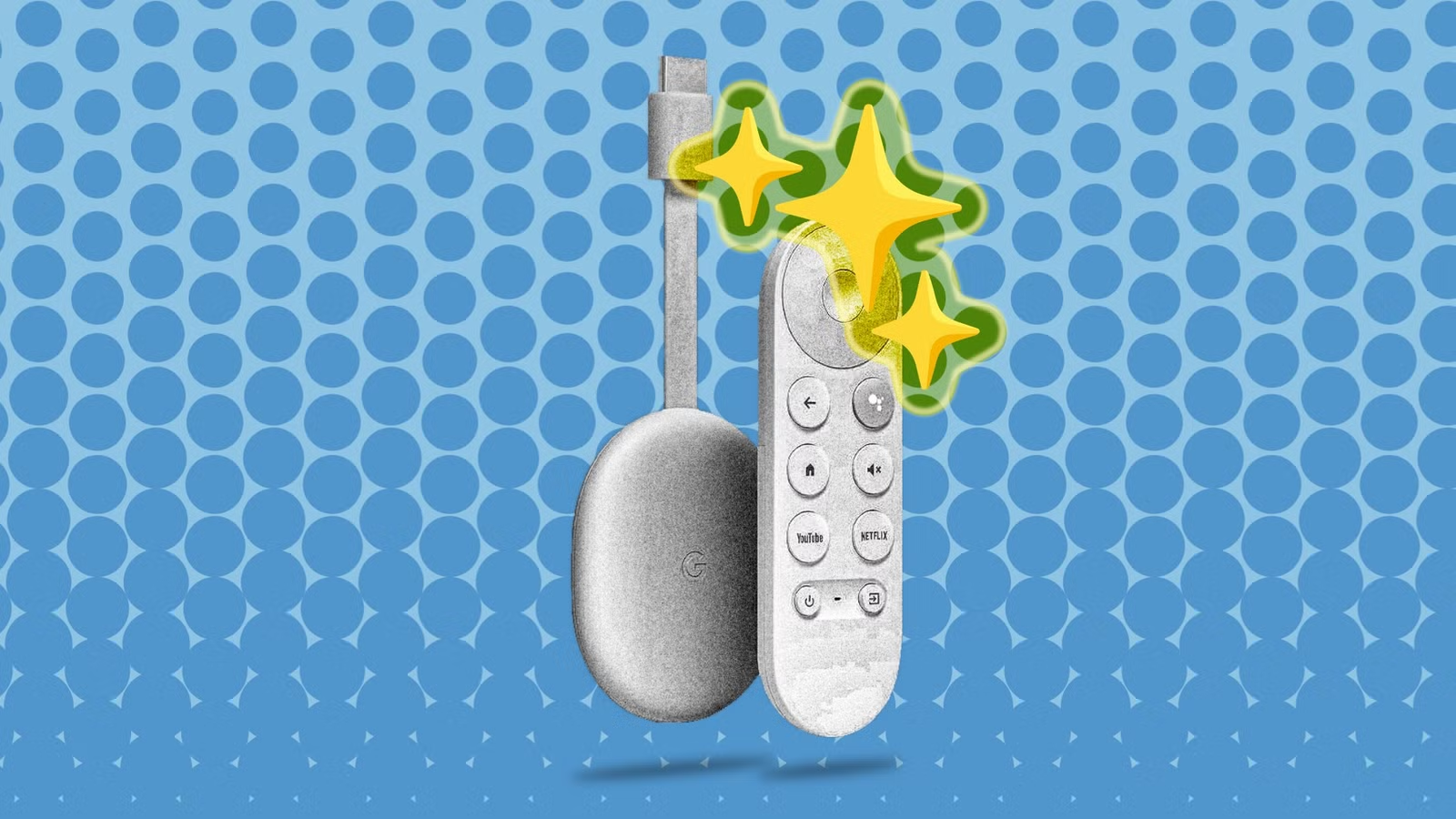
Streaming devices generally have a longer lifespan compared to smartphones, but they can become sluggish over time. Fortunately, there’s no need to relegate your outdated Android TV, Chromecast with Google TV, or Onn device to the tech scrap heap just yet.
When it comes to evaluating the age of a streaming device, “old” can mean different things. While many still work, using them may feel frustratingly slow. A practical step to enhance their performance is to uninstall unnecessary apps and dedicate them to a single function or application.
Transform Your Old Device into a Retro Gaming Console
Easy and Affordable Solution
Remember that Google TV devices are fundamentally based on Android, which makes them capable of running the emulators needed to play retro video games. To embark on this journey, you’ll want a Bluetooth controller—compatible with PCs or gaming consoles would do—and an emulator app such as RetroArch. For that classic vibe, connect your revived console to a compact monitor or even an old CRT screen. Voila! You’ve created an inexpensive nostalgia machine that won’t interfere with your main gaming setup.
Media Center Without Streaming
If your Google TV device is no longer receiving software updates, it may be wise to disconnect it from the internet. However, it can still serve a useful purpose. Before cutting the connection, consider installing a local media application like VLC or Kodi. Then, by loading a USB stick or external hard drive with your favorite films, shows, and music, you can transform it into a media center that plays all your personal content without the hassle of swapping discs.
Convert Your Google TV into a Music Hub
Create a Dedicated Music Console
While smart speakers are great for playing tunes, they require phone control and lack the ability to showcase album art. Instead, repurpose your Google TV as a front-end display for a music console. Connect your Google TV to an affordable display, and then hook it up to high-quality speakers via Bluetooth or cables. This way, you can easily browse through Spotify, YouTube Music, or any other music server app using a remote control.
Access Over-the-Air TV Throughout Your Home
If you’ve opted out of traditional cable services, you might be using an over-the-air (OTA) antenna for local channels. What you may not know is that you’re not restricted to only the TV that connects directly to the antenna. By utilizing an HDHomeRun tuner and associated app on your old Google TV, any television in your home can function as a traditional “dumb” TV. Enjoy local news, sports, and network programming from various spots, be it your basement, garage, or backyard—thanks to a simple device setup.
Display Your Security Camera Feed
Stay Informed at All Times
Checking your home security cameras usually involves unlocking your phone and launching an app. If your cameras are compatible with Google Home or third-party Android TV apps like TinyCam Pro, there’s a simple solution. Connect your old Google TV to a budget-friendly monitor, and configure the app to showcase a grid of your security feeds. Now, you have a dedicated, always-on monitor for home security, allowing you to effortlessly check on your front door or sleeping baby without reaching for your phone.
Your Old Devices Await Repurposing
As emphasized earlier, finding a new use for your old Google TV or Android device doesn’t have to be overly inventive. By assigning a single, focused task, you can extend its utility without needing to reinvent the wheel.