Uncovering Budget-Friendly GPUs Compatible with DLSS 5 (You Might Already Have One!)

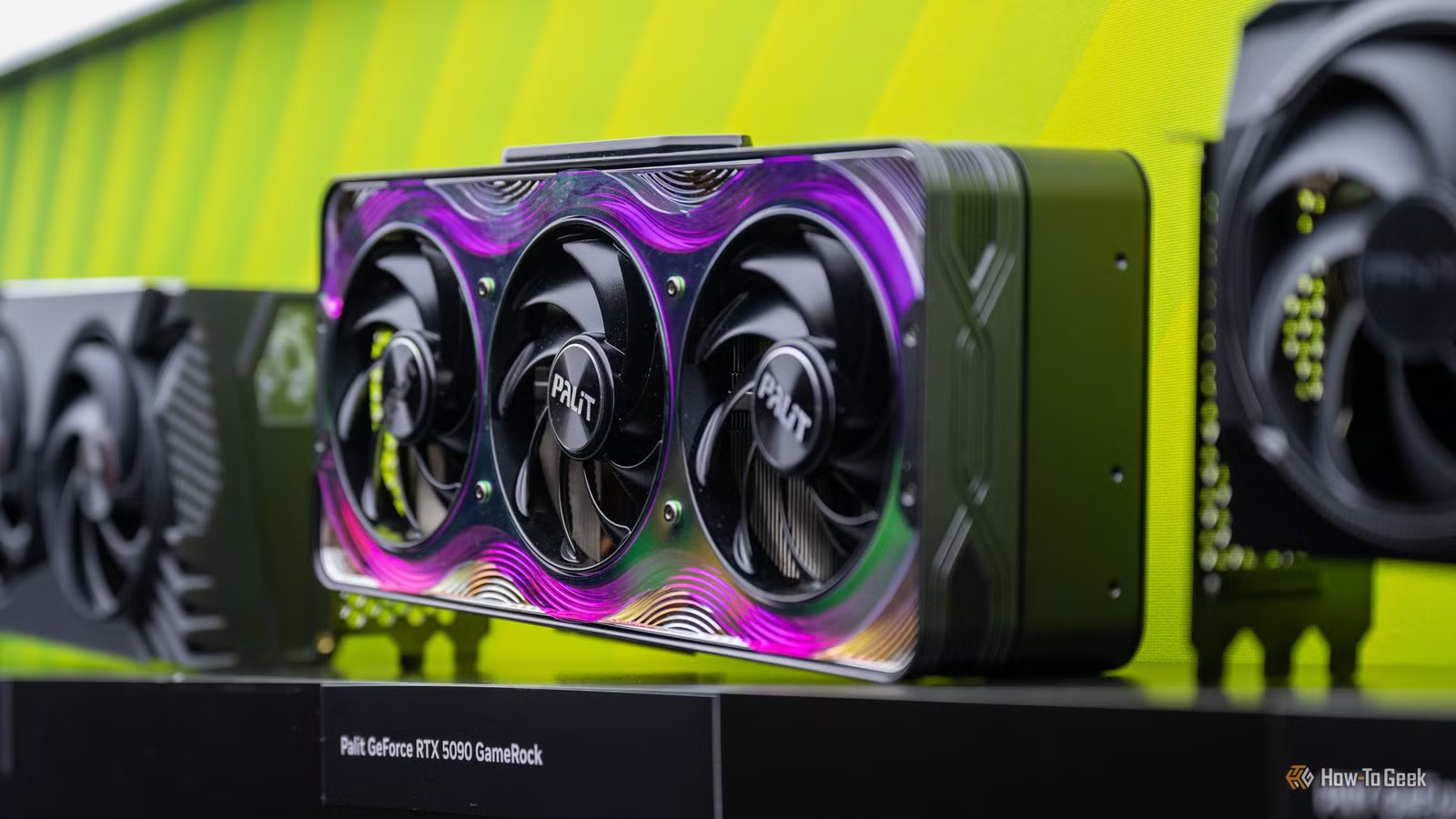
The recently launched NBA 2K27 is the first game to feature official DLSS 5 support. In no time, modders extracted the DLSS 5 DLL from the game, making it accessible to gamers worldwide who possess newer NVIDIA graphics cards. This enables them to experience DLSS 5 in various PC games using programs like OptiScaler and DLSS 5 Swapper. While only the latest RTX 50 series cards are officially compatible for now, these tools also allow DLSS 5 to function on older NVIDIA models.
Many NVIDIA GPUs can manage DLSS 5 at playable frame rates, whether through official support or via mods. I’ve compiled a list of the most budget-friendly NVIDIA graphics cards currently available that support DLSS 5. The majority are from the RTX 50 lineup, but I’ve also included several from the RTX 40 series.
RTX 5050
Entry-level Choice for DLSS 5, with Limited 1080p Performance
The RTX 5050 can be purchased new for around $300; however, I suggest looking into other options since its performance for 1080p gaming is subpar. If you already own one, it might be worth testing DLSS 5 on games you have, despite its noticeable frame rate drop.
While NBA 2K27 can achieve nearly 60 FPS at 1080p on the RTX 5050, many modern games will likely run at around 30 FPS or lower. Additionally, the card features a limited 8GB memory buffer, making multi-frame generation with DLSS 5 challenging. However, if you own the RTX 5050, it’s worth trying DLSS 5 in some games.
RTX 5060
Essential for Playable 1080p Gaming
The RTX 5060 is a solid option for those seeking a decent 1080p gaming experience. Gamers have reported achieving around 60 FPS using DLSS 5 at 1080p across multiple titles; while this should suffice for many, more demanding games can yield lower frame rates, typically around 40 FPS or less.
This card is pricier than the RTX 5050, starting just over $450, but it offers significantly improved performance. However, like the RTX 5050, it also has only 8GB of RAM, which limits its ability to handle multi-frame generation alongside DLSS 5 for memory-intensive titles.
RTX 5060 Ti 8GB
A Step Up for 1080p Performance
The RTX 5060 Ti 8GB provides a slight performance increase over the RTX 5060, offering about a 15% boost while being similarly priced. This card can maintain around 60 FPS at 1080p in many titles, with more intensive games seeing around 40 FPS.
With the RTX 5060 Ti, you can take advantage of frame generation in a number of modern games, although multi-frame generation may not work in titles that require significant VRAM. If budget allows, this is a preferable option to the standard 5060.
RTX 5060 Ti 16GB
Minimum Requirement for 1440p Gaming
The RTX 5060 Ti 16GB is capable of running games at 1440p with DLSS 5, achieving playable frame rates, though the experience may not be flawless. Users can typically expect around 40 FPS with this configuration, with 60 FPS achievable through frame generation.
However, this card is only marginally cheaper than the more powerful RTX 5070, which offers better performance. For those considering a new card, the RTX 5070 may be a more worthy investment.
RTX 5070
First Suitable Choice for 1440p DLSS 5 Gaming
The RTX 5070 stands out as a reliable option for 1440p gaming with DLSS 5, providing enough power to run games at playable frame rates without needing to rely on frame generation. It comes with 12GB of memory, making it suitable for most games, even those with ray tracing enabled.
Despite its inflated price compared to its original MSRP, it’s still a strong choice for those keen on DLSS 5. For gamers not committed to NVIDIA, the AMD RX 9070 XT offers greater performance and 16GB of memory at a lower price.
RTX 4060 and RTX 4060 Ti
Non-Official Support for DLSS 5 through Mods
While neither the RTX 4060 nor RTX 4060 Ti are officially compatible with DLSS 5, gamers can still utilize mods to get a level of functionality. The RTX 4060 Ti performs better compared to the RTX 5060, allowing for a playable DLSS 5 experience at 1080p. In contrast, the RTX 4060 offers only marginal improvements over the RTX 5050, with frame rates often falling below 30 FPS.
If you have an RTX 4060 and are curious about DLSS 5, give it a try, but for purchasing a new GPU, it might be more beneficial to look elsewhere.
DLSS 5 Compatibility with RTX 20 Series and Beyond
With tools like OptiScaler and DLSS 5 Swapper, it’s possible to run DLSS 5 on any NVIDIA GPU starting from the RTX 20 series. However, while older models can technically run DLSS 5, the performance will likely be inadequate in many cases. Still, it provides an opportunity to explore this advanced technology and witness its capabilities firsthand.