3 Innovative Open-Source Virtual Desktop Solutions that Outshine Windows’ Native Features

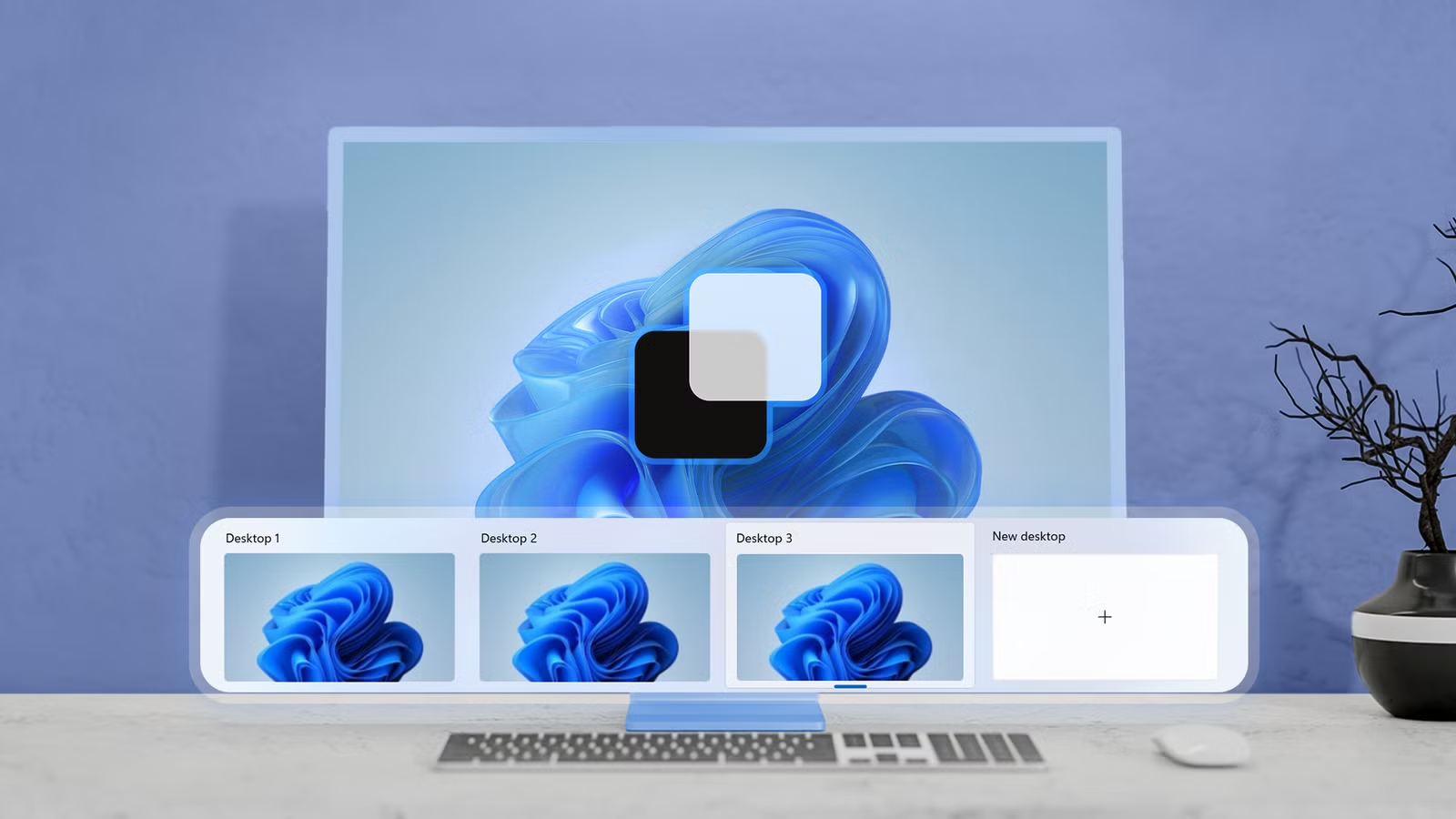
Windows 11 features an integrated virtual desktop capability, yet it remains relatively basic. This may stem from Microsoft’s late arrival to the virtual desktop scene, especially after Linux and macOS showcased their advanced solutions.
As a consequence, numerous third-party virtual desktop applications have emerged across different iterations of Windows. Given the time invested, user feedback collected, and the competition present, many of these alternatives offer more functionality than the built-in Windows option. Below is a selection of noteworthy applications that can enhance your desktop experience.
Desk Switcheroo: Enhanced Desktop Management
Portable Version Available
Desk Switcheroo stands out as a highly effective alternative to Windows’ Task View feature. It provides a compact widget that can be conveniently situated near your taskbar, allowing for easy navigation between desktops. This widget displays the current desktop number, a personalized label, and its position within the total count of desktops. Users can effortlessly switch desktops using arrow buttons or their mouse wheel without needing to access Task View.
Clicking on the widget reveals a comprehensive list of desktops, allowing for quick transitions to labeled ones. Users can also easily create, delete, rename, or rearrange desktops, and assign each a unique color and wallpaper. Additionally, it supports features like temporary previews of other desktops and thumbnail previews when hovering over entries.
Desk Switcheroo also introduces useful enhancements for window management. For instance, users can pin a window to all desktops, making multi-desktop use of applications like calculators efficient. A rules engine can automatically direct relevant windows to designated desktops, while event hooks allow commands to be executed based on desktop-related activities.
SylphyHornPlus: Adding Missing Features
Subtle Yet Powerful
SylphyHornPlus is an excellent tool for those who appreciate the standard Windows virtual desktop interface but wish for additional functionalities. Instead of replacing Task View, it enhances it with shortcuts, notifications, gestures, and management features, all while retaining the original layout.
This application enables users to switch to specific desktops with global hotkeys, eliminating the need to scroll through or open Task View. Hotkeys also provide the ability to move windows to different desktops, create or remove desktops, and adjust their order.
Notification settings can be customized to remind users of their current desktop, and adjustments can be made to its appearance. Beyond keyboard shortcuts, the application supports mouse gestures, allowing for seamless navigation without the need for multiple clicks.
While SylphyHornPlus does not have a feature for saving window setups, it allows users to export and save application settings, making transitions between different devices or Windows installations smooth.
FancyWM: Smart, Dynamic Layouts
A Fresh Take on Organization
FancyWM (Fancy Window Manager) transcends typical virtual desktop tools, offering a robust window management solution that optimizes screen space. Its dynamic tiling system adapts well to ultra-wide and large 4K displays by automatically arranging opened applications into panels instead of allowing them to overlap.
This approach reintroduces a functionality reminiscent of earlier Windows versions that featured tiling as the standard layout option, making it a valuable productivity tool.
Users can create horizontal, vertical, or stacked panels, with options to nest them for complex arrangements. Windows automatically resize as applications are opened or closed, ensuring an orderly workspace.
Unique to FancyWM is its seamless integration with Windows’ built-in virtual desktop capabilities, providing a thoroughly functional and cohesive user experience. The application is primarily keyboard-driven, enabling users to switch desktops or transfer windows exclusively using keyboard commands. Panel configurations can be maintained across monitors or assigned separately.
Overall, while Windows’ virtual desktops offer basic functionality, relying on this feature for productivity can reveal its limitations. These alternative applications present solutions that can significantly enhance the user experience.