The phrase “Just install Linux” rings familiar for those looking to breathe new life into an aging computer. However, this notion often leads to the misconception that any outdated machine can be rejuvenated simply by running any Linux distribution. This perspective is misleading—while there are lightweight Linux options available, many of the newer distributions are surprisingly resource-intensive.
Although some modern distros will start up on older machines, this doesn’t guarantee that a device that struggles with Windows 11 will magically run smoothly with Linux. Below are five distributions you should be cautious about if you’re hoping for optimal performance on older hardware.
Qubes OS
Virtualization Demands Significant Resources
Qubes OS is crafted with a focus on security and operates by compartmentalizing tasks within separate virtual machines (qubes) managed by a hypervisor. While this approach enhances security—allowing, for example, your banking and browsing activities to remain isolated—its high demands on hardware present a challenge.
Older systems often lack essential virtualization features or exhibit poor performance in comparison to modern components. Furthermore, managing multiple virtual machines requires substantial RAM, far exceeding what older models typically provide. The combination of an aging CPU and limited memory can render Qubes virtually unusable. For effective use, this OS is best suited for more capable systems.
Garuda Linux
Resource-Heavy Design
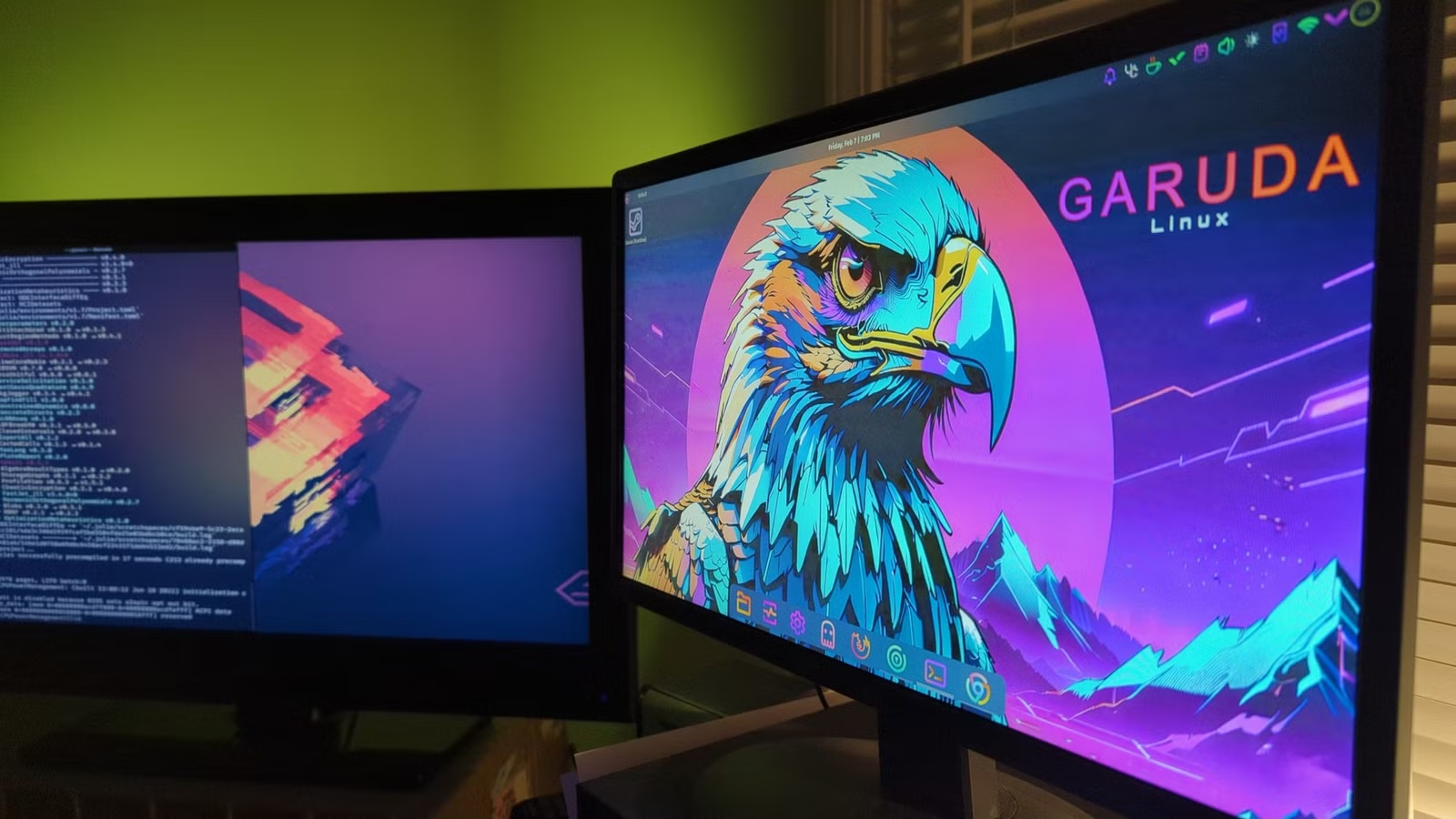
Garuda Linux, based on Arch, stands out for its visually striking KDE Plasma interface and extensive gaming optimizations. When powered by suitable hardware, including a multicore processor and ample RAM, it offers excellent performance.
However, its design is inherently resource-intensive, featuring multiple effects and animations that can strain older machines. While the built-in ZRAM feature helps memory management, it may demand too much processing power from older CPUs. For those with dated hardware, opting for Garuda’s Xfce edition or a distro aimed at low-resource systems is wise.
Fedora Atomic Desktops (Silverblue and Kinoite)
Immutable Design Impacts Storage Performance
Fedora’s Silverblue and Kinoite implement an immutable model for system management, where the operating system operates from a read-only root file system, and changes occur through layered images. While this ensures enhanced security, it can be taxing on less powerful hardware.
The model’s requirement of maintaining multiple snapshots during updates can severely lag a system, particularly one running on traditional hard drives. Additionally, modern Fedora desktops add considerable RAM overhead that is challenging for systems with minimal memory.
Kali Linux
Inappropriate for General Use
Kali Linux serves as a specialized platform for penetration testing and digital forensics, equipped with numerous tools designed for specific tasks. Unfortunately, many users make the error of installing Kali as their primary operating system on older computers.
Due to its focus, Kali’s bundled services can consume considerable system resources that remain underutilized in typical browsing or office scenarios. Consequently, relying on Kali for daily computing can lead to inefficiencies. A better approach would be to utilize Kali via a Live USB or virtual machine as needed while maintaining a lighter general-purpose Linux distro for regular activities.
KDE Neon
Higher Resource Requirements for the Latest Desktop
KDE Neon builds upon an Ubuntu base and features the latest KDE Plasma desktop environment, providing a modern and attractive experience. Yet, “cutting-edge” implies heavier resource demands as newer versions—like Plasma 6—have demonstrated an uptick in RAM consumption. Features that rely on advanced graphics may also pose challenges for older systems.
For users running KDE Neon on outdated hardware, disabling desktop effects can help mitigate the increased resource demands.
Be Selective with Lightweight Distributions
Not all Linux operating systems that claim to be “light” actually are. Each of the distributions discussed here poses potential challenges for older machines. Prior to installing a new OS, ensure your hardware specifications meet the distro’s requirements, and consider whether you truly need its more demanding features. Many distributions have lighter variants that can deliver similar benefits without overloading older systems. Testing them on a USB drive is a practical way to assess compatibility before committing.