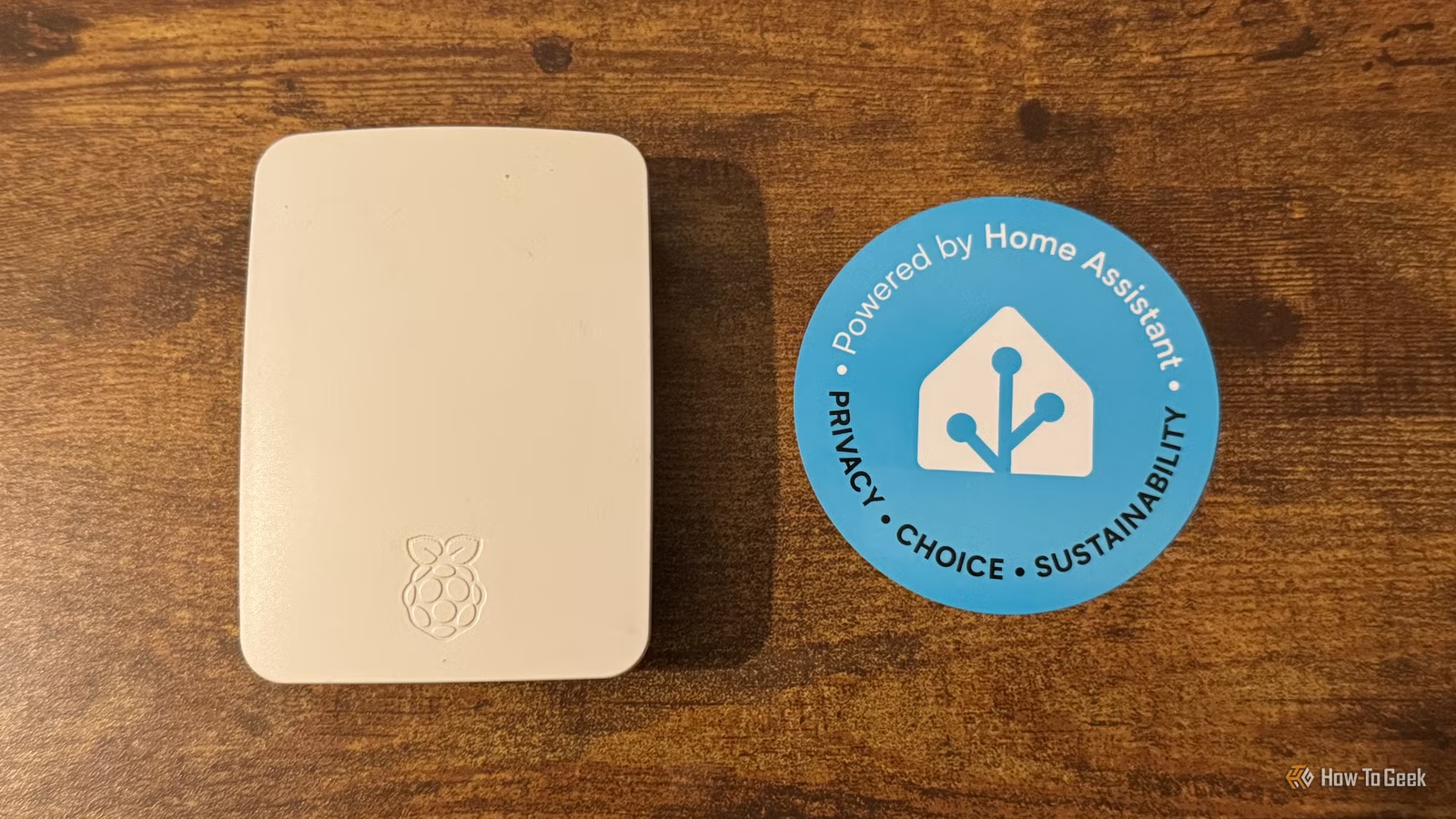
I have been utilizing Home Assistant for over ten years, and I continue to encounter elements that are new to me. There are numerous impressive functionalities that enhance the power and usability of Home Assistant, and I regret not leveraging them sooner.
Helpers
There’s More Than Just Input Booleans
Initially, I relied solely on Input Booleans, which are virtual switches effective for storing states—like whether I’ve taken my medication. However, I realized much later that there are many other helper options available that I hadn’t explored.
These include threshold and derivative helpers, counter and timer helpers, as well as text and template helpers. There’s even a helper designed to assess mold risk. If you haven’t yet explored the various types of helpers, I recommend doing so.
Blueprints
Don’t Reinvent the Wheel
For years, I constructed all my automations from the ground up. In the past, it was a labor-intensive task, especially before AI tools could assist in generating complex automations. Looking back, I realize I often duplicated efforts others had already made.
Then I discovered Blueprints—these are community-created, reusable automations, scripts, and templates that you can import into your own smart home setup. There’s a Blueprint for almost every scenario, from monitoring battery-powered devices to optimizing heating based on occupancy. Always check the available Blueprints before starting your own projects.
Trigger IDs
Simplifying Automations with One Trigger
For a considerable time, I had several automations dedicated to different outcomes from the same triggers. For instance, one automation would activate with presence detection in a room, while another would trigger when the room became vacant. Disabling presence detection required turning off both automations.
Then I learned about trigger IDs, allowing me to merge multiple triggers into a single automation. This means that my automation will execute based on various triggers, but with the capability of using a Choose action to determine specific responses based on the trigger ID that initiated it.
This consolidation simplifies management; disabling one automation is easier than juggling multiple for different triggers. The process has been further streamlined in recent updates to make using trigger IDs simpler in the automation editor.
ESPHome
Wishing I Had Started Sooner
ESPHome is an open-source platform designed for developing firmware for microcontrollers, like the ESP32 boards. This enables the creation of inexpensive sensors that can interact directly with Home Assistant.
For a long time, I hesitated to try ESPHome, assuming it would be difficult or require extensive soldering. However, I found out that you can accomplish a lot with ESP32 boards without any soldering. They are remarkably affordable and flexible, making me wish I had adopted them much earlier.
Calendar Scheduling
Life Doesn’t Follow a Script
For years, I used the time-based triggers and conditions provided by the Home Assistant automation editor. While these allow tasks to run on specified days or times, life often doesn’t adhere to such schedules.
For instance, I had automations for my home office that were set for weekdays only. While it generally worked, it would execute even when I took a day off, as it assumed it was just another workday.
I eventually discovered that using a calendar for scheduling automations provided a solution. By simply adding my day off to the calendar, I ensured that the automation wouldn’t run, even if it was a weekday, which proved invaluable for handling variable schedules.
Labels
The Power of Labels
Initially, I thought the labeling feature in Home Assistant was merely for organization. While organization is helpful, I was more focused on creating fun automations, so labels were not a priority for me.
It was only later that I recognized the true strength of labels. They enable you to group various entities that might be difficult to categorize otherwise. For example, if you need to control a specific set of lights, using broader room categories won’t suffice. Labels provide a means to control any device tagged with the same label, offering greater flexibility.
Labels are excellent for selecting devices spread throughout your home, monitoring battery-operated devices, and even keeping critical devices active when you shut down everything else for the night.
Scene Snapshots
Restoring Previous States Effortlessly
While scenes have been a staple in smart homes, I didn’t utilize them much for a long time. It took me a while to learn about the scene snapshot feature in Home Assistant.
This innovative feature captures the current states of selected devices and creates a temporary scene based on those conditions. For example, if you want your lights to flash red when a package arrives, you can take a snapshot beforehand, allowing them to return to their original states afterward. Without this, tracking each individual entity’s state would be a cumbersome task.
Discovering Hidden Gems in Home Assistant
Home Assistant is filled with incredibly useful features. One downside, however, is that with the abundance of options available, many can easily go unnoticed. The more you delve into what Home Assistant has to offer, the more you’ll likely uncover aspects that highlight you’ve been overly complicating tasks.