
While many people view Android Auto as a must-have when purchasing a vehicle, I find myself using it infrequently. For me, my car’s built-in infotainment system often provides a superior experience.
Automatic and Reliable Bluetooth Pairing
Avoiding USB Cables and Unstable Wireless Connects
Photo Credits: Bertel King
The way individuals perceive Android Auto can depend significantly on their vehicle. In comparison to cars that have basic touchscreens without integrated navigation, Android Auto can feel like a major upgrade. However, factors such as the availability of USB ports and the reliability of wireless connections also play a significant role in this experience.
In my case, I drive a 2022 Kia Niro EV EX Premium equipped with a 10-inch touchscreen. My vehicle supports wired Android Auto, but not wirelessly. Each time I wish to use Android Auto, I must connect a cable. This would be acceptable if it were the same cable I use for charging my phone, but only one of the accessible USB ports works with Android Auto— and its location is quite inconvenient.
While wireless Android Auto could eliminate this inconvenience, it only works effectively if the connection is stable. Some vehicles frequently experience signal drops. In situations like mine, wireless capabilities can be added with an adapter, although the effectiveness of these adapters can vary.
- Type
- Android Auto & Apple Carplay adapter
- What’s Included
- Adapter, USB-C to USB-A cable
Easily add wireless Android Auto or CarPlay to your vehicle with this versatile dongle that is compatible with both platforms.
In contrast, my car establishes a Bluetooth connection to my phone almost instantly upon opening the door, or even before starting it remotely. This connection is seldom disrupted.
Built-In Navigation System Effectiveness
Integration of Kia’s Navigation with Dashboard Functions
Although Google Maps is often touted as a primary reason to utilize Android Auto, I personally prefer not to use it due to its experience. Google Maps may offer updated routes at no cost, but I find its constant rerouting and excessive notifications to be quite bothersome.
The navigation system in my Kia Niro EV, while not the most visually appealing, reliably guides me, highlights necessary lane changes effectively, and integrates seamlessly with the dashboard, providing turn alerts without necessitating a glance at the center console. Additionally, I can interact with it using physical buttons.
Kia Connect App for Charging Station Locations
Assistance for EV Road Trip Planning

Photo Credits: Bertel King
As an all-electric vehicle owner with a home charger, I rarely contemplate refueling. However, planning for extensive road trips requires locating charging stations. Utilizing the Kia Connect app makes it easy to find these stations and send their locations directly to my car’s dashboard.
On these journeys, Google Maps and Android Auto tend to complicate things, as Google is not particularly efficient in indicating charging station locations, and finding them through Android Auto is slower than using my phone. Additionally, my car’s navigation adjusts the estimated driving range based on real-time speed and terrain, offering critical information regarding whether I can complete a trip based on my current charge level.
Frustrations with Music and Podcast Navigation
Reaching for My Phone
I favor purchasing MP3s and using niche audio applications over popular streaming services. For apps that support Android Auto, the experience is often simplified, making it easier for me to reach for my phone instead of utilizing the car’s interface.
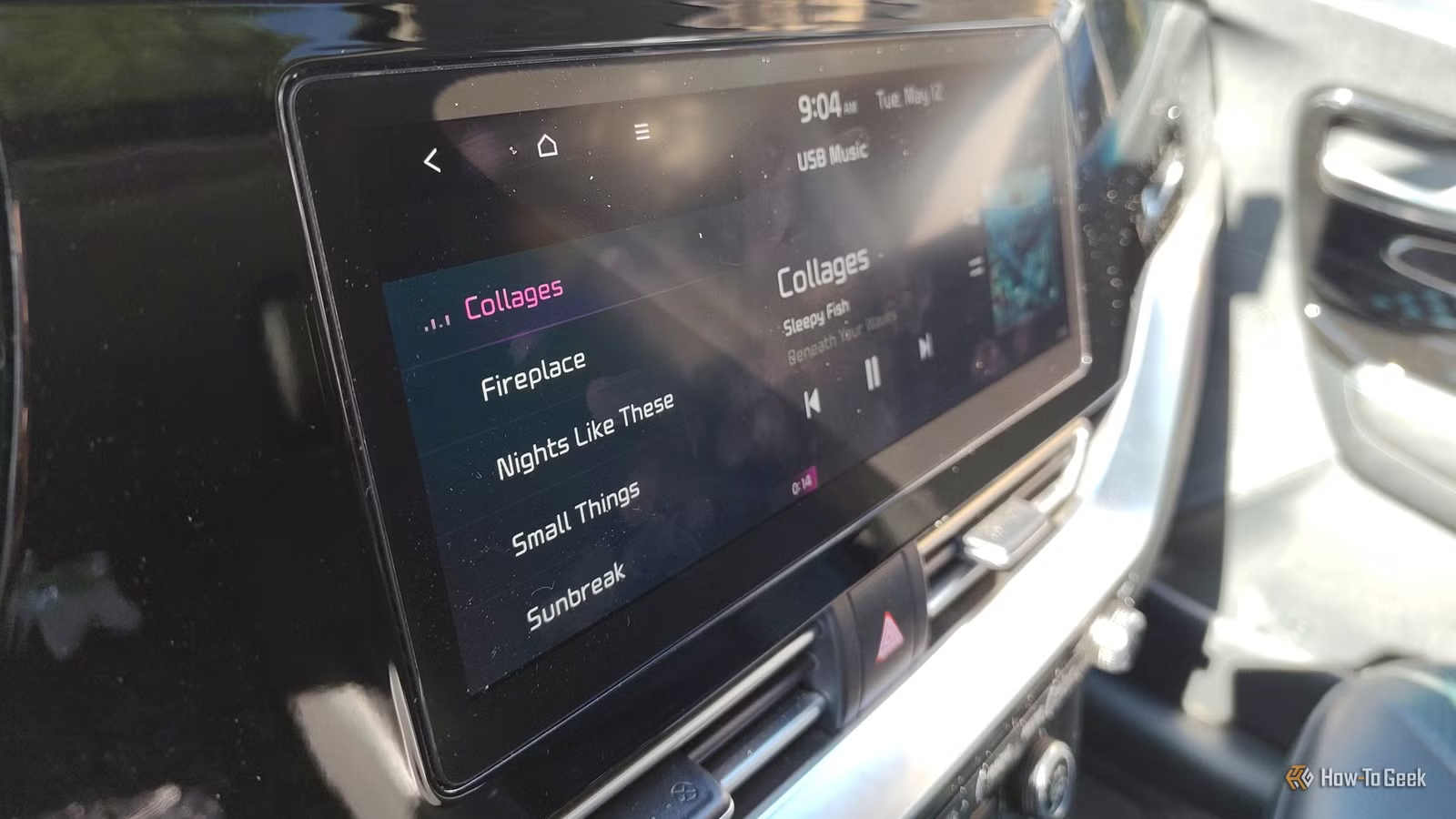
While my vehicle’s infotainment system restricts various actions while driving, it allows for straightforward music selection. I particularly enjoy having my music library stored on a USB drive in my car, as it allows for quicker selections while ensuring safety over Bluetooth controls that are limited to what’s currently playing.
My podcast experience is similarly limited. I use AntennaPod, but I find it more practical to queue up episodes on my phone beforehand rather than navigating through Android Auto. The one significant advantage of using Android Auto is the ease of switching between music and podcasts without needing to grab my phone, although the Bluetooth interface only works with what’s actively playing.
Data Concerns
A lot of my preference for the built-in infotainment system stems from Android Auto’s limited access to my car’s internal features. While Android Auto would improve if more compatibility existed, I understand manufacturers’ hesitance to allow third parties extensive control over systems. Personally, I also prefer to keep my travel data private, which solidifies my inclination to choose a car based on its infotainment system and rely on that instead of Android Auto most of the time.




