The new Siri AI feature in iOS 27 is highlights but isn’t immediately accessible.
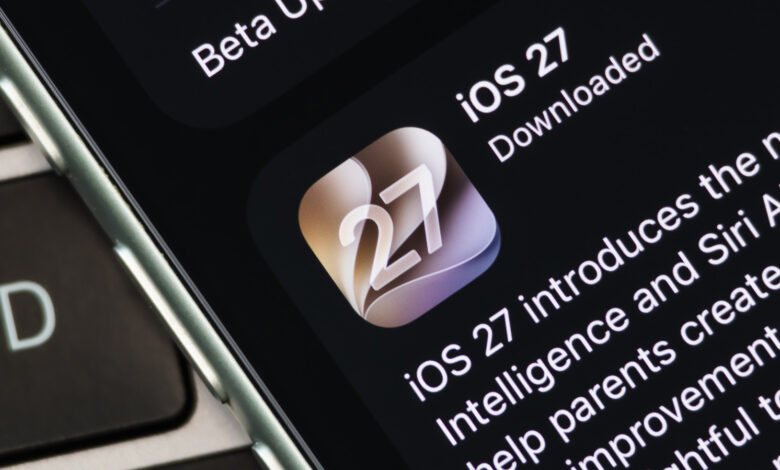
After extensive beta testing, Apple has launched iOS 27 along with other updates available for the public. The new features for iPhones and iPads include performance enhancements like quicker app launches and improved AirDrop capabilities, but the standout innovation is the redesigned Siri AI.
This revamped Siri AI introduces a more interactive experience, similar to contemporary chatbots such as ChatGPT and Gemini. Collaborating with Google, Apple has built semi-custom AI models that form the foundation of the new Siri, which also integrates seamlessly with your device’s content, like emails and messages.
Despite expectations that Siri AI would be accessible immediately upon updating, users must first activate the feature and sign up for a waitlist. Here’s how to enable it and understand why the release is limited at this stage.
Enabling Siri AI and Joining the Waitlist on iOS 27
To use Siri AI, ensure your device is running iOS 27 or iPadOS 27. Check for updates by navigating to the Settings app, selecting General, and then Software Update; install any pending updates.
Next, return to Settings and go to Siri > Try Siri AI (Beta). If this option isn’t visible, try switching your language to English (United States). Additionally, check that United States is selected under Settings > General > Language & Region > Region. Support for other languages like French, Spanish, Portuguese, Japanese, and Korean is expected to roll out by October 2026.
While iOS 27 runs on devices dating back to the iPhone 11, not all models are compatible with Siri AI. Specifically, devices older than the iPhone 15 Pro series will not support the new features. For iPads, you need at least a seventh-generation iPad mini or an iPad with an M1 chip or newer.
Furthermore, users in China or European Union member countries cannot join the Siri AI waitlist due to regulatory requirements. The EU’s Digital Markets Act mandates equal access for competing AI technologies to the same underlying data that Siri AI uses. Apple, however, contends that opening its systems to third-party access could risk user privacy, underscoring that its Private Cloud Compute framework is designed to protect against data exposure.
While the iPhone 15 Pro and newer models support Siri AI, advanced capabilities will be exclusive to the iPhone 17 Pro and beyond, as they require more robust hardware for features like Expressive Voices and Advanced Dictation.
Reasons for the Siri AI Waitlist
The advanced functions of Siri AI necessitate powerful computational resources. The assistant is capable of accessing personal data from various applications, interpreting on-screen content, and sourcing information online. While some tasks are executed by the device’s Neural Engine, others require extensive processing power from Apple’s cloud infrastructure.
If a large number of users attempted to activate Siri AI simultaneously after the update, it could overwhelm Apple’s cloud systems. The waitlist helps the company manage demand appropriately while ensuring a smooth experience for those who are already using the service. Immediately opening up access to everyone could lead to wasted resources and slow response times for users who might not utilize the feature.
Those who sign up for the waitlist may not be in for a long wait; some users report gaining access within a day, while others might take longer. During this period, your device may notify you when it is “Optimizing Search and Siri,” as it sets up the personal context that Siri AI will use. This optimization typically occurs when the device is charging and connected to Wi-Fi.
In a recent event, Apple announced plans to offer greater AI usage limits with future paid iCloud+ subscriptions, although specific details are not yet available. For now, users should prepare for potential daily usage caps based on factors like server load and task complexity.