Unveiling Hidden Privacy: 3 Google Pixel Features That Collect More Personal Data Than You Think

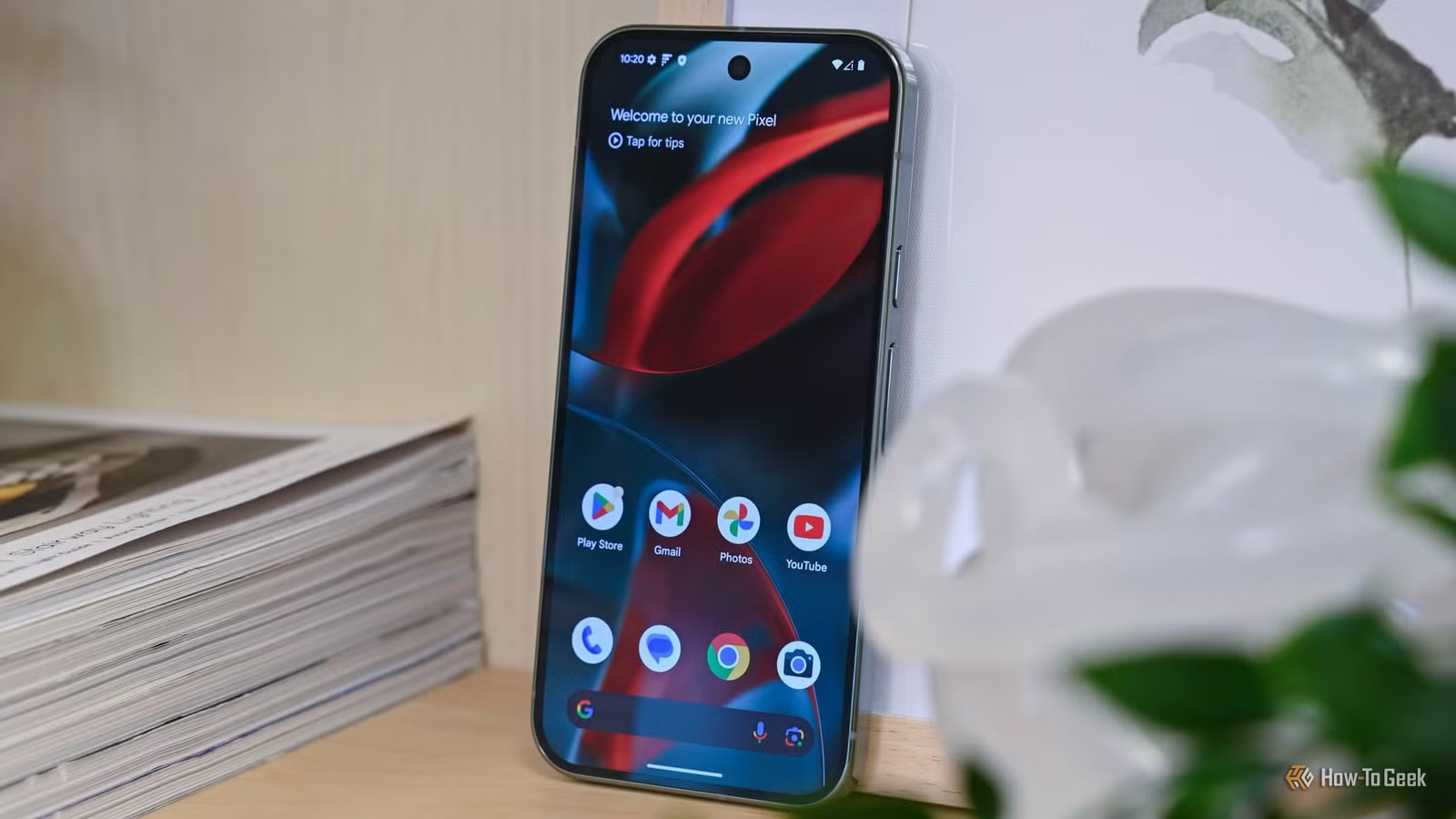
While many individuals may not select a Pixel phone specifically for its privacy features, it’s worth noting that these devices do offer several robust privacy options. Nonetheless, there are pros and cons to consider.
When discussing privacy issues surrounding Pixel phones, it’s essential to realize that most of these concerns extend to various Android devices. This doesn’t excuse Google from scrutiny, however, as certain Pixel features may be collecting or revealing more personal information than you might expect.
Usage & Diagnostics
A Default Setting with Limited User Benefit
The “Usage & diagnostics” setting is often overlooked, hidden deep within the device’s settings, and enabled automatically. Crucially, this feature doesn’t provide any tangible benefit for users; rather, it mainly serves Google’s interests.
So, what exactly does this feature entail? The “Usage & diagnostics” setting aggregates various performance data that is sent to Google. This includes metrics like battery life, CPU usage, device temperature, app crashes, loading times, and connectivity issues. Essentially, it helps Google monitor your device’s performance, allowing the company to troubleshoot via software updates or inform design changes in future models. When Google claims it removed a feature due to “low user engagement,” the information from this setting is likely what informed that decision.
While Google asserts that it doesn’t transmit personal content such as texts, photos, searches, or location data, interpretations of what constitutes “personal” may vary. If you wish to disable this data collection, it can be done by navigating to Settings > Security & privacy > More security & privacy > Usage & diagnostics.
Call Screen
Handy, Yet Not Without Privacy Concerns
The “Call Screen” feature has gained popularity and for good reason—it allows users to delegate incoming calls to a virtual assistant while viewing real-time transcriptions. You can choose to take control of the call at any moment.
Although most processing occurs directly on the device, some data is stored. For instance, transcripts and audio recordings are saved within the Phone app, accessible by anyone with access to your device.
If you prefer not to have audio recorded during Call Screen sessions, you can adjust the settings in the Phone app by going to Settings > Call Screen > Save Call Screen audio.
Recorder
Trade-offs for Convenience
The “Recorder” app on Pixel devices is a powerful tool that may often go unrecognized. It offers advanced features including voice transcription, noise filtering, speaker labeling, AI-generated summaries, and the option for cloud backups.
However, the AI summary feature can create privacy implications since re-transcriptions may be processed on Google’s servers temporarily. Similarly, while cloud backups provide convenient access to recordings from any device, they also allow access to anyone with your Google account—no phone required.
The good news is that the AI summaries are not automatic, allowing you to opt not to use them. For cloud storage, you can disable the “Back up & sync” option in the Recorder settings.
Understanding Data Collection
Finding out that your phone or an application collects personal data may raise alarms. However, it’s critical to recognize that data collection is not inherently malicious. In many cases, it’s aimed at reducing user exposure.
This is the essence of features like Call Screen and Recorder. They alter how your communication is stored: a typical call isn’t preserved, but Call Screen enables a transcript for later reference. While local recordings are relatively secure, the Recorder app introduces a risk by extending access to your Google account.
Ultimately, it comes down to your comfort level and evaluating whether the ease of use justifies any privacy compromises.