Unlocking Hidden Gems: Four Must-Have Samsung Galaxy Features You Didn’t Know Existed

Interestingly, some of Samsung’s most powerful tools and customization options aren’t activated out of the box. Instead, many of these features are tucked away in a separate app that users need to download.
If you’re familiar with Microsoft’s PowerToys, then Good Lock will feel similar. This official suite of tools modifies various aspects of the One UI experience on Galaxy phones. Despite the perplexity of not including these fantastic options by default, it’s quick and easy to enhance your Galaxy device to a new level.
Home Up Transforms One UI
A Must-Have Module
If you’re considering installing any Good Lock modules, Home Up is essential. This module offers extensive customization for the One UI home screen, making it unnecessary to rely on third-party launchers. You can adjust UI elements’ opacity, rearrange icon grid layouts, resize widgets, and even add a customizable edge panel. There’s a multitude of options available, allowing you to spend hours personalizing your phone.
Fortunately, Home Up includes an automatic backup feature, which could save you from losing all the hours spent perfecting your settings.
One Hand Operation+ Makes Large Phones Accessible
Mastering Large Screens
In his early predictions, Steve Jobs underestimated the appeal of larger phones, but even Apple has shifted gears to align with user preferences. The demand for large screens is high, though it raises challenges for one-handed usage. Samsung has offered some solutions, but nothing matches the capabilities of One Hand Operation+.
This module enables users to create custom controls for one-handed operation. By utilizing adjustable “handles” on the screen edges, you can program gestures that facilitate unexpected functionality, all with a single hand. Although it requires some initial setup and adjustment, the rewards are well worth the investment.
Sound Assistant Offers Total Audio Control
The Ultimate Audio Experience
One of my frustrations with iPhones is their lack of a comprehensive sound mixer that allows adjustments for individual audio types. In comparison, Sound Assistant takes this feature a step further.
This tool lets you control the volume of each app separately and change the design of the volume mixer while also adjusting the granularity of volume steps. It even includes a “Bluetooth Metronome” feature to help synchronize audio and video—especially useful for certain Bluetooth headsets.
Camera Assistant Addresses Common Camera Frustrations
Capture Perfect Shots
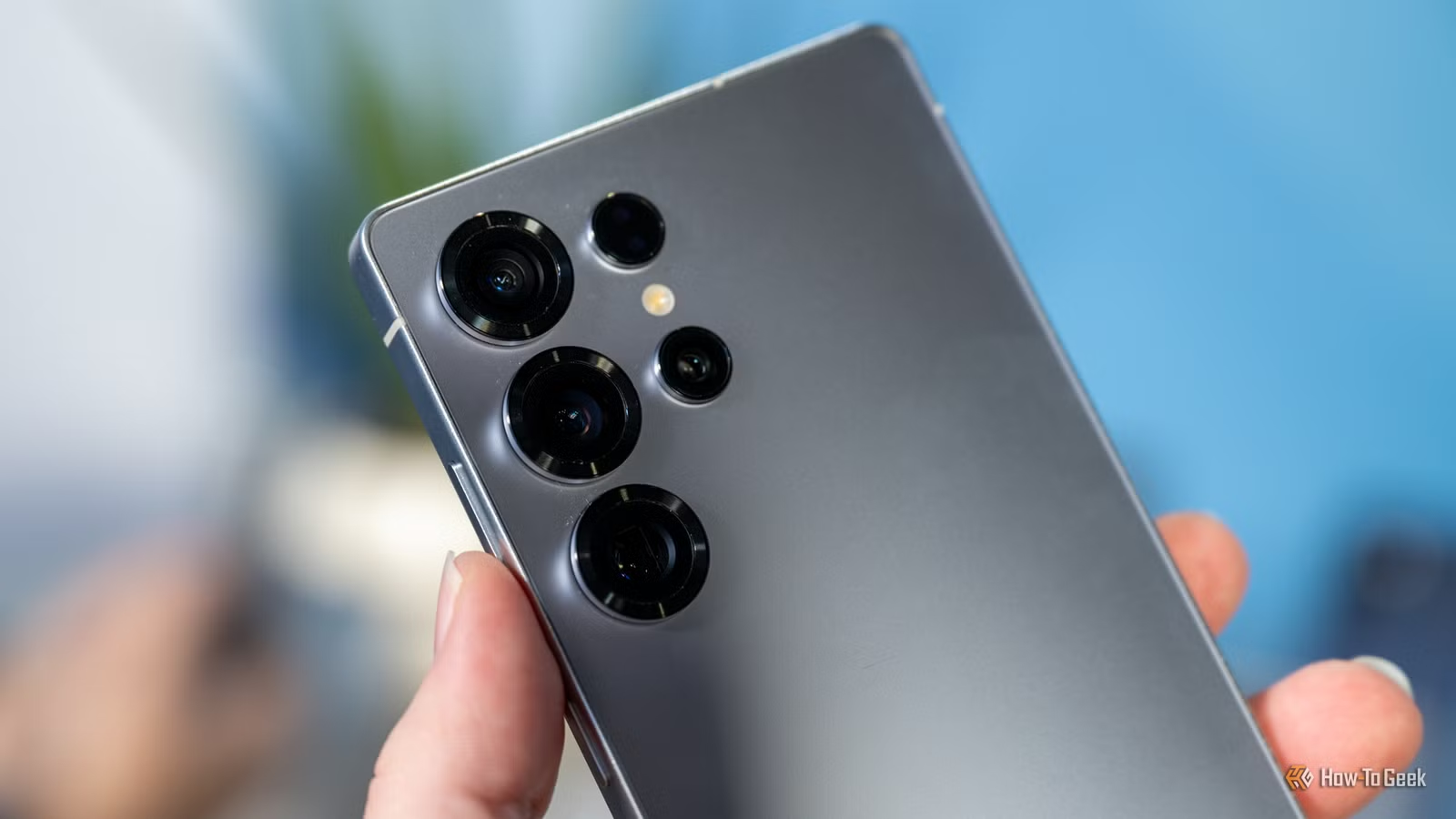
Today’s smartphone buyers often lean heavily on camera specifications when choosing a device. Samsung understands this and offers various enhancements through the Camera Assistant module in Good Lock. Users can increase shutter speed, prioritize focus precision before taking photos, switch lenses automatically, and adjust HDR settings, among other features. If photography is important to you, this module is invaluable.
Good Lock Distinguishes Galaxy Phones
Good Lock has an array of additional modules that might cater to your needs, such as Theme Park for theme creation and LockStar for customizing lock screens and always-on display styles.
While using these powerful customization tools may demand a time investment and may not always be straightforward, it poses no risk since there’s no rooting involved. You can revert to default settings or explore other options anytime. Good Lock is indeed a remarkable feature for Samsung devices, and its absence from mainstream marketing is surprising.