
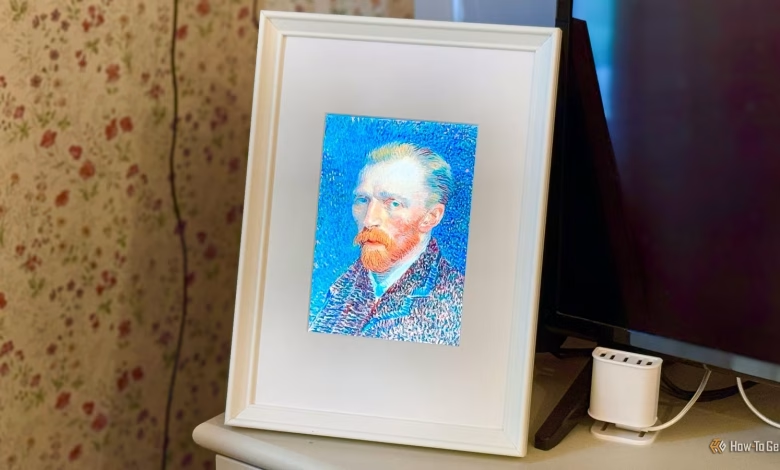
For some stars, the horror of having their private images taken from their devices has become a reality. However, I decided to leverage a Raspberry Pi for a different purpose: to “steal” photos from my own smartphone, with my full consent.
The Beginning of My Project
Repurposing an iPad
After an unfortunate fall cracked the screen of my old iPad 2, I thought it would be wasteful to discard it. Instead, I salvaged the undamaged LCD panel from it and integrated it into a picture frame. By connecting this display to a Raspberry Pi 3B+ through an HDMI controller, I could show anything I wished on the screen.
This setup now acts as a “now playing” display by my television. When enjoying a film via Jellyfin, the frame showcases the corresponding movie poster. When I’m watching a television show, it shows the current channel alongside an image of what I’m viewing.
During times without any viewing, I set the frame to display a family photograph uploaded to the Raspberry Pi. Although this is a lovely image, I pondered if it could feature a rotating selection of photos instead.
Challenges with Photo Backup
Limitations of My Raspberry Pi

Currently, I utilize Immich to back up my images and videos. I realized that Immich could automatically retrieve photos from my smartphone, but the constraint was that my Raspberry Pi 3B+ only has 1 GB of RAM. Since Immich recommends a system with at least 6 GB of RAM, this route wasn’t feasible.
Although I could configure the Pi to pull photos from Immich on my mini PC, I favored an independent setup on the Pi to ensure the frame would continue functioning even if I moved or stopped using Immich.
Bypassing the Photo Server
Leveraging Apple Services
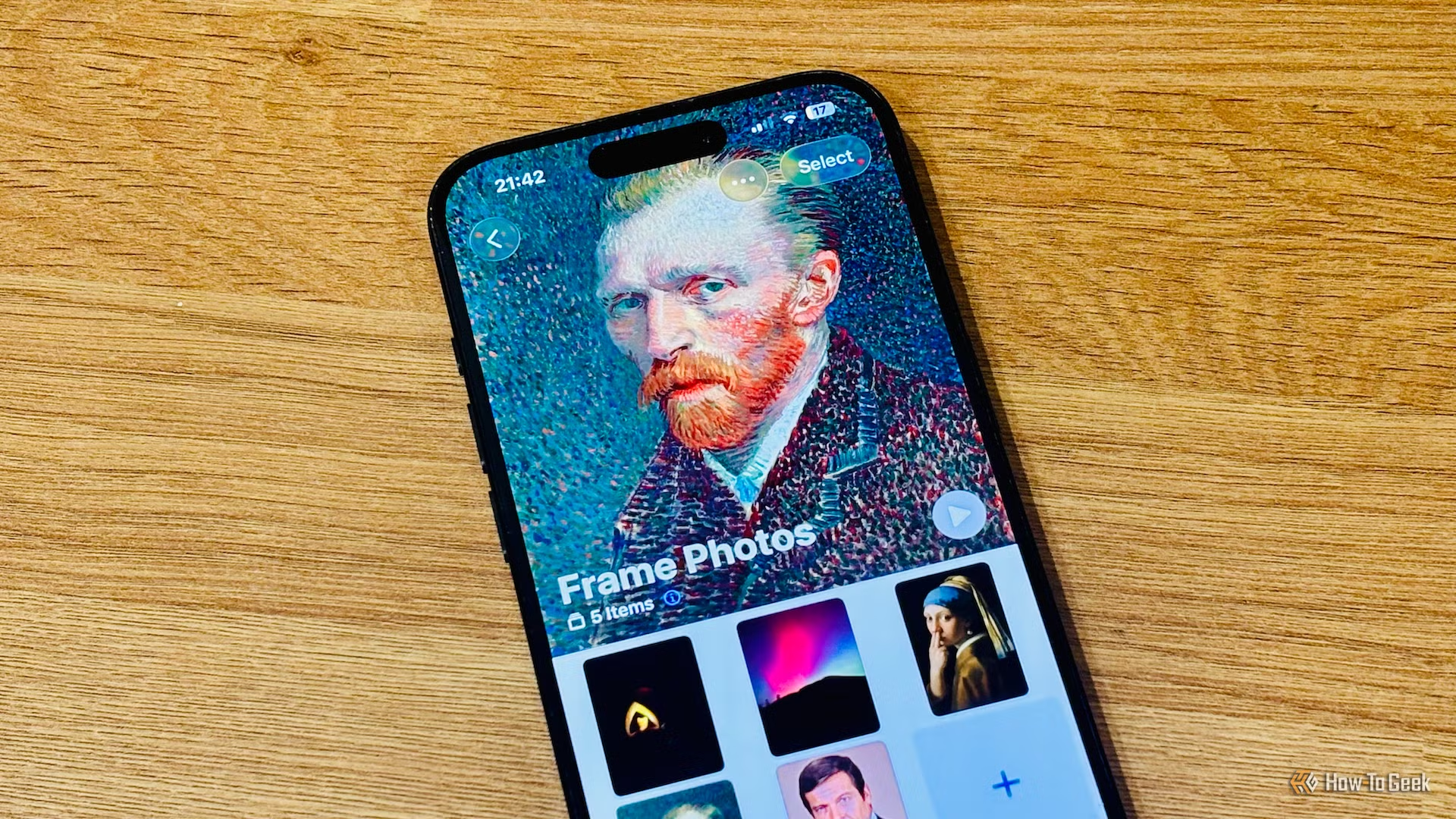
To simplify adding photos for both my wife and me, we use iPhones and already have shared albums set up. I needed a method for the Raspberry Pi to access and display photos from a specific shared album.
The solution lay in a free tool named PyiCloud, a Python module enabling connection to iCloud using my credentials and two-factor authentication (2FA) for photo album access. I wrote a simple Python script that asked for my iCloud login and the 2FA code during the initial run, creating a session file for future use.
Using a systemd timer, this script runs every three hours to check the shared album. It compares the newly found files with those already stored on the Raspberry Pi, automatically saving any new photos and deleting those that are no longer in the shared album.
This allows us to easily add or remove photos from the shared album, ensuring that within a maximum of three hours, the images on the Raspberry Pi mirror those in the album. Our favorite photos are just added to the album, allowing the Raspberry Pi to capture them for display.
Finalizing the Photo Frame
Displaying Photos in Rotation
With the Raspberry Pi now set up to retrieve photos from the shared album, I needed them to appear on the display. It’s configured to show what’s currently being watched, and defaults to a single photo when the TV is off.
The final task was to create a system for the Raspberry Pi to showcase a rotating selection of the images it collected. Every 15 minutes, a random photo from the storage is displayed, transforming the frame into a dynamic digital photo display when the TV is not in use.
Updating the displayed photos is straightforward—just add or remove images from the shared album on our phones. The Raspberry Pi takes care of everything else, functioning exactly as intended and providing a wonderful way to exhibit pictures otherwise left on our devices.
The Efficacy of Older Models
Even though my Raspberry Pi 3B+ didn’t meet the requirements for running Immich, it still accomplished the task effectively. This demonstrates that power isn’t always about having the latest hardware—older Raspberry Pi models can still be incredibly functional.




