I Created a Raspberry Pi DNS Tracker to Uncover My ISP’s Secrets—The Results Shocked Me!

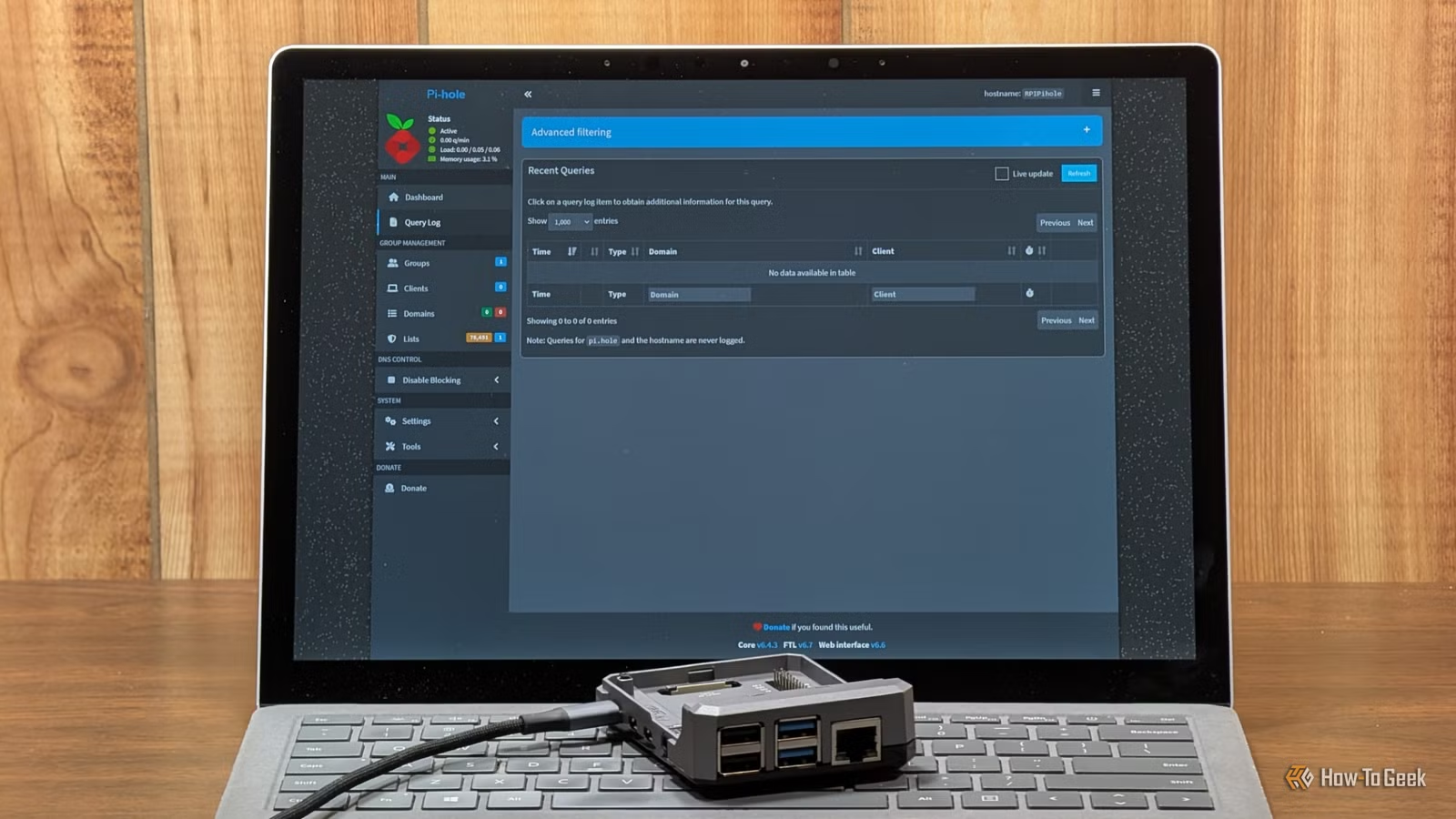
In your home, various devices frequently ask, “What is the IP address for this domain?” This occurs hundreds or even thousands of times daily. Typically, your Internet Service Provider (ISP) responds to these requests, resulting in a detailed record of the domains accessed by you and your devices every day.
To better understand the data being shared with my ISP via its DNS server, I created a simple DNS monitor using a Raspberry Pi.
What is the purpose of a DNS monitor?
Tracking lookups before they reach the external network
DNS functions as a critical step that connects user-friendly domain names to the IP addresses computers utilize for communication. If DNS encounters an issue, the intended domain, such as howtogeek.com, will fail to load.
Typically, your data flows from your computer to your router, then to your ISP’s DNS server. However, incorporating a Raspberry Pi allows you to monitor or even modify this process.
By setting up the Raspberry Pi as your network’s DNS resolver, you can ensure that requests go through your controlled device before reaching the ISP. I chose to use Pi-hole, which acts as a DNS sinkhole, complete with built-in blocklists and a comprehensive query database.
Alternatively, you can consider AdGuard Home for a different interface.
Each record in the log includes a timestamp, the client IP (indicating which device on the network made the request), the domain queried, the record type, and whether the request was blocked. Since the Raspberry Pi observes similar requests as your ISP’s server, it serves as an excellent tool to understand what your ISP can see.
Transparency surpasses privacy policies
Generic warnings can’t pinpoint device communication
You may agree to the privacy policy of your ISP or various manufacturers, but such agreements don’t reveal what information is shared or its destination.
DNS records can expose a lot about your online behavior. Frequent visits to specific sites, such as those belonging to a manufacturer, medical facility, or banking institution, can disclose what devices you own, your interests, and much more based solely on a list of accessed domains.
A DNS monitor using a Raspberry Pi allows you to see detailed information about the activity of each device on your network. You can determine if a device is frequently connecting to its manufacturer’s website. Seeing your browsing habits recorded, along with timestamps, emphasizes how revealing DNS logs can be.
Surprisingly, I found that my smart TV and vacuum were the most talkative devices, consistently pinging external domains. Meanwhile, my phone was very active as well, likely due to its apps reaching out to analytics servers regularly.
In contrast, the intentional actions by users contributed a relatively minor, albeit alarming, portion of my overall traffic.
A Pi-hole DNS monitor grants you added control
Beyond merely observing what your devices are doing, a Pi-hole allows you to manage their connections. You can create a blocklist for specific domains, meaning any device trying to connect to one of those addresses will receive no response and fail to connect.
Using a Pi-hole is ideal for managing numerous IoT devices that constantly communicate with external servers or if you want to monitor your network activity closely.
A Pi-hole operates on nearly any device
The most affordable option will suffice
To build a Pi-hole for monitoring DNS records, blocking trackers, or stopping telemetry from IoT gadgets, you don’t need much equipment.
For hardware, you will need:
- A Raspberry Pi 4, Pi 5, or Pi Zero 2 W
- A 32GB microSD card (a smaller one is possible with cautious use)
- A power supply
- An optional case
- A microSD card adapter
I usually run my Pi-hole on a Pi Zero 2 W due to its small size and minimal power consumption, although I used a Pi 4 for this project. Any device you have available will work.
Besides hardware considerations, make sure to pay attention to your software setup. First, enable SSH when setting up your Raspberry Pi OS Lite microSD card as you’ll need it to access your Pi.
Next, assign a static IP to your Pi-hole in your router’s settings, typically found under DHCP settings in an “Advanced” tab.
For enhanced privacy, consider using DNS over HTTPS (DoH) to connect to a secure DNS server instead of relying on your ISP’s DNS services.
DNS is just one piece of the privacy puzzle
While the Pi provides insights into what your devices request, it cannot determine what your ISP retains or to whom it sells your information. Additionally, various devices use DNS-over-HTTPS (DoH) by default, a common practice among modern browsers and streaming gadgets. Such traffic bypasses the Pi unless specifically blocked at the router level.
Even if you secure your DNS records through DoH, it doesn’t completely conceal your browsing habits from your ISP. Regardless of other measures taken, your destination IP addresses remain visible, which your ISP can equate to domain names. To prevent this tracking, you will need to utilize a reliable VPN service.




