Understanding when to choose specific cable types for your home setup.
Many individuals rarely consider the multitude of cables running through their entertainment areas. As long as everything operates smoothly, these arrangements often go unnoticed. However, knowing the functions of these components can enhance your overall experience.
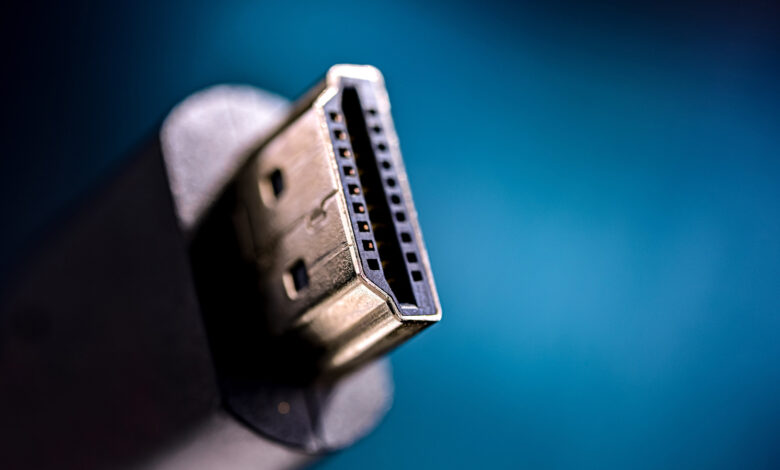
One crucial component in your living space is HDMI, which stands for high-definition multimedia interface. It is a primary standard for transmitting both audio and video signals, making it a staple in most households. HDMI ports are commonly found on televisions, monitors, gaming consoles, and audio systems. With advancements over the years, this standard has adapted to match improvements in audiovisual quality.
As streaming services increasingly promote 4K content—often requiring higher subscription fees—ensure your home theater is optimized for these high-resolution experiences. Fortunately, upgrading all your cables isn’t necessary to benefit from enhanced video streams.
HDMI Specifications Overview
Currently, there are two prevalent standards for HDMI ports: HDMI 2.0 and HDMI 2.1. HDMI 2.0 was launched in 2013, while HDMI 2.1 was introduced in 2017. Although it received finalization last year, HDMI 2.2 is not yet widely accessible.
You might be uncertain which HDMI standard is present in your setup, as these cables can work interchangeably—allowing a 2.1 cable to connect to a 2.0 port and vice versa.
The primary distinction between these two versions lies in the bandwidth capabilities. HDMI 2.1 can support a higher maximum bandwidth, enabling it to transmit more pixels simultaneously. HDMI 2.0 supports a peak performance of 4K resolution at 60Hz refresh rate, while HDMI 2.1 can achieve the same resolution at 120Hz.
This difference suggests that HDMI 2.1 should offer superior results and smoother visuals for streaming. However, the true limitation on quality often stems from the streaming services themselves, many of which restrict picture quality to 4K/60Hz.
In this context, HDMI 2.0 suffices for virtually every scenario. Both versions are capable of delivering 4K video, ensuring that your films and shows appear sharp, regardless of the cable configuration.
When is HDMI 2.1 Necessary or Preferable?
The critical factor in selecting HDMI options is that the system will only reach the maximum performance available on its least advanced component. Consequently, using both HDMI 2.0 and 2.1 means the system will operate at the lower 2.0 specs.
A notable performance advantage from all HDMI 2.1 components is most likely to be observed not in streaming but in gaming. For players engaged in competitive gaming, the benefits of 4K resolution at a 120Hz refresh rate could provide a competitive edge. If you own a high-end PC or a console like the PlayStation 5 Pro, utilizing HDMI 2.1 in your cables and display will offer optimal performance.
With HDMI 2.0, even if your game can run at 4K and 120Hz, you’ll be limited to the 60Hz refresh rate unless you downgrade to 1080p.
The Future: HDMI 2.2
HDMI 2.2 was announced as the next iteration of the standard, pushing performance boundaries even further than 2.0 and 2.1. It boasts a maximum bandwidth of 96 Gbps and supports impressive combinations of resolutions and refresh rates, including capabilities for 16K at 60Hz or 8K at 60Hz, along with 4K at 240Hz with uncompressed color.
You may wonder why this latest standard has not been widely discussed.
Despite the announcement, hardware capable of utilizing HDMI 2.2’s advanced features is not yet commonplace. Transitioning to new technology takes time for manufacturers to catch up with this latest standard. While some 8K televisions and gaming monitors are on the market, their pricing is prohibitive.
We might need a couple more years before a comprehensive range of home theater components will fully support HDMI 2.2. Until then, it’s wise to hold off on investing in HDMI 2.2 cables unless you plan to make significant upgrades to your equipment.