Summary:
- Google Sheets is introducing a new Canvas feature that utilizes Gemini technology to enhance spreadsheets with interactivity.
- No coding skills are required; users can sync their canvas with the original sheet while enjoying customization options for layout and design.
- The updated Sheets icon can also be seen in the promotional materials for this new feature.
Initially released two decades ago as a straightforward web-based spreadsheet tool, Google Sheets has evolved significantly and is now a leading productivity application. With the integration of Gemini technology, it is about to become even more versatile.
The new Gemini-powered feature, known as Sheets canvas, allows users to convert their raw spreadsheet data into “custom, interactive mini-apps.” This facilitates a more engaging way to present and work with data.
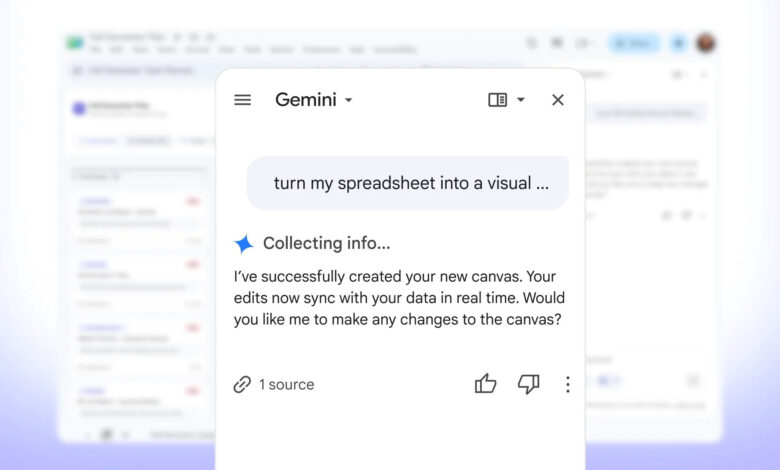
Sheets canvas operates through a user-friendly prompt interface within the Gemini side panel, eliminating the need for any prior coding or formula knowledge. Users can simply describe what they wish to create, and Gemini handles the rest.
This feature acts as a read-write interface on top of the data within your Sheets document. Users provide instructions, and the canvas generates an engaging experience by utilizing the existing data.
Key features of Sheets canvas include:
- Real-time syncing between the canvas and the original Sheet.
- Users can modify the canvas after creation, adjusting layout, design, and functionality.
- Collaboration is possible, allowing sharing just like a regular Google Sheet.
Practical Applications of Sheets Canvas
Google has provided examples demonstrating the functionality of Sheets canvas to illustrate its capabilities.
For instance, a student can input their list of assignments, due dates, and priorities into a spreadsheet. With a prompt such as “turn my spreadsheet into a visual dashboard sorted by status, task name, subject priority, and due date,” the static data can be transformed into a visually dynamic dashboard.
In another example, someone planning a wedding might use a Sheet to track guest lists, RSVPs, meal selections, and other related data. With a prompt like “create an interactive, editable reception floor plan based on the ‘Wedding Guest Directory’ data,” an interactive seating arrangement can be produced. Additional prompts can guide aesthetic preferences, such as “apply an elegant design with light backgrounds and floral accents,” making it suitable for sharing with others.
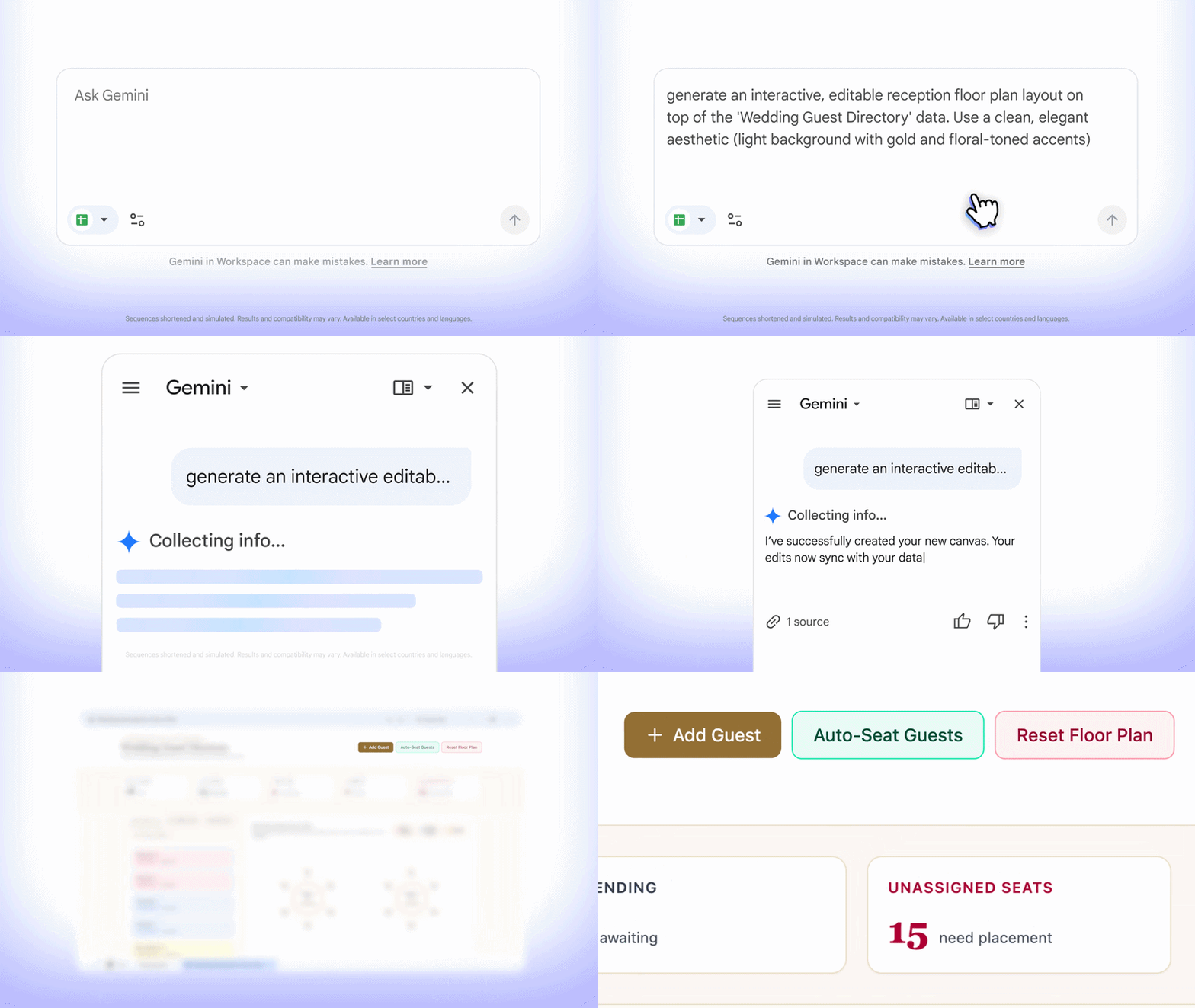
Getting started with Sheets canvas is straightforward. Google AI Pro or Ultra subscribers using Sheets in English just need to access their data-laden spreadsheet, open the Gemini side panel, and select “Create canvas” to begin!
Additionally, a subtle visual change has been noted in the app’s icon, with the Sheets logo being rotated 180 degrees. While it’s not universally visible yet, the updated icon has been spotted in promotional materials related to the Sheets canvas announcement, indicating that a broader rollout may be forthcoming.
Thank you for being a part of our community. Please review our commenting guidelines before you post.