
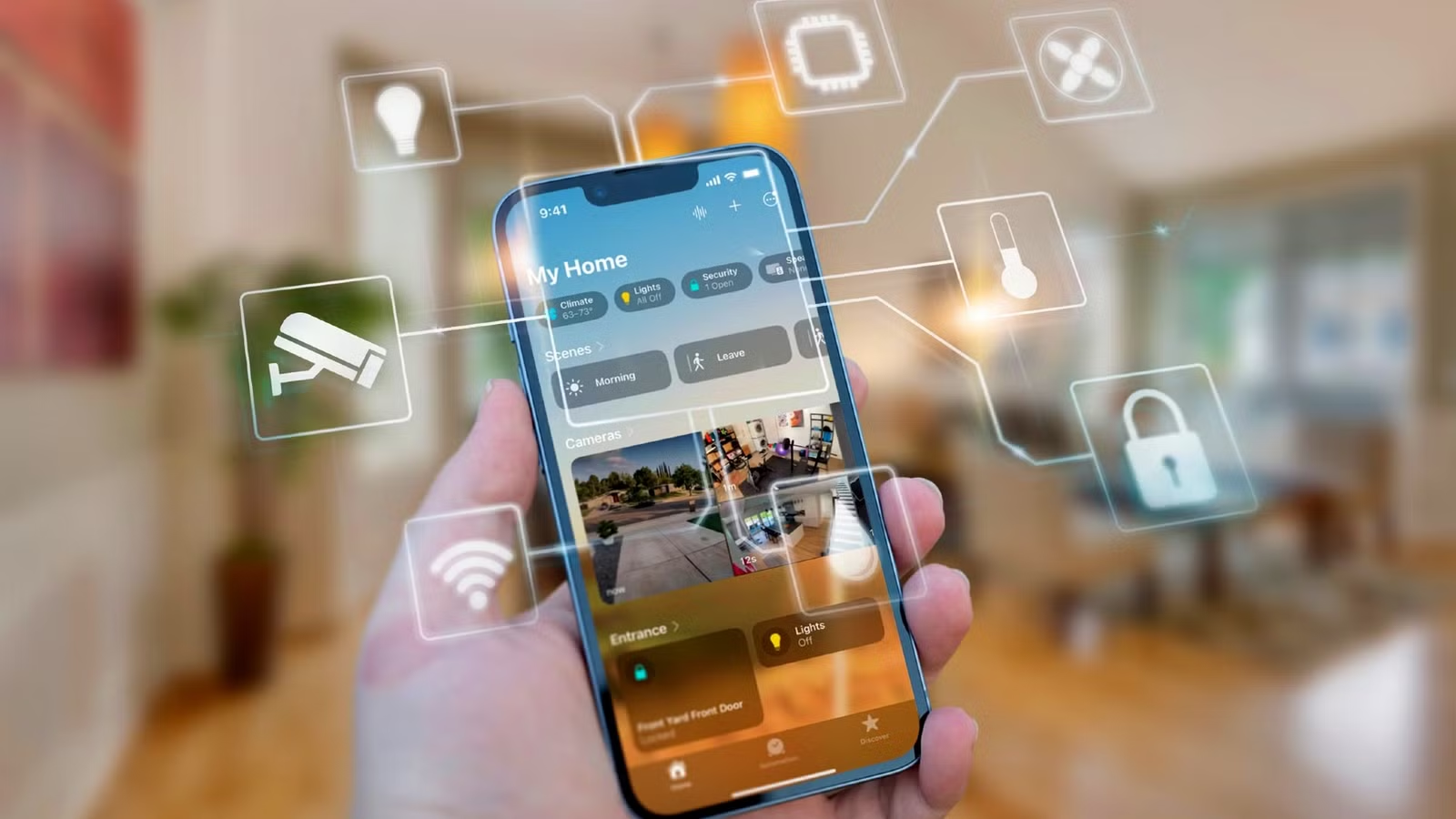
If you’re looking to enhance the security of your smart home from potential threats, consider implementing a VLAN (Virtual Local Area Network). Here’s a breakdown of my VLAN configuration and how it helps protect my smart home network.
Smart Devices and Cybersecurity
The Main Concern: Corporate Interests Over User Safety
Many individuals may not realize that their Internet of Things (IoT) devices can pose a significant risk to their smart home’s overall security. A notable incident earlier this year, where an AWS outage occurred, highlighted the vulnerabilities of IoT devices as users lost control over their smart home gadgets.
IoT devices often rely on the cloud to process commands, meaning that your instructions might not remain local. This not only affects control but risks transmitting data from your network to external servers, the specifics of which are often unclear.
Improving Smart Home Security with VLANs
Isolation Equals Security

Most homes utilize a single network for all devices, which can lead to a significant security gap: devices can interact freely. If one device, such as a 3D printer or security camera, is compromised, the entire network is at risk.
A VLAN mitigates this issue by segregating network traffic. Think of it as a highway with multiple lanes, but with barriers separating them. It allows you to control communication effectively. For instance, devices on VLAN 1 can communicate freely, while devices on VLAN 2 can only interact with those within their own VLAN.
This segregation means if a device on VLAN 2 is hacked, the breach is contained, safeguarding the rest of your network.
My Journey to a Segregated Smart Home Network
Setting Up a Secure Network is Comprehensive
My home network operates on Unifi, allowing me to establish VLANs for IoT devices with relative ease. Currently, I have created an IoT VLAN, confirming the necessary settings like IGMP Snooping and mDNS for device communication. I’ve allocated 253 IP addresses, allowing for flexibility in both static and dynamic IP assignments.
While my IoT VLAN can communicate with my trusted network for specific functions, I plan to further tighten security by enhancing the firewall rules to restrict crossover communication in the future.
Emphasizing a local-first approach, I am integrating Home Assistant into my network and exploring custom solutions, including building my own sensors. This will allow for improved autonomy while securing my smart devices.
Essentials for Establishing a VLAN Smart Home Network
It’s Simpler than You Think
If you wish to create a VLAN-enabled smart home, you’ll need a managed network. This isn’t commonly found in consumer-grade hardware, yet it’s becoming increasingly affordable with options like Unifi’s Dream Router 7. Other alternatives include pfSense and TP-Link’s managed hardware solutions.
Ensuring compatibility across your network devices is essential for effective management of the VLAN.
Challenges of a VLAN Network
Building a Reliable Setup Can Be Complex
While I appreciate the benefits of a segregated network, setting it up has not been without challenges. I faced connectivity issues when trying to add IoT devices to HomeKit, which required switching my phone’s network. Additionally, managing devices across multiple VLANs has been a technical hurdle.
Implementing an IoT VLAN may seem straightforward, but expect some initial troubleshooting and complexity as you establish your secure home network.
Nevertheless, the effort is worthwhile; just be prepared for the challenges that may arise.
Take It Step by Step Toward a Secure Network
VLANs represent a significant element of networking, and adopting a dedicated IoT VLAN is a powerful strategy to protect your smart home. I look forward to refining my firewall settings as I continue to enhance my network security in the coming year.




