
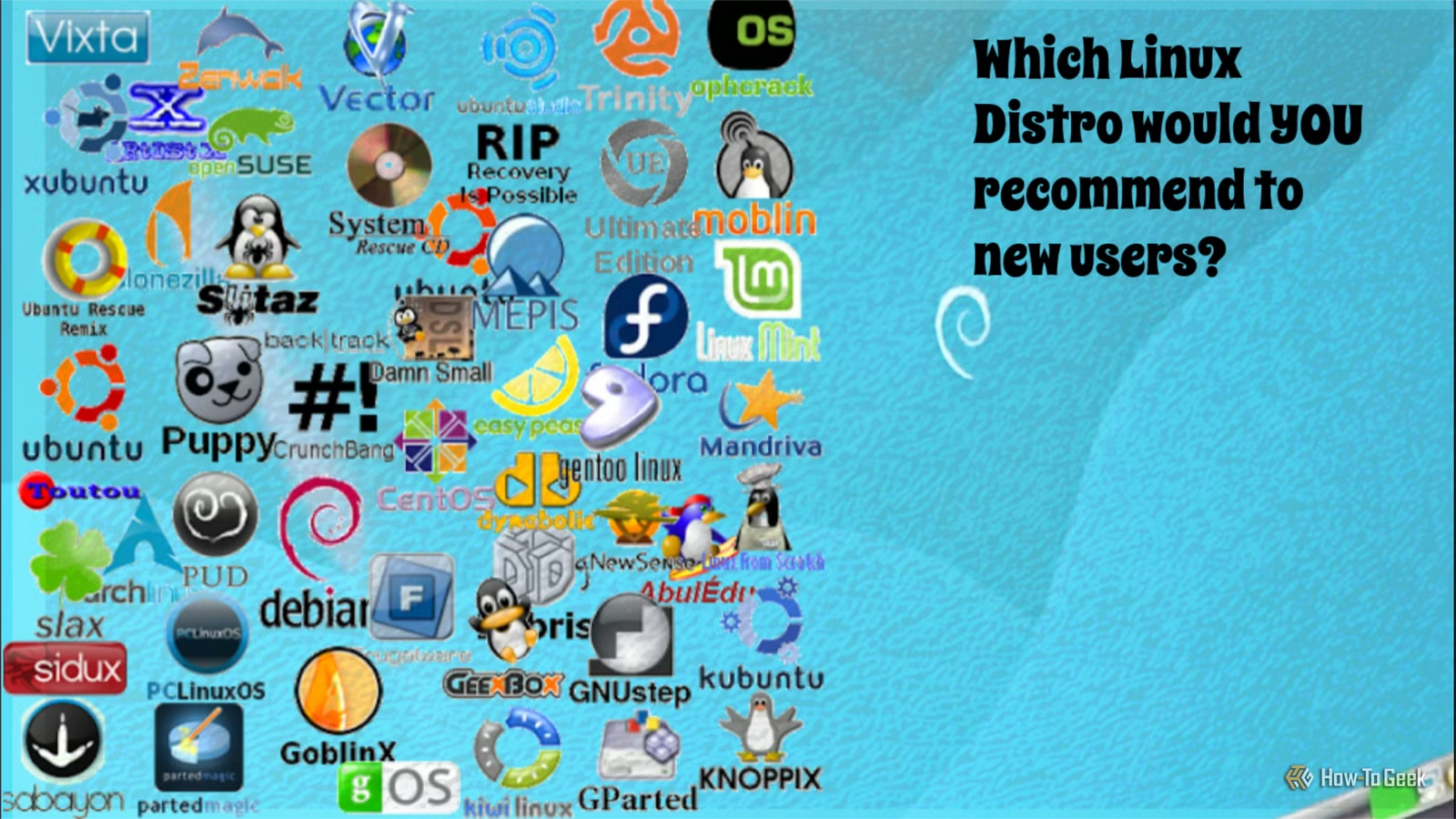
Exploring various Linux distributions can be an enjoyable pastime, something I have engaged in for quite some time. Unfortunately, those of us who are passionate about Linux often face criticism for not being very welcoming to newcomers. However, whenever I am asked for advice on trying Linux, there is one distribution I always suggest for both beginners and seasoned users.
The Distribution I Recommend for Ease of Installation
A Challenging Installation Can Deter New Users
When searching for a new operating system, I prioritize options that are streamlined, minimal, and free from unnecessary applications. Windows, for instance, has a noted issue with bloatware, especially with features like Copilot. Linux serves as a refreshing alternative, which is why I utilize it daily.
My recommendation for new Linux users is a distribution that is user-friendly, quick to install, and requires minimal setup without needing terminal commands for tasks like driver installation or configuring Wi-Fi. This usually eliminates distributions like Arch and Gentoo, which, although excellent, are not suitable for beginners due to their complexity.
For those reluctant to move away from Windows or macOS, having the option to boot directly from a USB drive after installation is a significant advantage.
An Uncluttered, Well-Designed Desktop
Flexibility in Customization
The desktop environment and graphical interface experience are critical for many novice Linux users, so I advise choosing an OS that eases the transition from the familiar Windows setup. A variety of desktop options enhances customization and helps newcomers adjust to a new system.
Popular desktop environments like GNOME and KDE are well-known among Linux users, but there are many alternatives to explore.
Another factor I consider is the type of package manager the distribution uses and how intuitive it is to work from the terminal. While a strong desktop environment is beneficial, I believe in the advantages of using the terminal to enhance workflow efficiency. I prefer environments that allow for self-hosting, customization, and the creation of applications and scripts with minimal hassle.
No Concerns About Software Bloat
Simple Software Management
One of my pet peeves is dealing with unnecessary AI features and bloated software in an operating system. Microsoft has often been a major contributor to this issue.
While I find AI tools interesting and occasionally useful, I strongly prefer not having them integrated into every application I use. The distribution I suggest has no AI components unless the user opts to install them.
It cleverly employs the APT (Advanced Packaging Tool) package manager, which is user-friendly for novices, with straightforward commands that are easy to learn. The desktop environment features a built-in software manager that allows easy searching for available applications, including Flatpaks. With excellent Flatpak support, package management is seamless.
As you grow more experienced, simple tools like curl and git, or downloading tar or deb files, become easy to navigate.
This Distribution is Suitable for Everyone
Perfect for Both New Users and Veterans
The distribution I wholeheartedly recommend is Linux Mint. Personally, I favor the Cinnamon desktop, but Mint also offers two other flavors: MATE and Xfce.
Not too long ago, I might have suggested Ubuntu instead, but since delving into development and teaching Linux, I’ve found Mint to be an indispensable resource. While I also appreciate Debian and Arch, Mint is my go-to choice for various tasks. When helping beginners transition from a problematic system, having a distribution that fosters learning and customization is crucial.
Mint, with its Cinnamon desktop, serves as an excellent foundation for those looking to learn Linux, eventually leading to further exploration of other distributions.
Linux Mint is Just the Starting Point
Personally, I see Linux as a fantastic tool for hobbies, home labs, work, and education. However, having a smooth and approachable entry point can significantly impact a user’s experience. Mint stands out as a great starting point for anyone looking to dive into the exciting world of Linux and learning.




