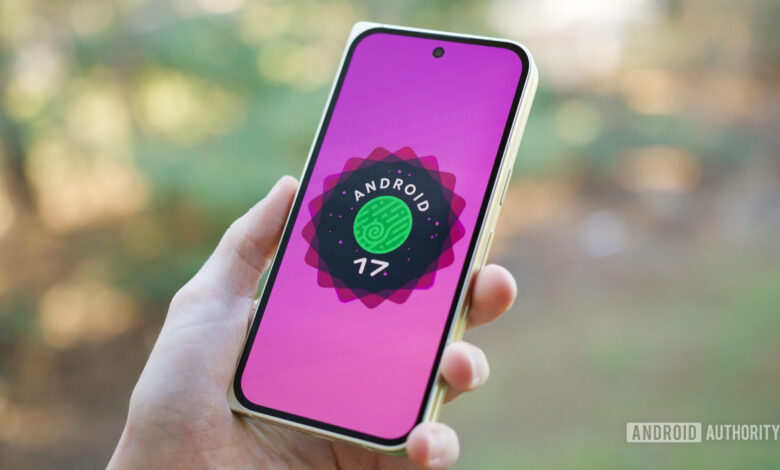
Android 17 QPR2 Update Now Available
Google has officially released the stable version of Android 17 QPR2, following several beta tests that previewed features for its fall update. Users can expect numerous improvements, including UI enhancements, security upgrades, and better accessibility options.
With this new version, Android is set to become more user-friendly, as emphasized by Google’s team member, Mishaal Rahman. Here’s a breakdown of some of the key features you can look forward to:
Enhanced UI Features
The latest update introduces new color palette options and adaptive wallpapers, allowing users to customize their devices more flexibly. Developers will benefit from enhanced blur effects for their apps, alongside intuitive changes for lock screen widget editing and overall system menus.
Quick Settings and Notifications Improvements
Android 17 QPR2 brings several updates to the Quick Settings menu, including greater control over notification types and system indicators. Users can now easily adjust screen brightness directly via Quick Settings, change keyboards, and track document printing in real-time.
Networking and Bluetooth Enhancements
The new Voice Broadcast feature enables seamless audio streaming for users, reminiscent of similar functionality found in Samsung devices. Additionally, Bluetooth audio volume inconsistencies during media playback have been addressed, ensuring a smoother audio experience.
Multitasking and File Management Upgrades
This update also enhances multitasking capabilities on foldable devices, improving split-screen transitions and bubble support. File management receives a significant boost, allowing better integration with the Linux Terminal during active sessions.
Security and Privacy Features
New anti-scam measures provide added protection against dubious calls and communications. Users will notice a revamped SIM security timeline view, which now accommodates multi-SIM functionalities, alongside a streamlined permission process for sideloading apps.
Accessibility Enhancements
The update also focuses on accessibility, offering color correction features and additional options for users with different sensory needs. Frequent travelers can now set a preferred home time zone, and a new slider for keyboard vibration intensity caters to users seeking finer control over their device’s tactile feedback.
This substantial update is set to roll out over the next week, inviting Pixel users to experience the new features firsthand and enhance their device usability.