Fedora is often praised as a top-tier Linux distribution that nails many features right at launch. Many users appreciate this, but after deeper engagement, some challenges become apparent. While it boasts a swift and modern foundation, the desktop environment sometimes leaves users to handle the finer details on their own. My exploration of it left me questioning the widespread enthusiasm.
What Are Fedora’s Main Shortcomings?
Codec Limitations, Driver Issues, and Incomplete Defaults
Fedora’s primary shortcomings aren’t necessarily technical bugs but rather its decision to omit certain software. Due to its stance against proprietary and patent-restricted software, a fresh installation lacks the ability to natively support various popular media formats. Starting with Fedora 37, hardware-accelerated decoding for H.264 and HEVC via Mesa has been disabled, which means videos primarily rely on CPU processing. This can lead to increased heat, louder fan noise, and decreased battery life for portable devices. To rectify this, users must enable RPM Fusion, replace the default Mesa drivers, and install FFmpeg. While these steps aren’t complicated for experienced users, the default setup fails to indicate these fixes are necessary.
Users with Nvidia graphics cards face similar challenges. The proprietary drivers are not included in Fedora’s repositories, so they must be sourced from RPM Fusion and compiled locally using akmods. On systems with Secure Boot enabled, a key signing enrollment is also required; otherwise, the driver won’t load, leaving users potentially confused when they revert to software rendering without clear explanation.
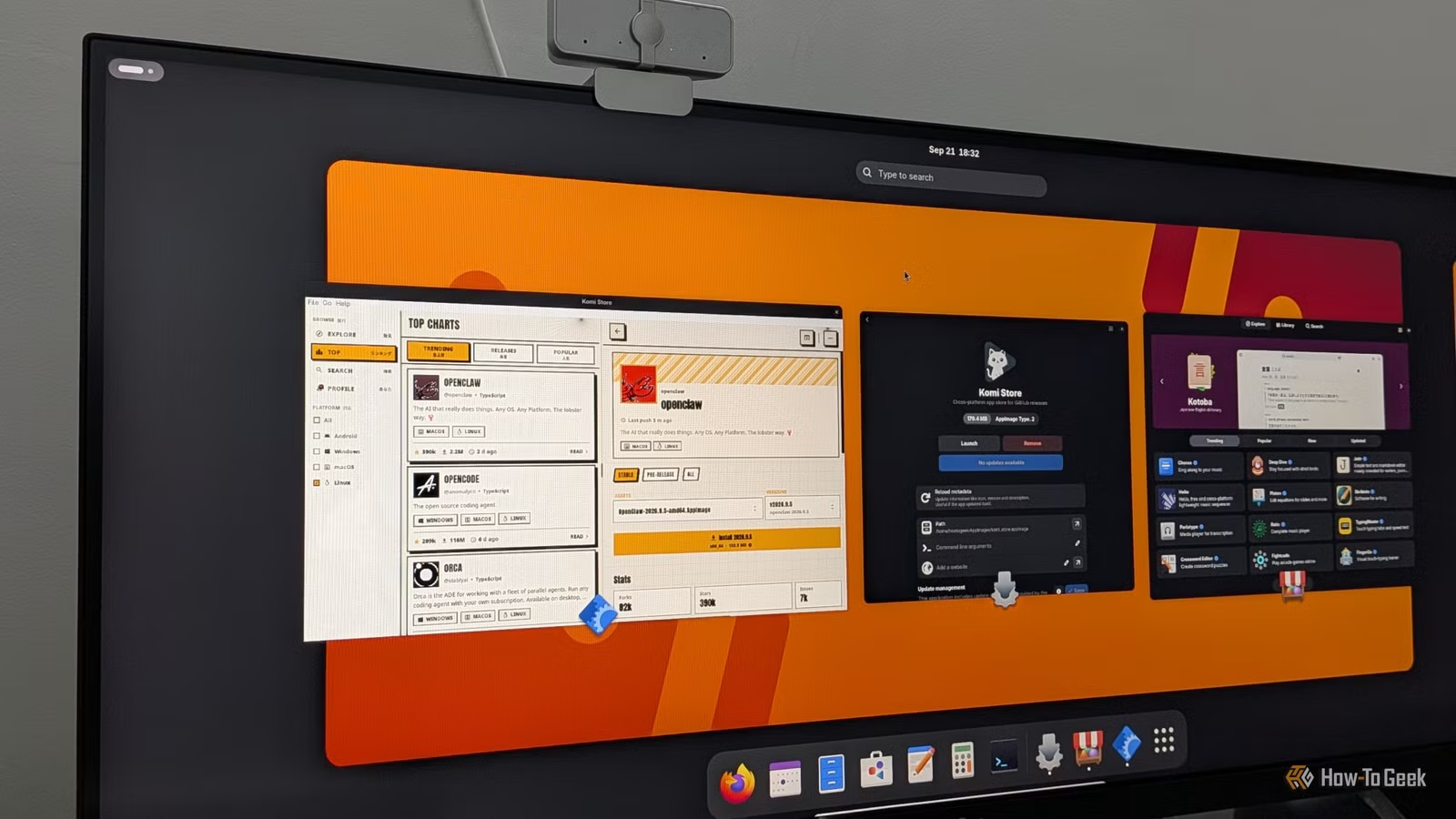
The desktop experience itself has some flaws as well. Fedora Workstation delivers GNOME close to its upstream version, which results in windows only featuring a close button, and applications that require system tray icons need additional extensions to function properly. There’s also an oversight where Fedora prioritizes its Flatpak remote over Flathub, leading to disputes like the one that arose with OBS Studio in early 2025 regarding a malfunctioning package.
Release quality remains a critical concern as well. Fedora 44 faced a two-week delay due to major blocker bugs, and its Workstation installer had known issues, particularly with installation hanging on slower machines. For a distribution marketed on its refinement, such lapses are significant.
Areas for Improvement
Enhanced Defaults Could Alleviate Most Issues
Many of Fedora’s challenges could be addressed while maintaining its core principles. There is an option during setup to access a third-party repository, but it currently includes a limited selection, primarily regarding software like Google Chrome and Nvidia drivers. Providing clearer information about codec issues and including RPM Fusion with a straightforward description of its benefits could save new users significant time spent troubleshooting.
Support for Nvidia graphics also needs a more user-friendly approach. Other distributions, such as Ubuntu, have demonstrated the capability to automatically detect the GPU, suggest the appropriate driver, and manage Secure Boot enrollment in a streamlined process. Fedora’s existing steps require users to be knowledgeable about akmods, kernel module signing, and MOK enrollment before they can fully utilize their hardware. A graphical utility guiding users through these processes would help reduce a common reason for departures.
On the desktop front, ensuring that Flathub is included by default, without filtering, and clearly indicating which Flatpaks originate from Fedora would mitigate confusion like that seen with the OBS incident. Providing AppIndicator support natively would also ensure typical applications function as expected without requiring users to hunt for GNOME extensions.
Encouragingly, Fedora appears to be evolving in a positive direction. The upcoming Fedora 45 release, set for October 20, introduces the new web-based Anaconda installer for Atomic variations, replaces the outdated kernel console, and incorporates DRM Panic for improved crash reporting. It also enforces RPM signature checks by default. Though a beneficial security measure, it means that installing the RPM Fusion release package will fail until the necessary key is imported. This kind of change needs clear user communication to gauge whether Fedora has improved in conveying its choices as well as it has in implementing them.
What Are the Alternatives?
Numerous Distros Complete What Fedora Starts
If the trade-offs in Fedora don’t align with your needs, you have numerous alternatives offering a more comprehensive experience. Notably, several alternatives are built on Fedora itself. Bazzite and Aurora, both part of the Universal Blue project, utilize Fedora’s Atomic base while including pre-installed codecs, Nvidia-compatible images, and thoughtful optimizations. Bazzite is aimed at gamers and handheld devices, whereas Aurora provides a polished KDE Plasma environment.
For users considering a different kernel family, robust options exist. Ubuntu 26.04 LTS not only offers five years of support but also features a mature driver manager and extensive third-party software compatibility, despite its divisive Snap-centric application management. Linux Mint, based on Ubuntu’s LTS, remains an excellent choice for newcomers from Windows, delivering a familiar Cinnamon desktop, offering media codecs during installation, and prioritizing stability over rapid feature updates.
Pop!_OS deserves attention, especially for Nvidia users, as System76 offers a dedicated ISO equipped with the necessary drivers. Its new COSMIC desktop, crafted in Rust, is an exciting recent development, though it is still in its early usage phase. For those who appreciate Fedora’s freshness while seeking greater stability and tools, openSUSE Tumbleweed presents a rolling release with precise snapshots for easy system rollback.
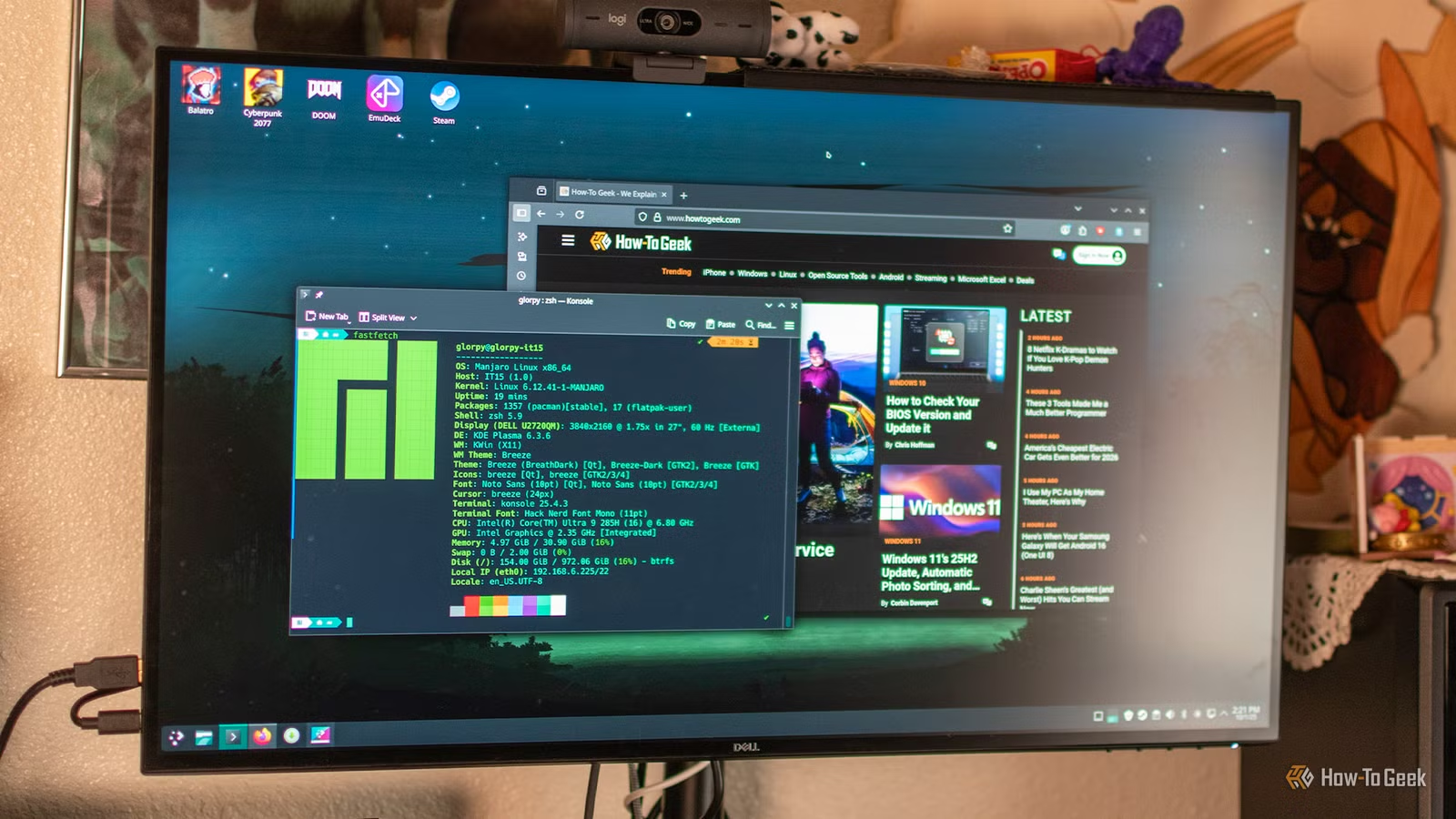
It’s also worthwhile to explore Fedora’s own KDE Plasma edition. Since Fedora 42, Plasma has been a fully supported version with features that GNOME users typically need to add through extensions, such as tray icons and traditional window management controls.
Fedora is Strong Fundamentally but Incomplete Visually
Fedora’s foundational system is robust, secure, and progressive; however, its desktop environment often presents users with an unfinished experience. Enhancements in default settings and better guidance would address a majority of the issues encountered. Until these improvements are made, Fedora-based alternatives and other user-friendly distributions provide a more complete solution.