Weekend Wonders: 4 Creative ESP32 Thermal Printer Projects to Tackle by October 2

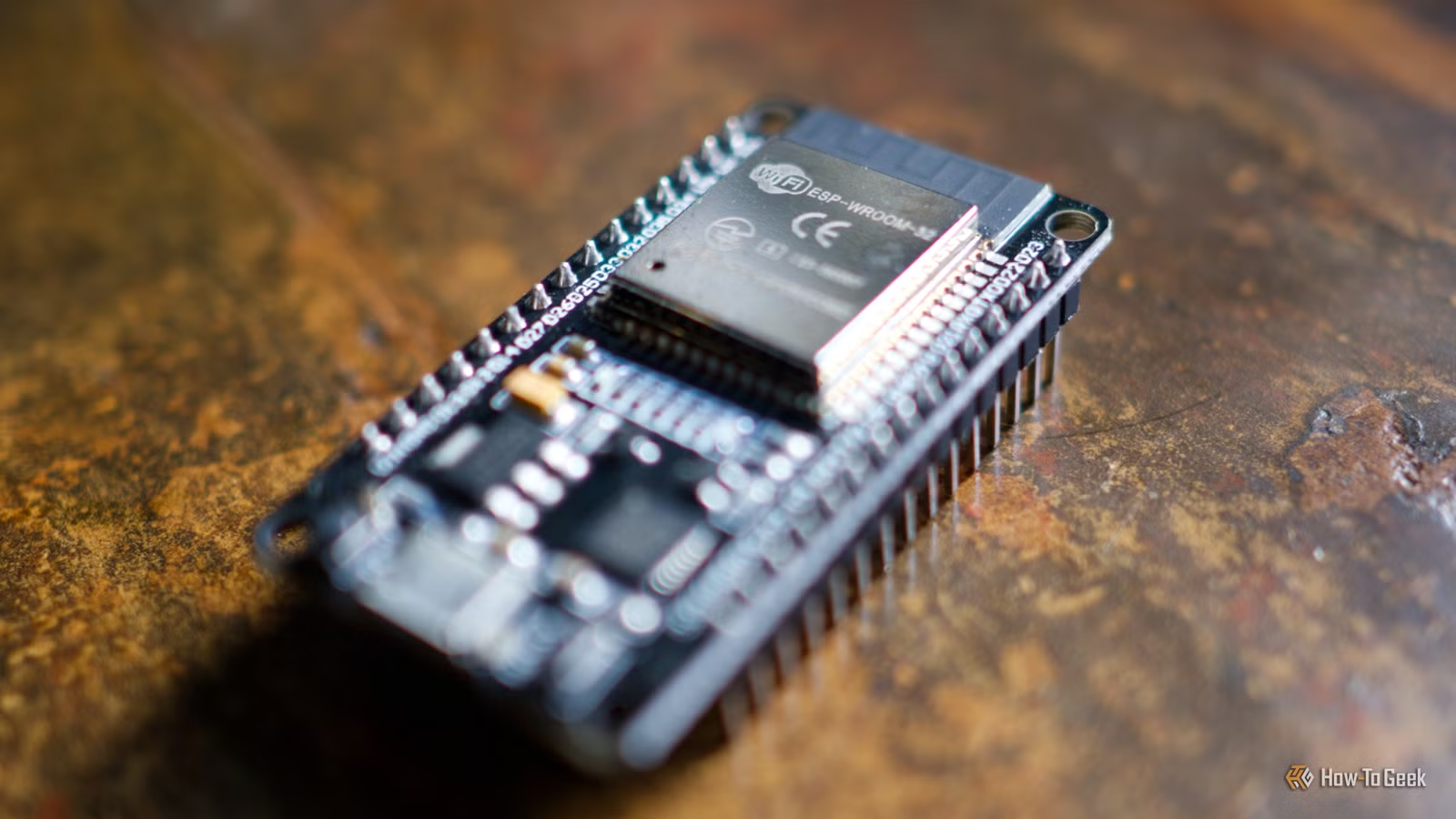
Thermal printers are widely utilized in retail settings to generate receipts due to their speed, lack of ink consumption, and adequate print quality. However, with a bit of modification and an ESP32, these printers can also be integrated into various personal projects.
Here are four intriguing projects to explore.
Historically, thermal printer paper contained Bisphenol A (BPA), which is associated with several health concerns. Fortunately, BPA-free thermal printer rolls are now available on the market, making them a safer choice for your printing needs.
Connecting a Basic Thermal Printer to an ESP32
The Essential Thermal Printing Project
When you first acquire a thermal printer, your instinct might be to print a simple test page. We can label this the “Hello World” project of thermal printing—it’s straightforward and doesn’t require extensive wiring or programming knowledge.
A great resource for learning about this setup is CircuitDigest. The project combines an ESP32 development board with a regular 5V thermal printer, some jumpers, a power supply, and thermal paper. Detailed wiring instructions and example code are provided, along with a repository that contains commands, interfacing tips, and methods for converting images for printing.
Allowing Internet-Based Messages to Your Thermal Printer
If You’re Up for the Challenge
Exposing a thermal printer to the internet might be daunting for some, but it’s precisely what one Reddit user, r/Smart_Can_1019, has done. This project employs an inexpensive 58mm thermal printer and creates a web interface for message sending, while also maintaining a record of all printed receipts.
In line with the spirit of the ESP32 community, the author has shared their process on GitHub for those interested in creating a similar setup. It’s worth noting that the project faced some challenges, including spam issues and someone printing the entire script of the Bee Movie, so caution is advised regarding where you share the link if you pursue this idea.
A Thermal Printer Integrated with Home Assistant
ESPHome Serial Proxy Offers Great Potential
The ESC/POS Thermal Printer project for Home Assistant is an integration available through the community store and doesn’t necessarily depend on an ESP32. It works with any compatible ESC/POS printer, alongside USB, Bluetooth, or serial connections—where the ESP32 shines, as many retail printers utilize serial connections.
You can configure an ESP32-powered serial bridge using UART proxy and ESPHome. Several guides can assist you in this process, allowing you to integrate with the ESC/POS system. Once set up, it’s possible to print various items like shopping lists, weather updates, recipe cards, reminders, or even guest Wi-Fi QR codes, all of which can be automated through voice commands, NFC tags, or other triggers.
A Thermal Printer for Game Boy Camera Retrospectives
Yes, It’s True
The Game Boy Camera is a unique device, and its matching printer is even more specialized. If you have memories saved on cartridges or enjoy capturing images on vintage tech, consider the ESP32 Phomemo T02 Game Boy Printer project for printing your Game Boy Camera photos.
This project focuses on the Phomemo T02, which is a black-and-white printer. Although the project is tailored for this particular printer, you could adapt it for other printers if you’re willing to invest the effort. The images are optimized using dithering techniques to replicate the four shades of gray that the original Game Boy printer could achieve.
The project utilizes code from the ESP32 Game Boy Printer initiative to connect the camera with your smartphone, enabling digital versions of your nostalgic images. To set this up, you’ll need to refer to the Game Boy Link pinout documentation.
Want to explore more ESP32 projects? Check out various innovative microcontroller projects for 3D printer enthusiasts and discover how to leverage an ESP32 for exciting applications.